
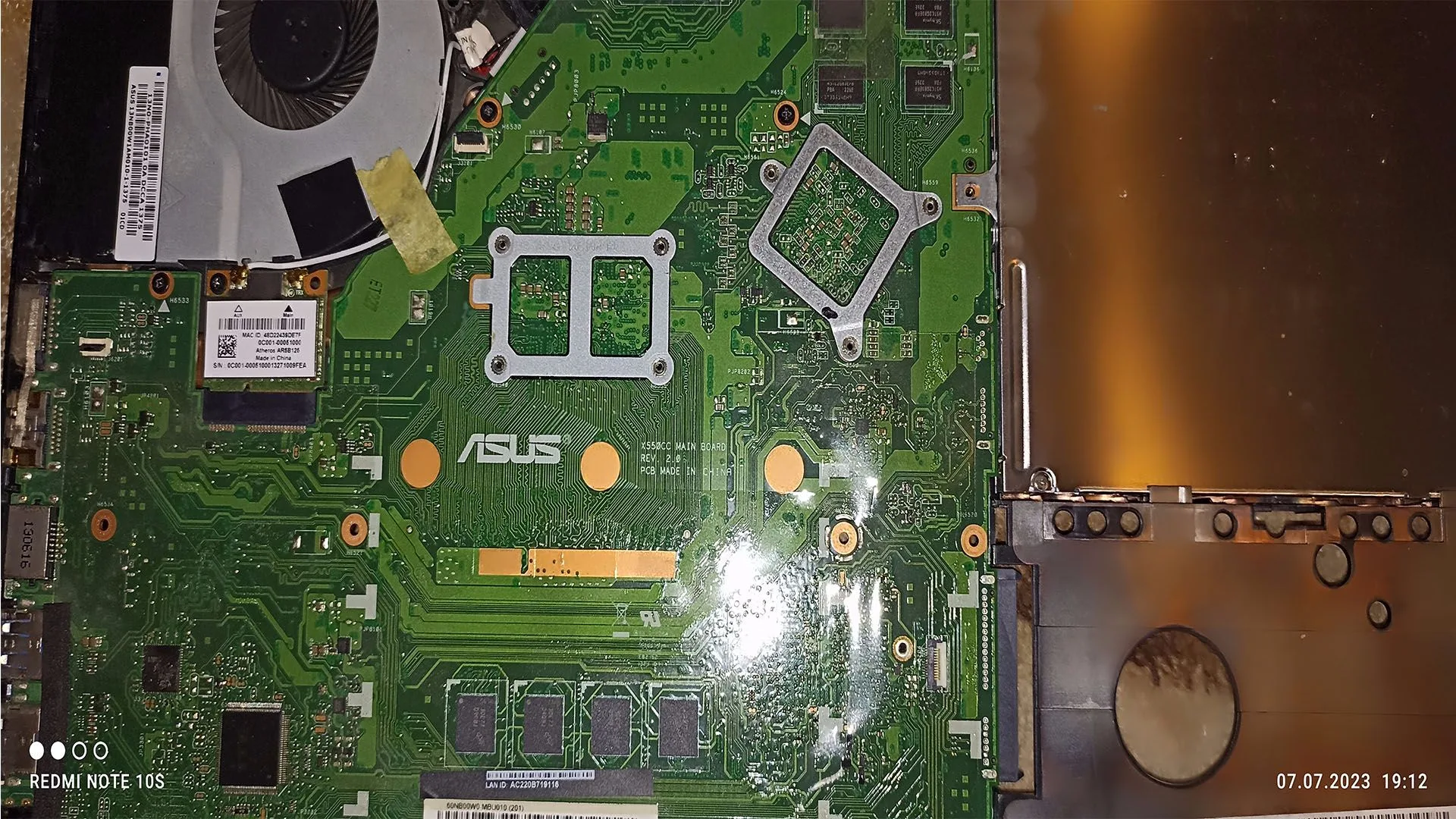
A completely unresponsive computer — often called a “dead PC” — is one of the most serious hardware problems. The system may show:
- no power
- no lights
- no fans
- or minimal response with no boot
This situation can be caused by multiple components, and incorrect diagnosis often leads to unnecessary replacements.
This guide provides a complete dead pc diagnostic process, used by technicians, to identify the exact cause quickly and efficiently.
What Does a “Dead PC” Mean
A dead PC typically falls into one of these categories:
1. No Power at All
- no fan spin
- no LEDs
- no response
2. Partial Power
- fans spin
- lights turn on
- but no boot or POST
3. Power Cycling
- turns on and off repeatedly
Each scenario points to different root causes.
Core Components Involved
A PC requires these components to start:
- PSU (power supply)
- motherboard
- CPU
- RAM
- GPU (if no integrated graphics)
Failure in any of these can stop the system completely.
Step-by-Step Dead PC Diagnostic Process
Step 1: Check External Power
Before anything else:
- verify power cable
- test wall outlet
- check power strip
Step 2: Test PSU (Critical Step)
The PSU is the most common cause of a dead PC.
Check for:
- no fan movement
- no response when pressing power
Test methods:
- PSU tester
- paperclip test (advanced users)
- swap with known working PSU
Step 3: Check Motherboard Power Indicators
Look for:
- standby LED
- debug lights
No light → PSU or motherboard issue.
Step 4: Minimal Boot (Breadboarding)
Remove all components except:
- CPU
- one RAM stick
- PSU
Test outside the case.
Step 5: Test RAM
- try one stick
- change slots
Faulty RAM can prevent startup.
Step 6: Check CPU and Socket
- remove CPU
- inspect for bent pins
- reseat properly
Step 7: Check GPU
If no integrated graphics:
- test another GPU
- remove and reseat
Step 8: Reset BIOS
- remove CMOS battery
- clear settings
Step 9: Inspect for Short Circuits
Common causes:
- incorrect standoff placement
- loose screws
Diagnostic Flow (Professional Logic)
- No power → PSU or motherboard
- Power but no POST → RAM, CPU, motherboard
- Display issues → GPU or RAM
- Restart loop → PSU or overheating
Most Common Causes of a Dead PC
1. PSU Failure
Most frequent issue.
2. Motherboard Failure
Second most common.
3. Faulty RAM
Prevents POST.
4. CPU Issues
Rare but critical.
5. Short Circuit
Often overlooked.
Advanced Diagnostic Techniques
Voltage Testing
Using multimeter to verify PSU rails.
POST Cards
Used to read motherboard debug codes.
Component Swapping
Most reliable real-world method.
How to Fix a Dead PC
- replace PSU
- replace faulty RAM
- repair or replace motherboard
- reseat CPU
- remove short circuits
How Serious Is This Problem
Severity: Critical
- system unusable
- often hardware failure
- may require component replacement
FAQ
What is the most common cause of a dead PC?
Power supply failure.
Can a motherboard cause no power?
Yes. A faulty motherboard can block power completely.
Is it worth repairing a dead PC?
Depends on component cost vs replacement.
Can RAM cause a dead PC?
Yes, especially no POST situations.
Conclusion
The dead pc diagnostic process requires structured testing of each component.
By following this guide, you can identify the exact failure point and avoid unnecessary costs.
This article acts as the core pillar of your Cluster Tech content, connecting all individual hardware troubleshooting guides into one complete system.
✍️ Author: Bejenaru Alexandru Ionut – [email protected]
🔗 Internal link: https://diagnozabam.ro/sfaturi

Recommendation: Looking for a professional bi-directional diagnostic tool with full system coverage? Use code DIAGNOZABAM for 10% off.
Transparency note: Affiliate link. Purchasing through it costs you nothing extra. View Thinkcar Deal →