
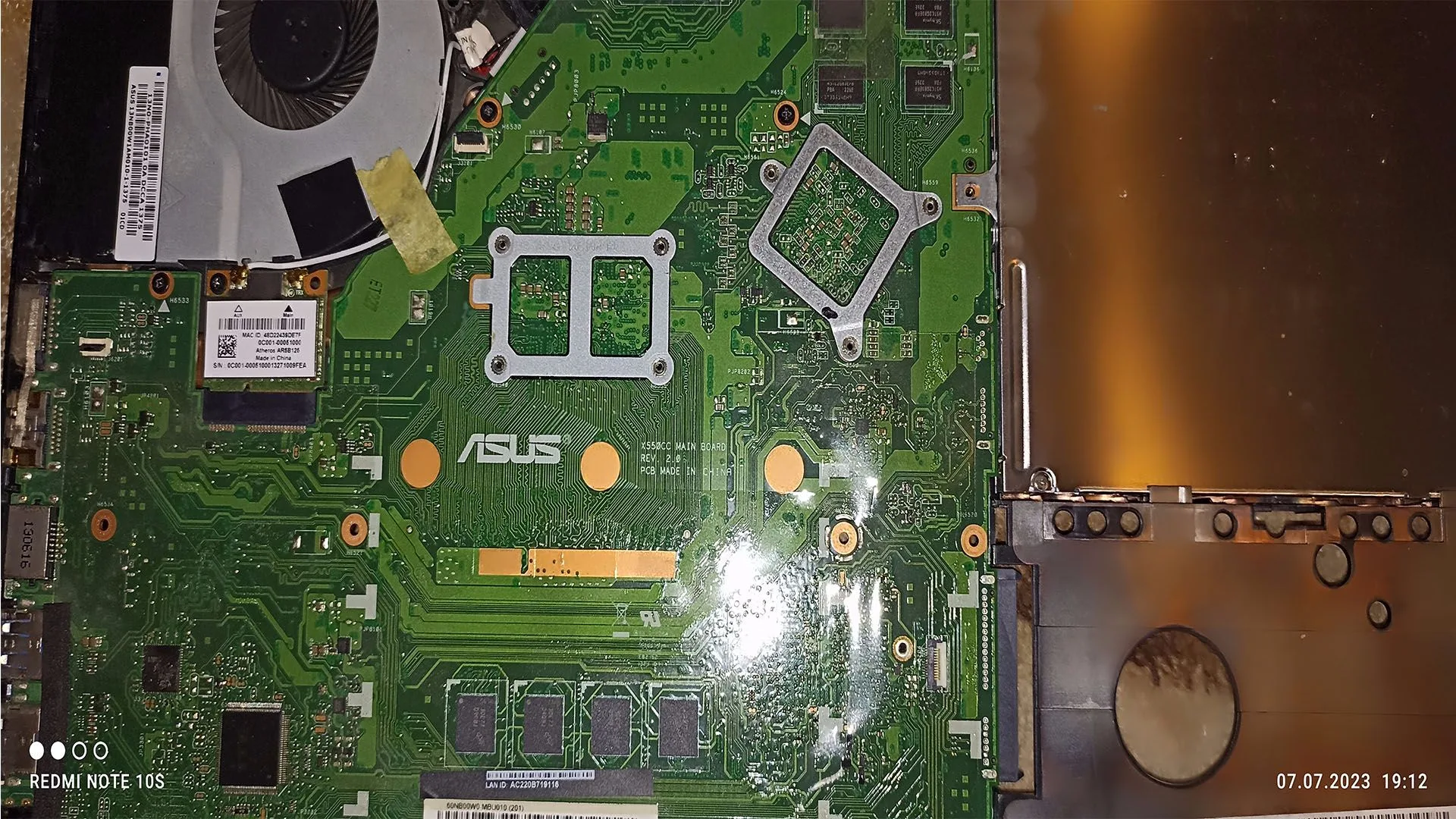
A very common and critical PC issue is when the system appears to power on — fans spin, lights turn on — but the system does not complete POST (Power-On Self Test).
This means:
- no display
- no BIOS screen
- no boot process
This issue is often confused with simple display problems, but it usually indicates a hardware initialization failure.
This guide explains exactly why a PC turns on but no POST occurs and how to diagnose the issue step-by-step.
What Is POST
POST (Power-On Self Test) is the initial process where the motherboard checks essential hardware components:
- CPU
- RAM
- GPU
- storage
- motherboard circuits
If any critical component fails, the system will stop before displaying anything.
What Does “PC Turns On But No POST” Mean
When a PC turns on but no POST:
The system receives power but fails during hardware initialization.
This results in:
- no signal to monitor
- no BIOS access
- system stuck in early boot stage
Most Common Causes
1. Faulty or Missing RAM
RAM is required for POST.
If RAM fails:
- system cannot initialize
- no display occurs
2. GPU Failure or Connection Issue
If the GPU is not functioning:
- no video output
- system appears dead
3. Power Supply Issues
A weak PSU can power fans but fail during initialization.
4. Motherboard Failure
The motherboard controls POST.
Failures include:
- damaged circuits
- faulty capacitors
- short circuits
5. CPU Issues
Although rare:
- improperly seated CPU
- bent pins
- dead CPU
6. BIOS Corruption
Corrupted BIOS can prevent POST entirely.
Key Symptoms
- fans spin but no display
- no BIOS screen
- no keyboard response
- continuous restart loop
- no beep codes (in some cases)
Step-by-Step Diagnosis
Step 1: Check Basic Connections
- monitor cable
- power cables
- GPU output
Step 2: Remove All Non-Essential Components
Leave only:
- CPU
- one RAM stick
- GPU (if no iGPU)
Step 3: Test RAM
- try one stick
- test different slots
Step 4: Reset BIOS
- remove CMOS battery
- clear CMOS
Step 5: Test Without GPU
If CPU has integrated graphics:
- remove GPU
- connect to motherboard
Step 6: Check Beep Codes / LEDs
Motherboard indicators help identify failure.
Step 7: Test PSU
- swap PSU
- check stability
Step 8: Breadboard Test
Run system outside case to eliminate short circuits.
Advanced Causes
VRM Failure
Power delivery instability prevents POST.
BIOS Incompatibility
New CPU may require BIOS update.
Short Circuit with Case
Improper mounting causes grounding issues.
How to Fix the Issue
- reseat RAM and GPU
- replace faulty RAM
- replace PSU
- update or reflash BIOS
- repair or replace motherboard
- reseat CPU
How Serious Is This Problem
Severity: Very High
- system unusable
- indicates hardware failure
Immediate diagnosis is required.
FAQ
Why does my PC turn on but show nothing?
Because it fails during POST.
Can RAM cause no POST?
Yes, it is one of the most common causes.
Can a PSU cause no POST?
Yes, especially if unstable.
Is motherboard failure common?
Less common, but critical when it happens.
Conclusion
The pc turns on but no post issue is a hardware-level problem that requires structured troubleshooting.
By isolating each component, you can identify whether the issue is:
- RAM
- GPU
- PSU
- motherboard
- CPU
This article serves as a core diagnostic guide for multiple PC problems and should be linked across your entire Cluster Tech structure.
✍️ Author: Bejenaru Alexandru Ionut – [email protected]
🔗 Internal link: https://diagnozabam.ro/sfaturi

Recommendation: Looking for a professional bi-directional diagnostic tool with full system coverage? Use code DIAGNOZABAM for 10% off.
Transparency note: Affiliate link. Purchasing through it costs you nothing extra. View Thinkcar Deal →