
CPU Beep Codes and CMOS Errors: Advanced Hardware Diagnostic Guide
Introduction
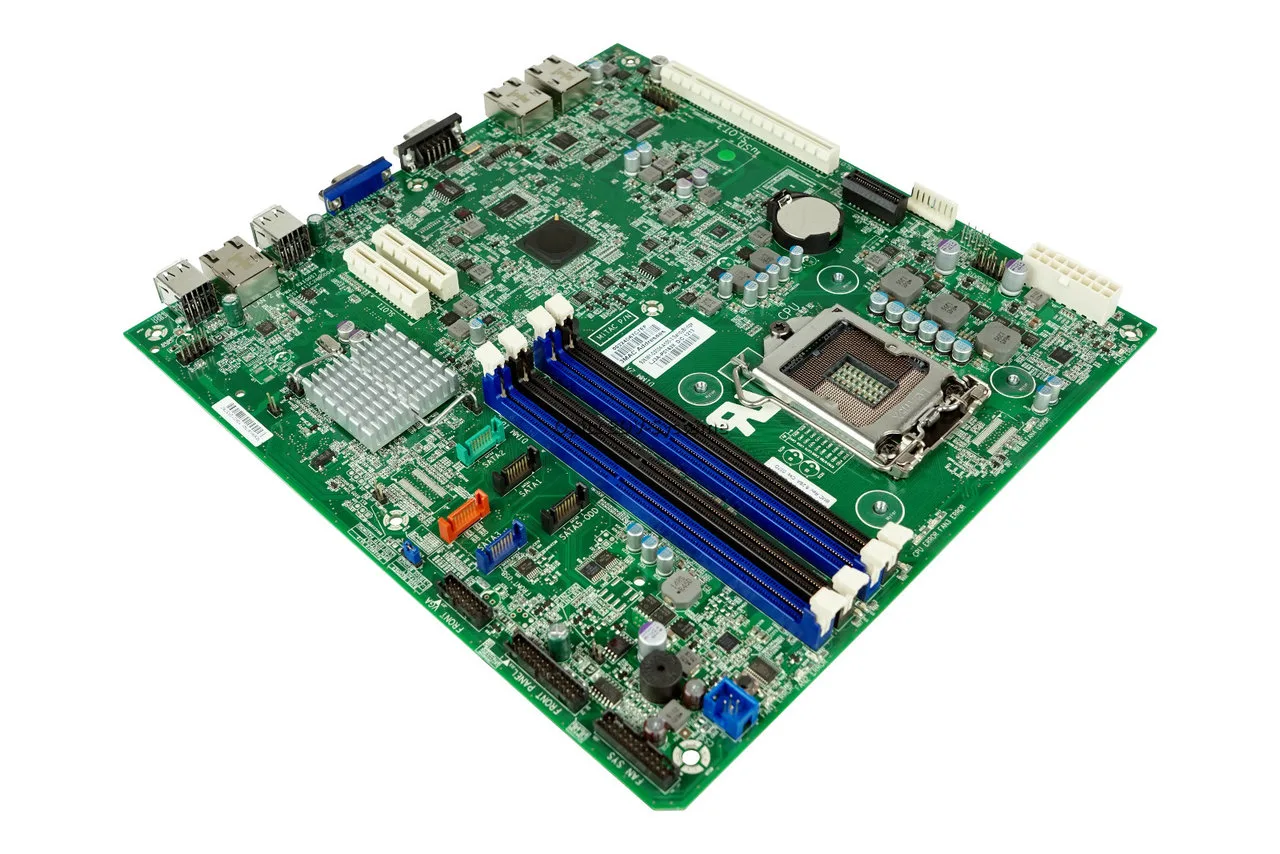
When a computer fails to display anything on the screen and emits rhythmic motherboard alarm sounds, it is often a critical indicator of core processing or settings initialization issues. While general system errors can point to memory or graphics problems, patterns specifically targeting CPU beep codes and CMOS beep codes mean the system cannot communicate with its brain or its baseline configuration chip.
This satellite diagnostic guide focuses entirely on identifying processor failures and motherboard environment issues. To view the universal compatibility tables for all major hardware manufacturers, refer back to our main repository: [The Complete Guide for PC Hardware Diagnosis].
The Architecture of Core POST Initializations
Before the operating system loads, the Power-On Self-Test (POST) checks the essential hardware loop. If the CPU cannot cycle or the motherboard cannot read firmware instructions due to low voltage, the system interrupts the power loop and triggers an audio alarm.
Technical Diagnostic Matrix: CPU & CMOS Errors
| Audio Alarm Pattern | Common Error Meaning | Root Cause Analysis | Corrective Maintenance Action |
| 5 Short Beeps (AMI BIOS) | Processor Failure | CPU is not detected, lacks core voltage, or has bent pins. | Check 8-pin EPS power connector. Reseat CPU and inspect for socket damage. |
| 7 Short Beeps (AMI BIOS) | Virtual Mode Exception | Critical processor internal fault or cache memory crash. | Replace processor or test motherboard VRM circuit lines. |
| 1 Long + 2 Short (Award/Phoenix) | Indicates CMOS RAM Error | The motherboard cannot read or write data to the CMOS chip. | Perform a hard CMOS memory wipe. Replace the CR2032 coin battery. |
| Continuous Beeps | CPU Thermal Overload | System protection triggered due to extreme, immediate heat. | Verify thermal paste coverage. Ensure CPU cooler bracket is properly locked. |
ℹ️ Technical Note: Modern high-end motherboards often supplement or replace CPU beep codes with integrated 2-digit debug LED displays (e.g., Code ’00’ or ‘FF’). If you hear no beeps but see these codes accompanied by a solid red CPU LED on the board, the processor is failing to initiate its first instruction cycle.
⚠️ WARNING: Never attempt to remove or reseat a processor immediately after running a system. CPU die temperatures can exceed 80°C instantly during a thermal-trip boot failure. Always isolate the power supply from the wall outlet and wait at least 5 minutes before releasing the cooler retention arms to prevent severe burns or electrostatic discharge (ESD) tracking across the socket pins.
How to Learn to Listen to Classical Music Without Getting Bored
Resolving Volatile Memory Corruption (CMOS Resets)
Persistent cmos beep codes or checksum errors are frequently caused by a degrading onboard power source. If the system clocks lose tracking every time the mains power is disconnected, follow this physical maintenance routine:
-
Isolate Power: Turn off the power supply rocker switch (O) and disconnect the main power line.
-
Locate the Cell: Locate the silver CR2032 lithium coin cell on the lower half of the motherboard.
-
Check Voltage: If you possess a digital multimeter, check the voltage of the extracted cell. A healthy cell must read above 3.0V. If it drops below 2.7V, it will trigger boot loops.
-
Discharge Residual Energy: While the battery is removed, hold down the physical PC case power button for 15 seconds to drain the capacitors completely.
-
Install and Boot: Insert a fresh battery, re-establish main power, and enter the BIOS setup menu to re-configure your system profile.
Summary Conclusion
If swapping the CMOS battery and verifying power delivery cables does not clear your motherboard alarm sounds, the issue likely stems from physical processor degradation or silicon fractures within the motherboard socket area.
✍️ Author: Bejenaru Alexandru Ionut – [email protected]
🔗 Internal link: https://diagnozabam.ro/sfaturi
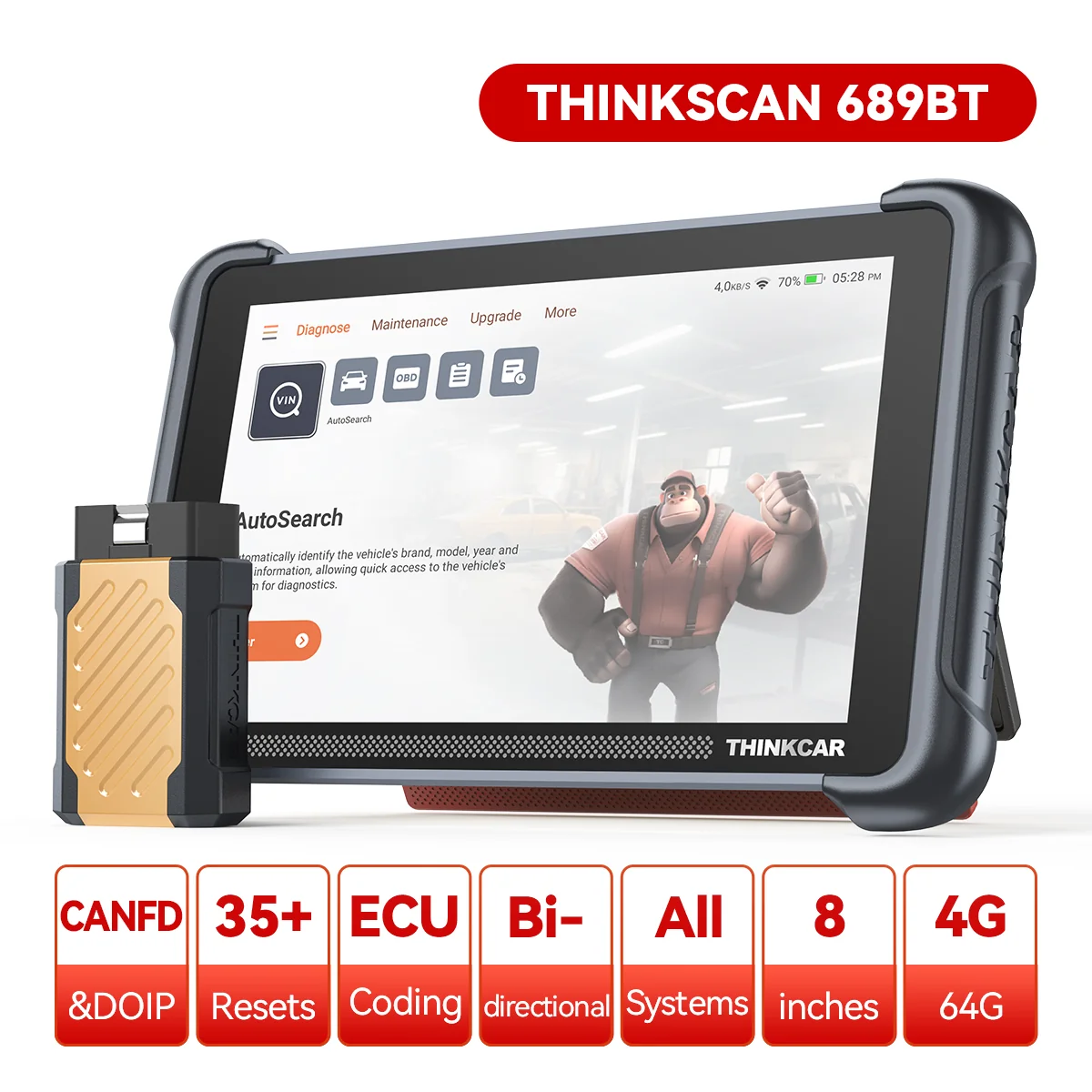
Recommendation: Looking for a professional bi-directional diagnostic tool with full system coverage? Use code DIAGNOZABAM for 10% off.
Transparency note: Affiliate link. Purchasing through it costs you nothing extra. View Thinkcar Deal →