
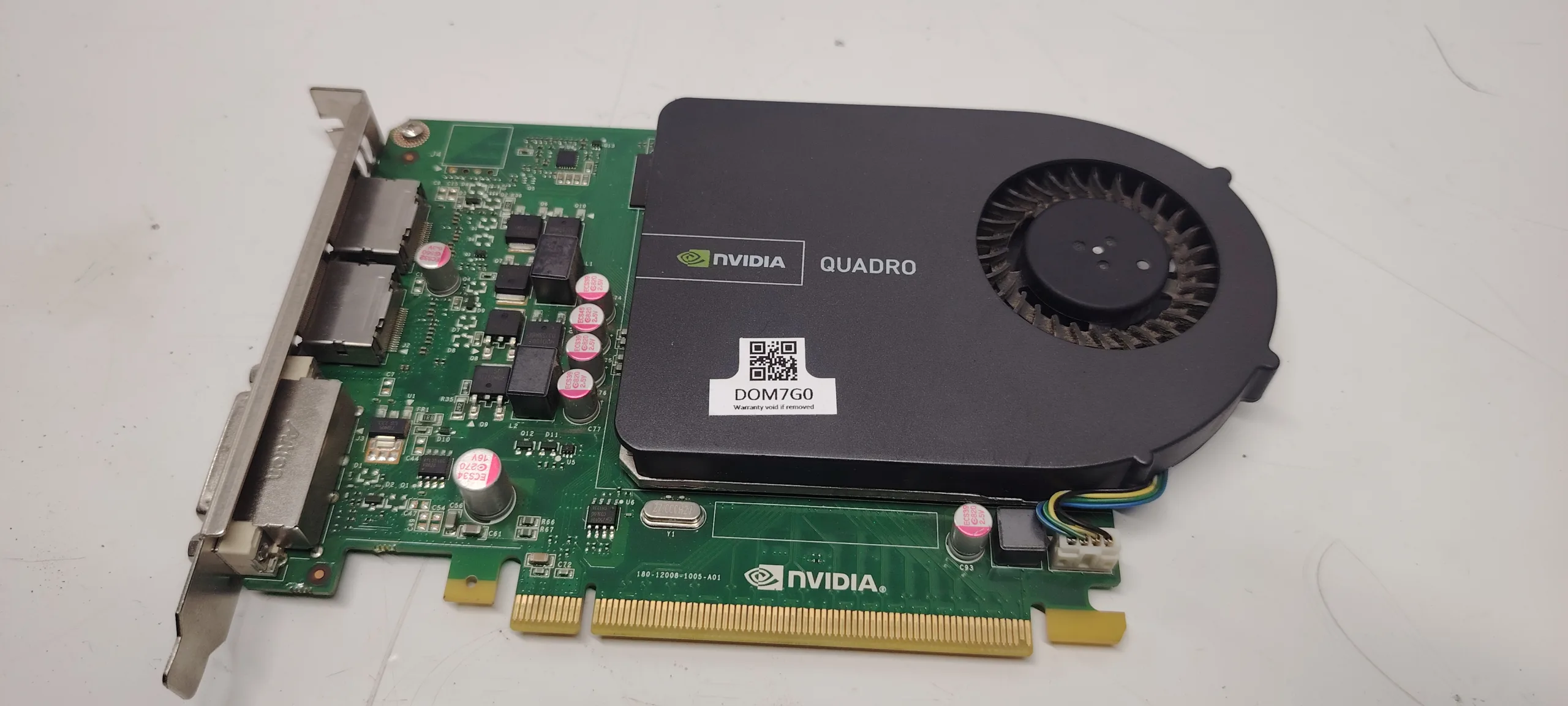
One of the most frustrating PC problems is when the system appears to power on normally, GPU fans start spinning, but there is no display output on the monitor.
This issue is extremely common and can be misleading. Many users immediately assume the graphics card is dead, but in reality, the problem can come from multiple components:
- GPU (graphics card)
- RAM (memory)
- PSU (power supply)
- motherboard
- BIOS configuration
- cables or monitor
This guide explains exactly what causes the “GPU fans spin but no display” issue and how to diagnose it step-by-step like a professional technician.
What Does “GPU Fans Spin But No Display” Mean
When GPU fans spin, it only confirms one thing:
The graphics card is receiving power.
However, this does NOT mean:
- the GPU is functioning correctly
- the system passed POST (Power-On Self Test)
- the motherboard is sending video signal
A system can power on partially but fail during initialization, resulting in no video output.
Most Common Causes
1. Faulty or Unseated RAM
RAM is one of the most common causes.
If RAM is:
- not properly inserted
- defective
- incompatible
the system will fail POST, and you will get no display, even if fans spin.
2. GPU Not Fully Inserted
A partially inserted GPU can still receive power (fans spin), but:
- PCIe data connection fails
- no signal is sent to monitor
This is extremely common after upgrades or transport.
3. Power Supply Issues
The PSU may power fans but fail under real load.
Possible issues:
- insufficient wattage
- failing 12V rail
- faulty PCIe cables
Result: GPU powers on, but cannot initialize.
4. Missing PCIe Power Connector
Some GPUs require:
- 6-pin
- 8-pin
- or multiple connectors
If not connected:
- fans may still spin
- GPU will not output video
5. Monitor or Cable Problem
Always check simple causes first:
- HDMI / DisplayPort cable defective
- wrong input source on monitor
- monitor failure
6. BIOS or CMOS Issues
Incorrect BIOS settings can cause:
- primary display set to iGPU
- PCIe slot disabled
- corrupted BIOS
7. Dead or Failing GPU
If all else is ruled out, the GPU may be defective.
Signs:
- no signal on any system
- artifacts before failure
- system works with another GPU
8. Motherboard PCIe Slot Failure
A faulty motherboard can prevent GPU communication.
Symptoms:
- GPU works in another system
- no signal in any slot
- other components function normally
Step-by-Step Diagnosis
Follow this exact order:
Step 1: Check Monitor and Cable
- test another cable
- switch HDMI/DP ports
- try another monitor
Step 2: Reseat the GPU
- remove GPU
- clean PCIe contacts
- reinstall firmly
Step 3: Verify Power Connections
- check all PCIe cables
- ensure tight connection
- avoid splitters if possible
Step 4: Test RAM
- remove all RAM sticks
- insert one stick only
- test different slots
Step 5: Reset BIOS (CMOS Reset)
- remove CMOS battery for 5–10 minutes
- or use motherboard jumper
Step 6: Try Integrated Graphics (if available)
- remove GPU
- connect monitor to motherboard
If display appears → GPU is likely the issue.
Step 7: Test GPU in Another PC
This is the most reliable test.
- if GPU works → problem is elsewhere
- if not → GPU is defective
Step 8: Check PSU
If possible:
- test with another PSU
- ensure enough wattage
Advanced Causes (Often Ignored)
PCIe Gen Compatibility
Some older GPUs may not initialize correctly with newer motherboards.
Fix:
- set PCIe to Gen3 manually in BIOS
BIOS Update Required
New CPUs or GPUs may require BIOS updates.
Short Circuit or Grounding Issue
Improper case mounting can cause motherboard grounding problems.
How to Fix the Issue
Depending on diagnosis:
- reseat GPU and RAM
- replace faulty RAM
- replace or upgrade PSU
- reconnect PCIe power cables
- reset or update BIOS
- replace GPU (if defective)
- repair motherboard (rare cases)
How Serious Is This Problem
Severity: Medium to High
- sometimes a simple cable issue
- sometimes full hardware failure
Ignoring it is not possible, as the system cannot be used without display output.
FAQ
Why do GPU fans spin if it’s broken?
Fans are powered separately from the GPU core. A GPU can receive power but still fail to initialize.
Can RAM cause no display?
Yes. Faulty RAM is one of the most common causes of no display.
Can a weak PSU cause this?
Yes. The GPU may start but fail during initialization due to insufficient power.
Is the GPU always the problem?
No. In many cases, the issue is RAM, PSU or motherboard.
Conclusion
The gpu fans spin no display issue is not always caused by a dead GPU. It is a multi-component problem that requires structured diagnosis.
By following the steps in this guide, you can quickly identify whether the issue is:
- simple (cable or RAM)
- moderate (PSU or BIOS)
- serious (GPU or motherboard failure)
Correct diagnosis saves time, money, and unnecessary component replacement.
✍️ Author: Bejenaru Alexandru Ionut – [email protected]
🔗 Internal link: https://diagnozabam.ro/sfaturi

Recommendation: Looking for a professional bi-directional diagnostic tool with full system coverage? Use code DIAGNOZABAM for 10% off.
Transparency note: Affiliate link. Purchasing through it costs you nothing extra. View Thinkcar Deal →