
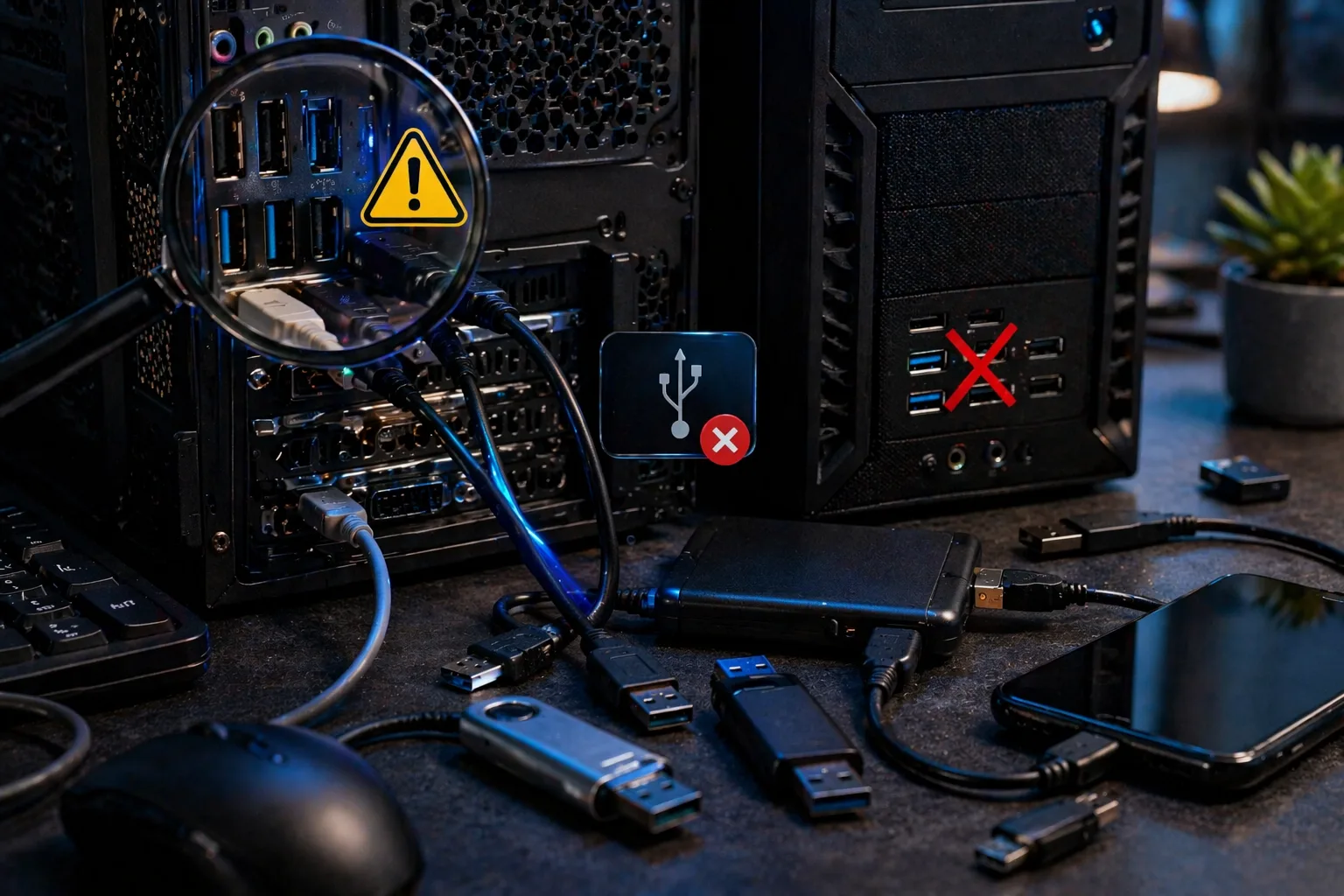
When USB ports stop working, it can completely block the use of essential devices such as:
- keyboard
- mouse
- USB drives
- external HDD/SSD
This issue can appear:
- suddenly
- after a Windows update
- after connecting a faulty device
- or due to hardware failure
This guide explains exactly why USB ports are not working and how to fix the problem step-by-step.
What Does “USB Ports Not Working” Mean
If USB ports are not working:
The system cannot detect or power connected USB devices.
This may be caused by:
- software issues (drivers)
- hardware failure
- power delivery problems
Common Scenarios
- no device detected
- USB device powers on but not recognized
- only some ports work
- front USB not working but rear ports work
Most Common Causes
1. Driver Issues
The most common cause.
- corrupted drivers
- missing drivers
- failed updates
2. Power Delivery Problems
USB ports provide power.
If power fails:
- devices will not turn on
3. Faulty USB Device
A defective device can disable ports.
4. Motherboard USB Controller Failure
Internal controller may fail.
5. Front Panel Cable Issue
Front USB ports connect via cable to motherboard.
6. BIOS Settings
USB ports may be:
- disabled
- misconfigured
7. Physical Damage
Ports may be:
- bent
- broken
- worn out
Step-by-Step Diagnosis
Step 1: Test Different Devices
- try multiple USB devices
- identify if problem is port or device
Step 2: Try Different Ports
- front vs rear
- USB 2.0 vs USB 3.0
Step 3: Restart PC
Simple but sometimes effective.
Step 4: Check Device Manager
- look for unknown devices
- reinstall USB controllers
Step 5: Update or Reinstall Drivers
- uninstall USB drivers
- restart system
Step 6: Check BIOS Settings
Ensure USB is enabled.
Step 7: Check Power Supply
If multiple ports fail → PSU or motherboard issue.
Step 8: Inspect Hardware
- check physical damage
- verify front panel cables
Advanced Causes
USB Controller Failure
Requires motherboard repair or replacement.
Power Surge Damage
USB ports may burn out.
OS Corruption
Windows issues can affect USB functionality.
How to Fix the Issue
- reinstall drivers
- update BIOS
- replace faulty USB device
- reconnect front panel cables
- repair or replace motherboard
- use USB expansion card
How Serious Is This Problem
Severity: Low to Medium
- minor if driver-related
- serious if motherboard-related
FAQ
Why are my USB ports not working suddenly?
Often due to driver or power issues.
Can a faulty device damage USB ports?
Yes, especially in case of short circuit.
Why do rear USB ports work but front don’t?
Front ports may have cable issues.
Can BIOS disable USB ports?
Yes, USB can be disabled in BIOS.
Conclusion
The usb ports not working issue can be caused by both software and hardware problems.
By following this guide, you can quickly determine whether the issue is:
- driver-related
- power-related
- hardware-related
Proper diagnosis helps restore functionality without unnecessary repairs.
✍️ Author: Bejenaru Alexandru Ionut – [email protected]

Recommendation: Looking for a professional bi-directional diagnostic tool with full system coverage? Use code DIAGNOZABAM for 10% off.
Transparency note: Affiliate link. Purchasing through it costs you nothing extra. View Thinkcar Deal →