
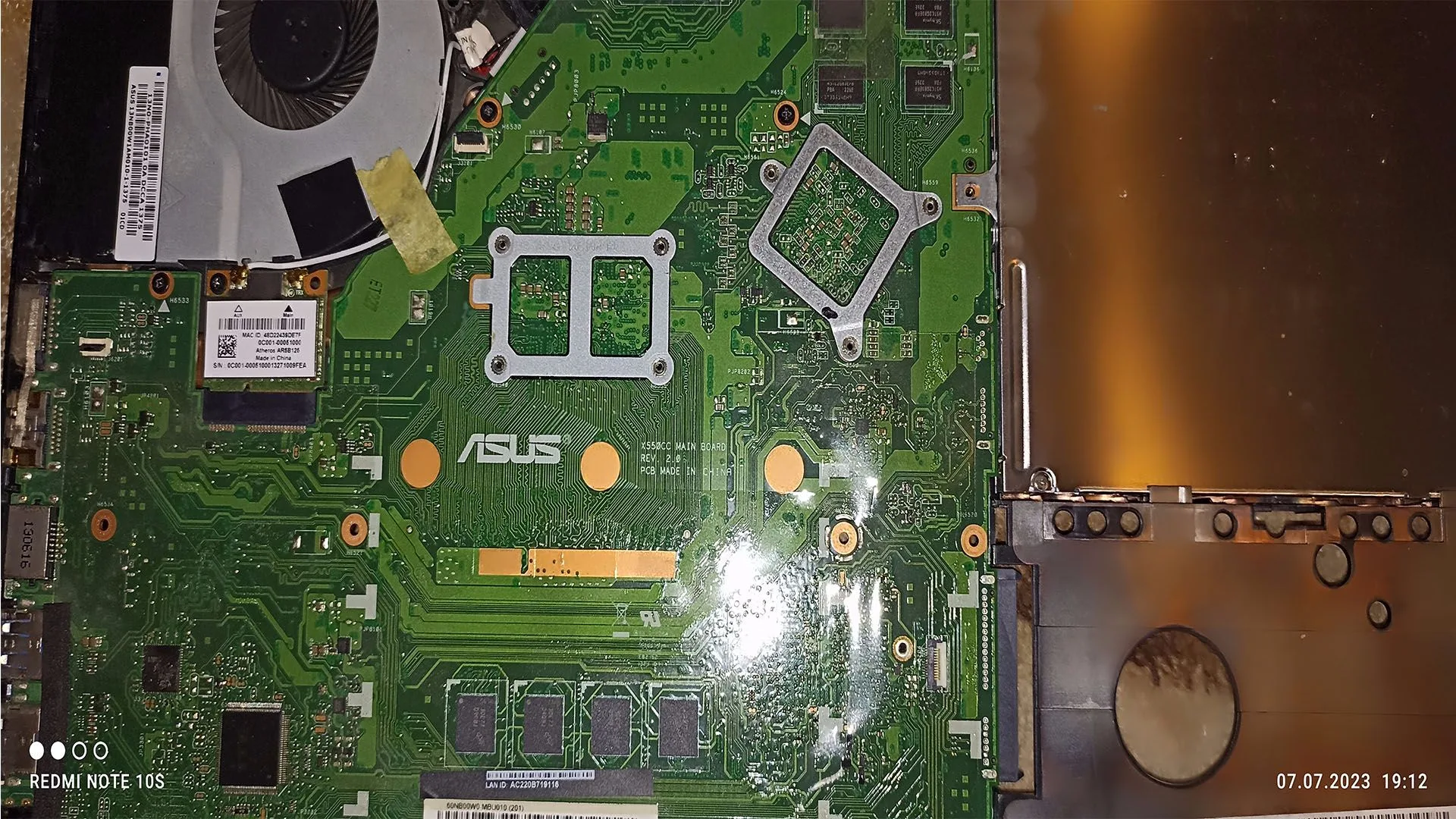
A corrupted BIOS is one of the most serious issues a PC can face. When the BIOS becomes damaged or unreadable, the system may:
- fail to boot
- show no display
- restart continuously
- become completely unresponsive
Unlike typical hardware issues, BIOS corruption affects the core firmware of the motherboard, making recovery more complex.
This guide explains exactly what BIOS corruption is, why it happens, and how to fix it step-by-step.
What Is BIOS Corruption
The BIOS (Basic Input/Output System) is firmware stored on a chip on the motherboard.
It controls:
- hardware initialization
- POST process
- boot sequence
When BIOS is corrupted:
The system cannot properly initialize hardware or start the boot process.
Common Symptoms of a Corrupted BIOS
- PC turns on but no POST
- no display at all
- continuous reboot loop
- system stuck on motherboard logo
- USB devices not working at boot
- beep codes or debug LEDs
What Causes BIOS Corruption
1. Failed BIOS Update
The most common cause.
- power loss during update
- interrupted flashing process
2. Power Failure
Sudden shutdown during firmware write.
3. Malware or Software Issues
Rare, but possible in extreme cases.
4. Hardware Instability
Unstable RAM or PSU during update.
5. Incorrect BIOS Version
Installing wrong firmware.
Step-by-Step BIOS Recovery
Step 1: Reset CMOS
- remove CMOS battery
- wait 5–10 minutes
- reinstall battery
This may restore default settings.
Step 2: Use BIOS Recovery Mode
Many modern motherboards support recovery via USB.
Steps:
- download BIOS from manufacturer
- place on USB stick
- use dedicated recovery port/button
Step 3: Use BIOS Flashback (If Available)
High-end boards offer:
- BIOS Flashback button
- no CPU or RAM required
Step 4: Reflash BIOS Using External Programmer
Advanced method:
- use SPI programmer
- rewrite BIOS chip
Step 5: Replace BIOS Chip or Motherboard
If recovery fails:
- BIOS chip may be damaged
- motherboard replacement required
Advanced Recovery Techniques
Dual BIOS Systems
Some boards have backup BIOS.
- system auto-recovers
- or manual switch required
Blind Flashing
Used when no display is available.
- requires exact file and procedure
How to Prevent BIOS Corruption
- never interrupt BIOS update
- use stable power source
- avoid overclock during update
- use correct BIOS version
How Serious Is This Problem
Severity: Critical
- system cannot boot
- may require advanced repair
- sometimes motherboard replacement
FAQ
Can BIOS corruption be fixed?
Yes, in many cases using recovery tools.
What causes BIOS corruption most often?
Failed BIOS update.
Can a dead PSU corrupt BIOS?
Indirectly, during power loss.
Is motherboard replacement always required?
No, only if recovery fails.
Conclusion
The bios corrupted fix process can range from simple CMOS reset to advanced firmware flashing.
Correct diagnosis and recovery method depend on the motherboard features.
Understanding BIOS recovery options can save the system without costly replacement.
✍️ Author: Bejenaru Alexandru Ionut – [email protected]

Recommendation: Looking for a professional bi-directional diagnostic tool with full system coverage? Use code DIAGNOZABAM for 10% off.
Transparency note: Affiliate link. Purchasing through it costs you nothing extra. View Thinkcar Deal →