
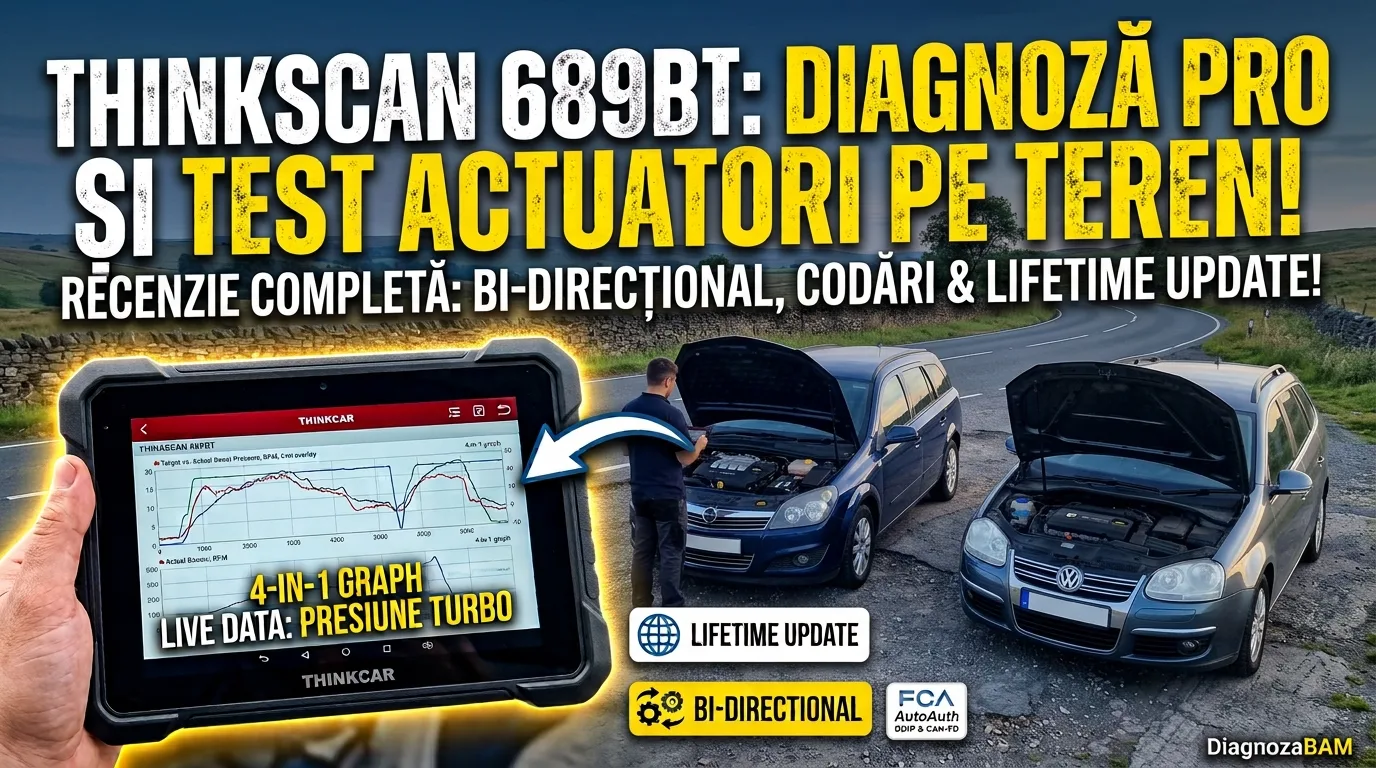
THINKCAR THINKSCAN 689BT Review: Field Diagnostics & Bi-Directional Testing
Every mobile diagnostician and every independent garage owner knows the same problem. A basic OBD2 reader tells you a fault exists, but not why. A dealer-level tablet can find the why. But it costs more than a used engine, and it is not built to live in a tool bag on the back seat of a service van.
That gap in the middle is where most mobile diagnostic work actually happens. You need bi-directional control to test actuators, not just read fault codes. You need gateway access for newer platforms, which block basic OBD2 tools outright. And you need all of it in a unit that survives being pulled out at the roadside in winter.
The THINKCAR THINKSCAN 689BT is built for exactly this gap. It is a bi-directional scan tool with an 8-inch screen, rugged hardware, and lifetime software updates. Its feature set reaches into territory usually reserved for far more expensive tools. In this review, we go through the hardware, the software, and the bi-directional testing. And, most importantly, how it behaves in a real field test — not just on the spec sheet.
Technical Specifications & Hardware Architecture
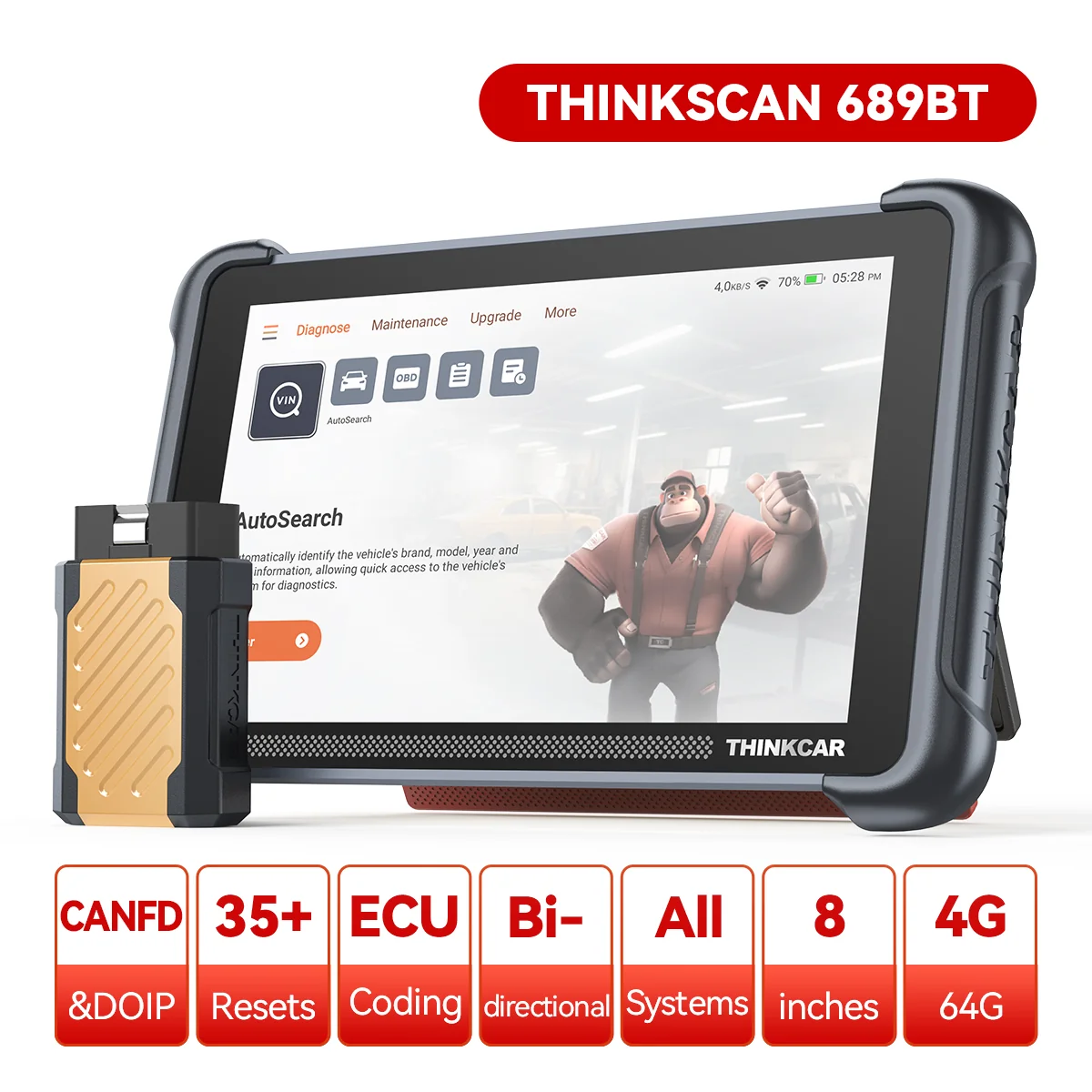
The 689BT runs on an Android 10 platform, paired with a wireless VCI dongle. Here is the full hardware breakdown:
+-----------------------------------------------------------------------+
|                          THINKSCAN 689BT                               |
+--------------------------+----------------------------------------------+
| Operating System         | Android 10.0                                 |
| Processor                | Quad-Core Cortex-A53 (2.0 GHz)               |
| Memory & Storage         | 4 GB RAM + 64 GB ROM Internal Storage        |
| Display                  | 8-inch Capacitive Touchscreen (1280x800)     |
| Battery                  | 4150 mAh / 3.8V Lithium-Polymer              |
| Wireless Connectivity    | Bluetooth 5.0 VCI + Dual 2.4/5G Wi-Fi        |
| Modern Vehicle Protocols | CAN-FD, DoIP, FCA AutoAuth SGW               |
| Software Licensing       | Lifetime Free Wi-Fi Updates                  |
+--------------------------+----------------------------------------------+
On paper, none of these numbers is extreme. That is the point. The Cortex-A53 chip and 4 GB of RAM are enough for a fluid, lag-free interface. You do not need flagship-level hardware, which would push the price out of reach for mobile mechanics.
Hardware & Interface Highlights
Magnetic Bluetooth VCI dongle. The wireless dongle attaches magnetically to the back of the tablet. That sounds like a minor detail. Until you have dropped a loose VCI dongle onto the car floor during a diagnostic session in a cramped space. Docking it directly on the tablet means one less part to lose or forget in the van.
Next-generation protocol support. The unit has native support for CAN-FD, used heavily on newer GM and Ford platforms. It also has native support for DoIP — BMW, Land Rover, Volvo. Both usually require separate adapters on older or cheaper scanners. Having them built in removes a step — and a potential point of failure — from every job on a newer vehicle.
FCA AutoAuth integration. Direct gateway unlocking for Fiat, Chrysler, Alfa Romeo, and Jeep platforms. The FCA security gateway has locked out many aftermarket tools in recent years. Native AutoAuth support is therefore a real differentiator, not just a marketing bullet point. Note that this comes from the manufacturer’s specifications: I did not have a vehicle with a secured gateway available, so I have not personally tested AutoAuth or DoIP.
Expandable hardware ecosystem. The 689BT is compatible with additional Thinkcar modules: video oscilloscopes, borescopes/endoscopes, battery testers, and TPMS tools. For a mobile diagnostician who wants to grow the toolkit gradually, this matters. You do not have to buy a complete shop system on day one.
ℹ️ Technical Note: DoIP matters mainly on newer BMW, Volvo, and Land Rover platforms, which have moved from classic CAN gateways to Ethernet-based architectures. If your daily work focuses on older European diesels — Opel, VAG, older BMWs — CAN-FD and classic CAN support will matter more, day to day, than DoIP.
Core Diagnostic Capabilities
1. OE-Level Full Systems Scan
The 689BT reads every active module on the vehicle’s CAN bus network, not just the engine and transmission:
- Powertrain & drivetrain: engine control (ECM), transmission (TCM), all-wheel drive systems, fuel injection.
- Chassis & active safety: anti-lock braking (ABS), airbag/restraint systems (SRS), electronic parking brake (EPB), steering angle sensor (SAS).
- Body & comfort: body control module (BCM), HVAC climate control, central locking, window electronics, adaptive front lighting (AFS).
A full scan like this matters most on intermittent electrical faults. The “check engine” light is the symptom. But the real fault actually sits in a body or chassis module.
2. Bi-Directional Control & Active Tests
This is the feature set that separates a scan tool from a simple code reader. Active tests let the technician command a component directly and see how it responds. That isolates a mechanical fault from an electronic command fault, without dismantling anything first.
- Cooling & climate: actuating the A/C compressor relay, running multi-speed radiator fans independently.
- Fuel & emissions: fuel pump activation on demand, injector “buzz” tests to check for a dead cylinder, EVAP purge solenoid actuation.
- Engine actuators: checking EGR valve movement, actuating the turbo wastegate, throttle body modulation.
- Body & lighting: central locking, power windows, wipers, headlamp leveling motors.
For field diagnostic work, actuator testing on the EGR valve and the turbo wastegate matters most. It often makes the difference between a five-minute diagnosis and a guessing game that ends with parts replaced for nothing.
3. ECU Coding & Advanced Functions
- ECU coding and customization: enabling hidden features (Start/Stop memory, alarm chirp, daytime running light behavior, automatic mirror folding) and matching components after a part replacement.
- VAG guided functions: step-by-step workflows built specifically for VW, Audi, Skoda, and SEAT. They reduce the guesswork that usually comes with the typical electrical problems of the VAG group.
4. 34+ Maintenance & Reset Routines
Note: the list below comes from the manufacturer’s specifications. I have not personally tested any maintenance reset.
| Category | Available Service Resets |
|---|---|
| Brakes & Safety | ABS brake bleeding, EPB pad replacement, airbag reset, TPMS reset |
| Engine & Emissions | DPF regeneration, air bleeding, EGR adaptation, throttle relearn, injector coding |
| Electrical & Power | Battery matching (BMS), SAS angle calibration, AFS headlight adjustment |
| Transmission & Suspension | Gearbox adaptations, air suspension leveling, clutch matching |
These routines decide whether a scanner really replaces a trip to the dealer. Or whether it only tells you what is wrong, without letting you fix it. DPF regeneration and EPB pad replacement are two of the most common reasons independent garages send jobs elsewhere. Having both built in removes that bottleneck.
Multi-PID Live Data & Telemetry
- 4-in-1 graph overlay: overlays up to 4 parameters (for example, target vs. actual boost pressure, engine RPM, and fuel rail pressure) on a single responsive graph.
- Exportable telemetry: live data streams export directly as CSV files, for later analysis on a PC.
- 8-PID simultaneous monitoring: high-resolution screen layouts support up to 8 live sensor channels per view.
Graphing target versus actual boost pressure on the same screen, in real time, is usually a feature reserved for dealer-level tools. On a diesel with a suspected underboost condition, this single graph can save an hour of groping in the dark. It is far more efficient than reading static PID values one by one.
Software Interface & Update Experience
Hardware specs only tell half the story. A bi-directional scanner is only as good as the software layer on top of it. And that is where cheap tools usually fail: cluttered menus, slow-loading modules, coverage that quietly stops updating a year after purchase.
The Android 10 base of the 689BT offers a familiar touch interface, instead of the clunky proprietary menus common on older-generation scanners. Navigation between the full scan, live data, and bi-directional test menus follows a consistent structure across all brands. That matters when you move from a VAG job to an Opel job in the same afternoon. You have no time to relearn a different menu layout for each.
The one-click Wi-Fi update model deserves a separate mention. On some near-dealer-level tools, you still have to connect to a PC and run a separate update utility. The 689BT pulls new coverage directly over Wi-Fi, right from the device. For a mobile diagnostician, that means updates overnight, at home, or between jobs — with no laptop in the equation.
ℹ️ Technical Note: “Lifetime” updates on any scanner depend on the manufacturer continuing to support that hardware generation. It is worth checking THINKCAR’s official update history for the 689BT line before treating “lifetime” as an unconditional guarantee. Most manufacturers define it as “lifetime of the model”, not “lifetime of the company”.
Field Test: Opel Astra H & VW Golf 5 (BXE)
Enough with the spec sheet. This is where we find out whether the 689BT holds up outside a showroom demo.
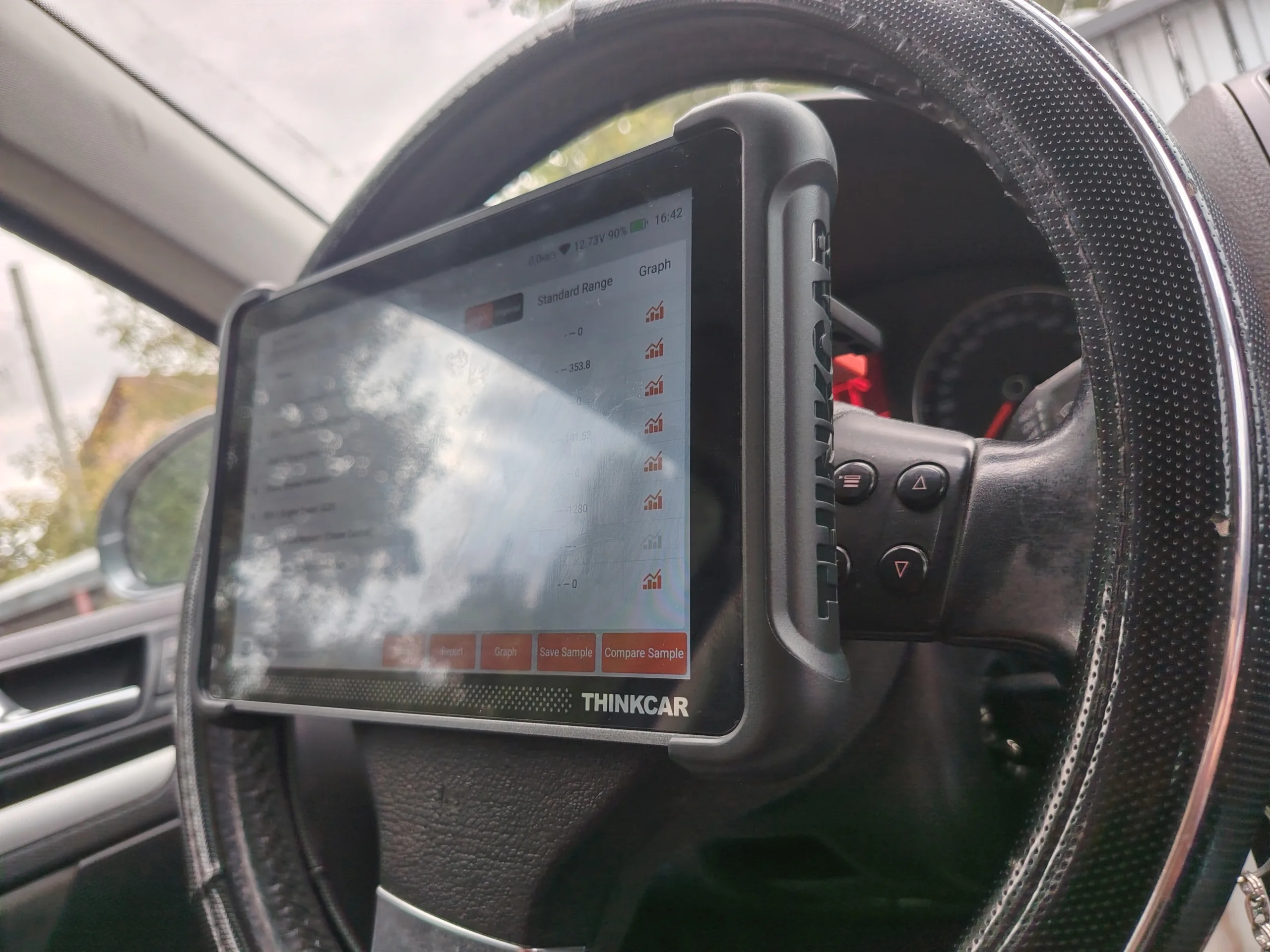
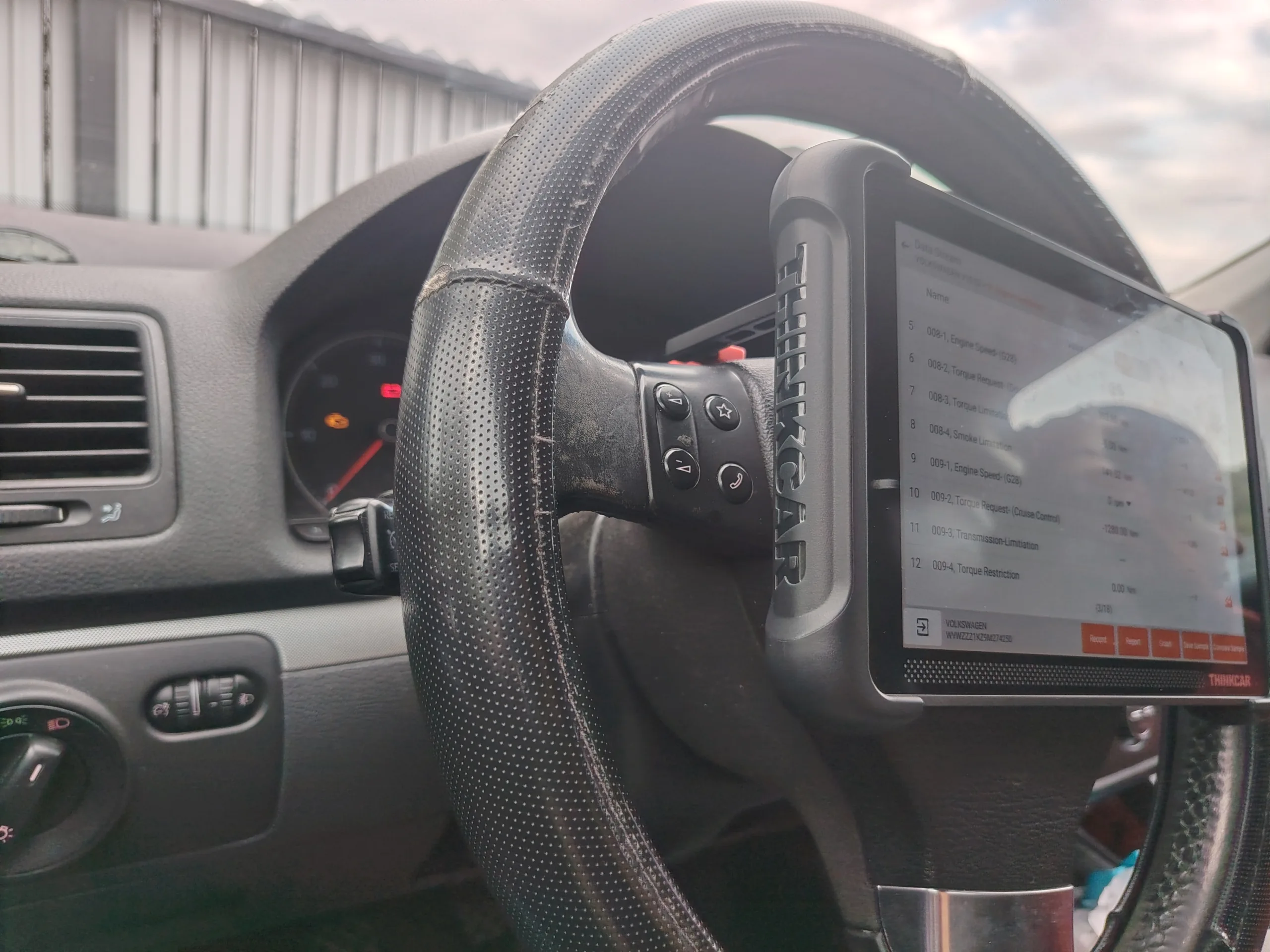
Our first test subject is a 2007 Opel Astra H 1.9 CDTI, with the Z19DT engine — a very common European diesel. Worth stating up front: this particular car has its EGR, DPF, and throttle valve deleted. That limited how much of the bi-directional actuator suite could actually be tested on it. So we moved on to a second vehicle, a 2009 VW Golf 5 1.9 TDI with the BXE engine, which still has all of its original emissions hardware.
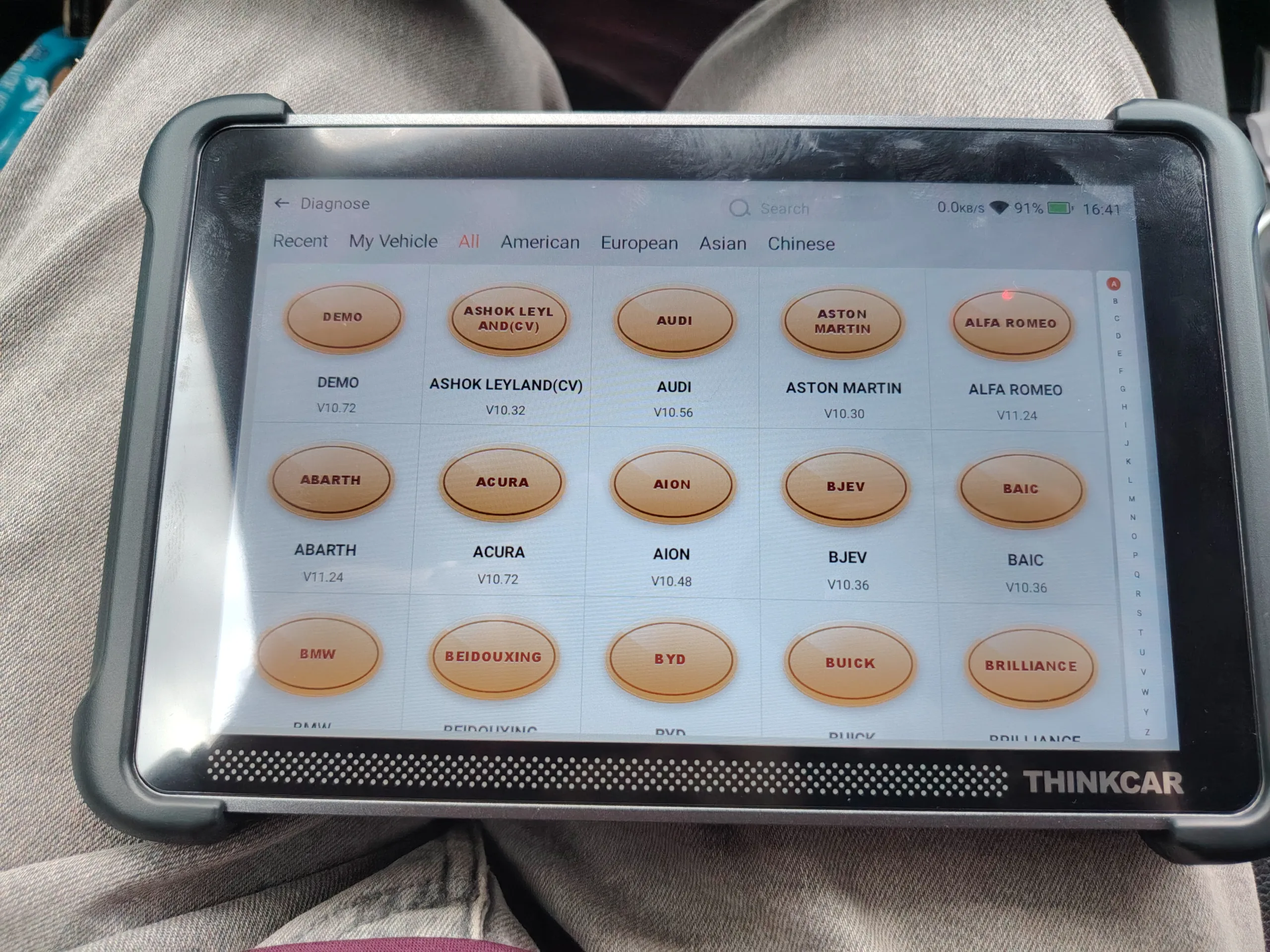
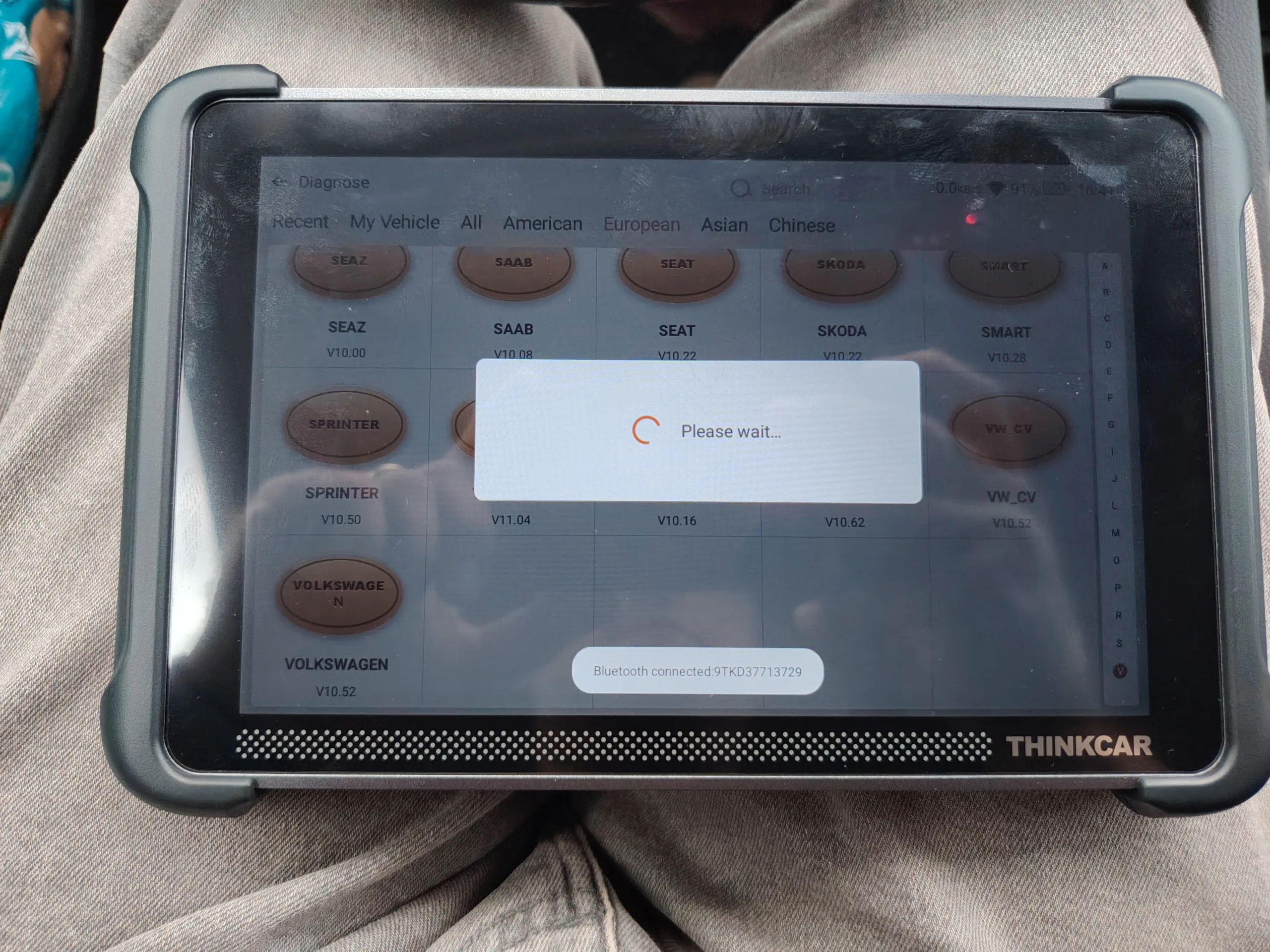
Astra H (Z19DT): Connection, Scan & Fault Code Reading
Bluetooth connection and the full vehicle scan took four minutes at most, in total. Fault code reading went smoothly, with no communication errors and no connection drops during the whole session.
Astra H (Z19DT): Bi-Directional & Coding Tests
With the EGR, DPF, and throttle valve removed from this car, the classic emissions actuator tests could not be applied. EGR movement, DPF-related actuators, throttle body modulation — there was simply nothing left there for the tool to command. Instead, we ran the tests that were actually available and relevant:
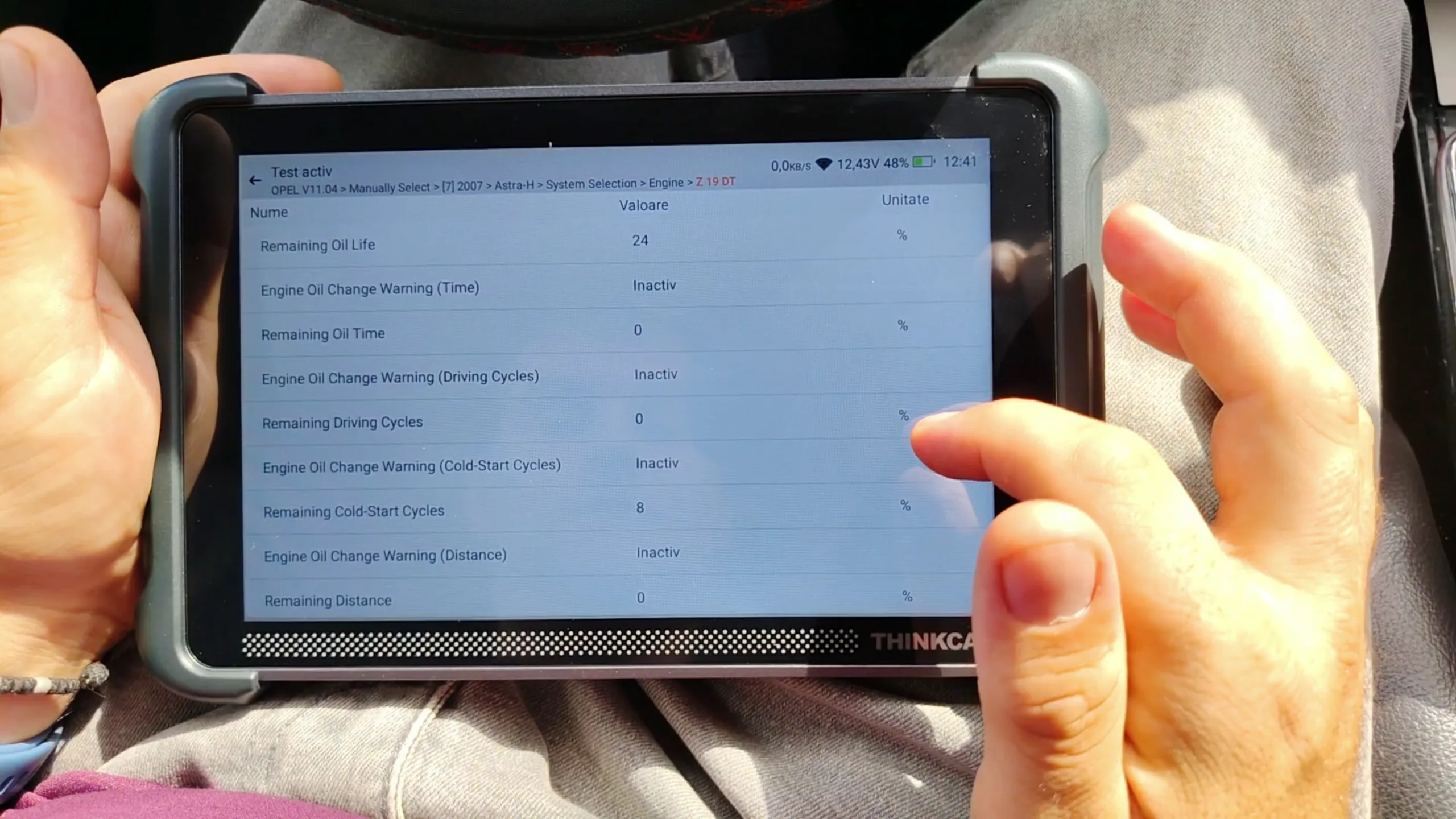
- Lighting: bi-directional activation of the exterior lights — confirmed working on command.
- Wipers: bi-directional activation of the wipers — confirmed working on command.
- Washer fluid pump: bi-directional activation of the windshield washer pump — confirmed working on command.
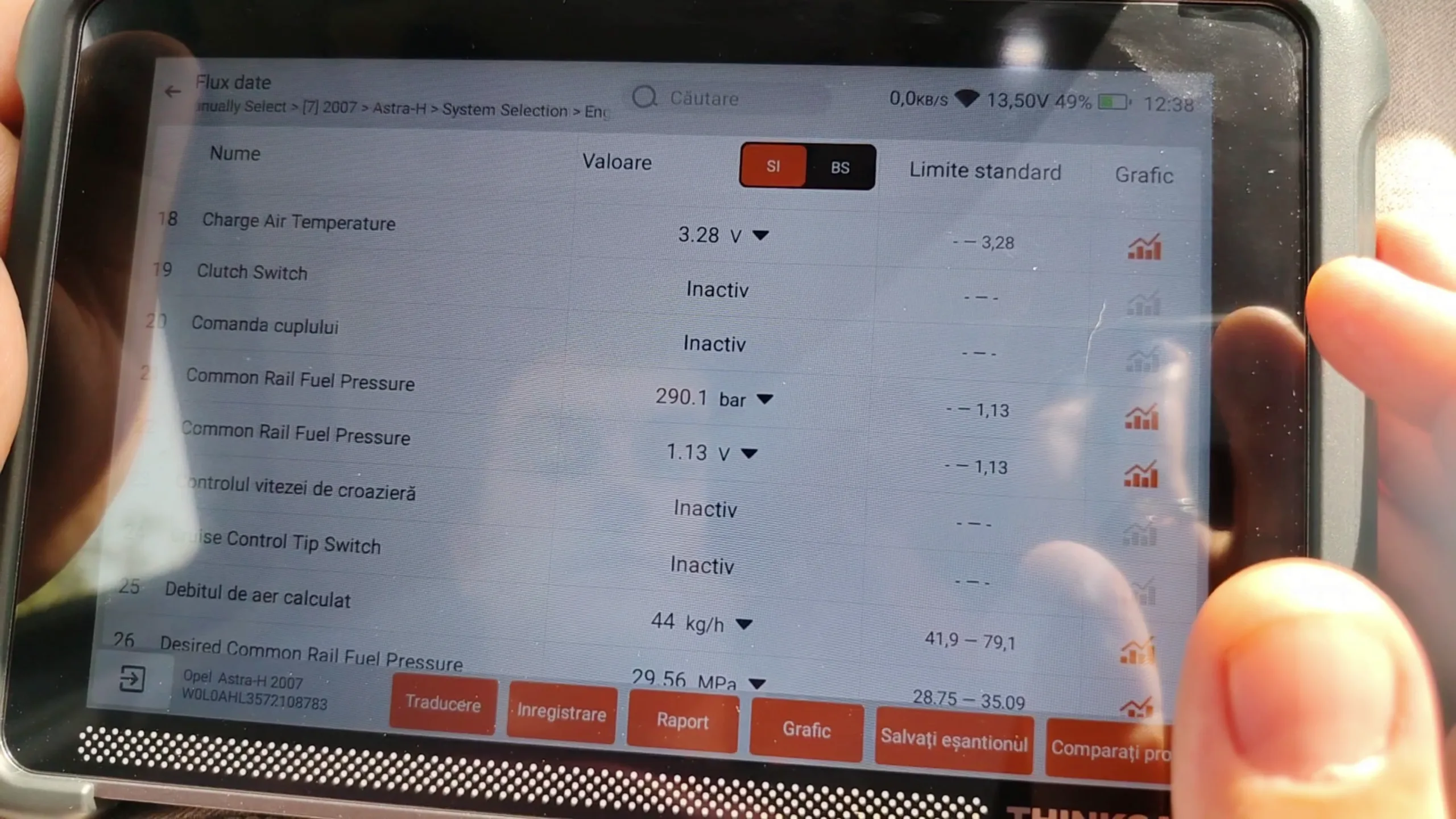
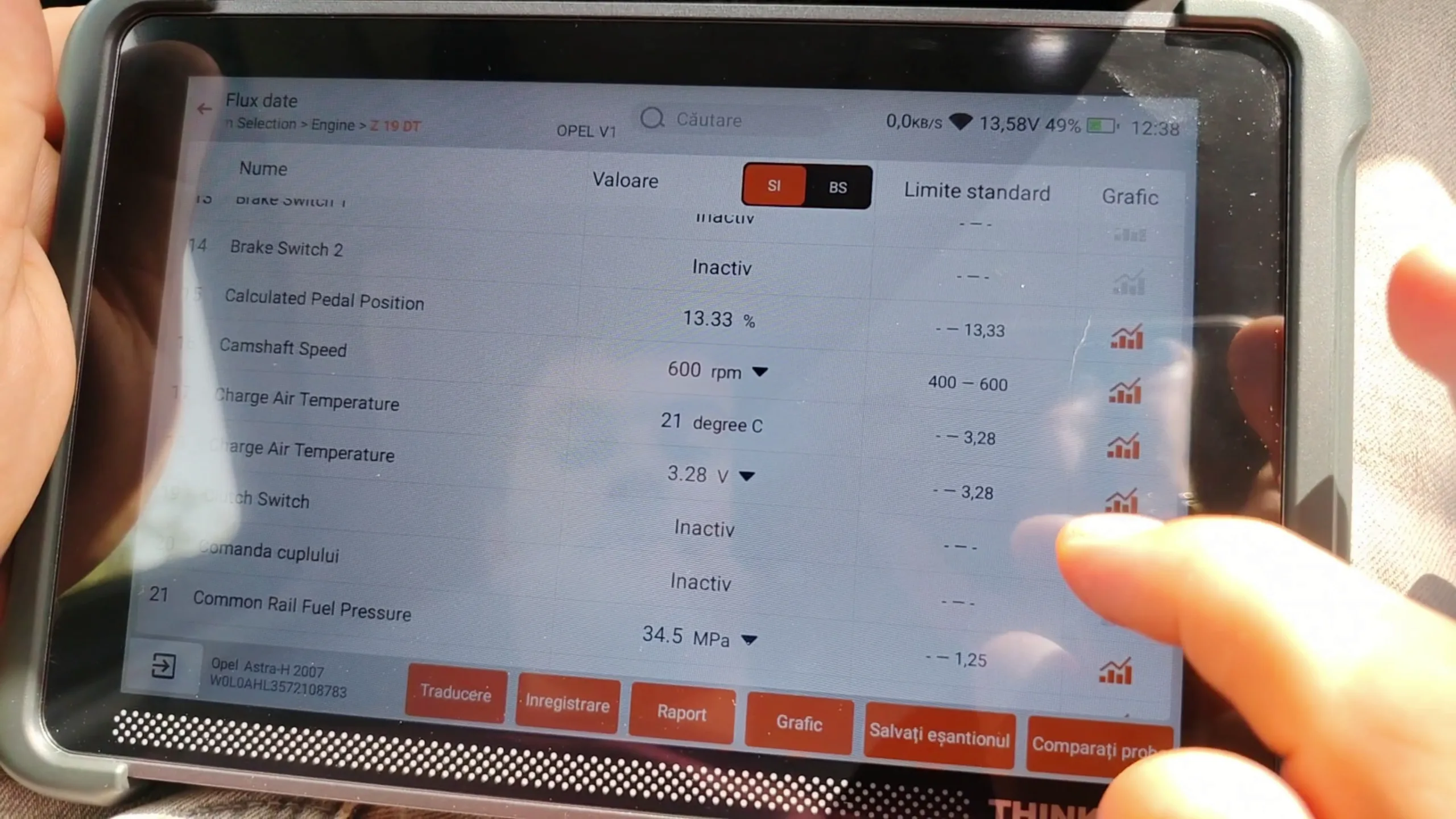
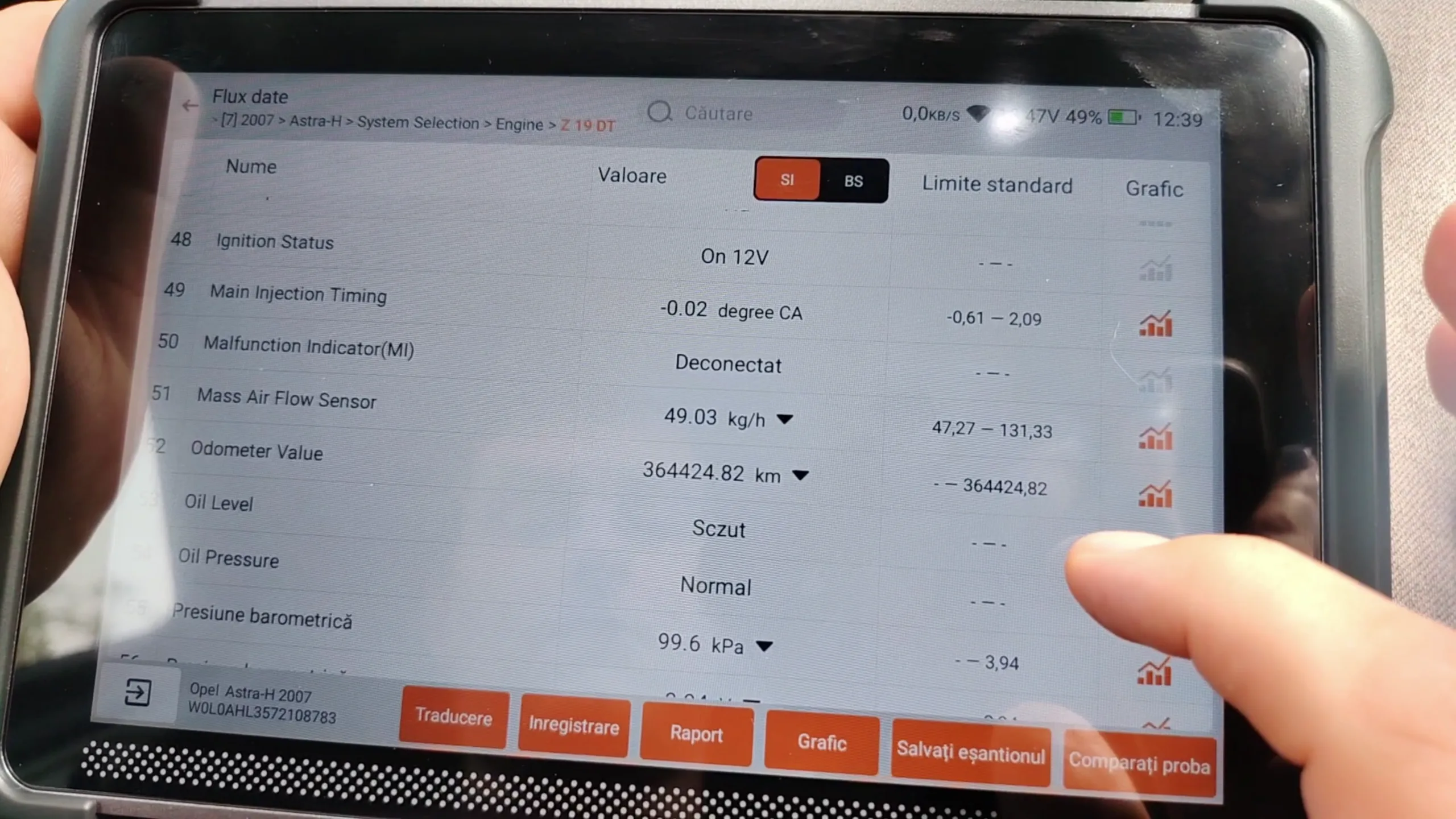
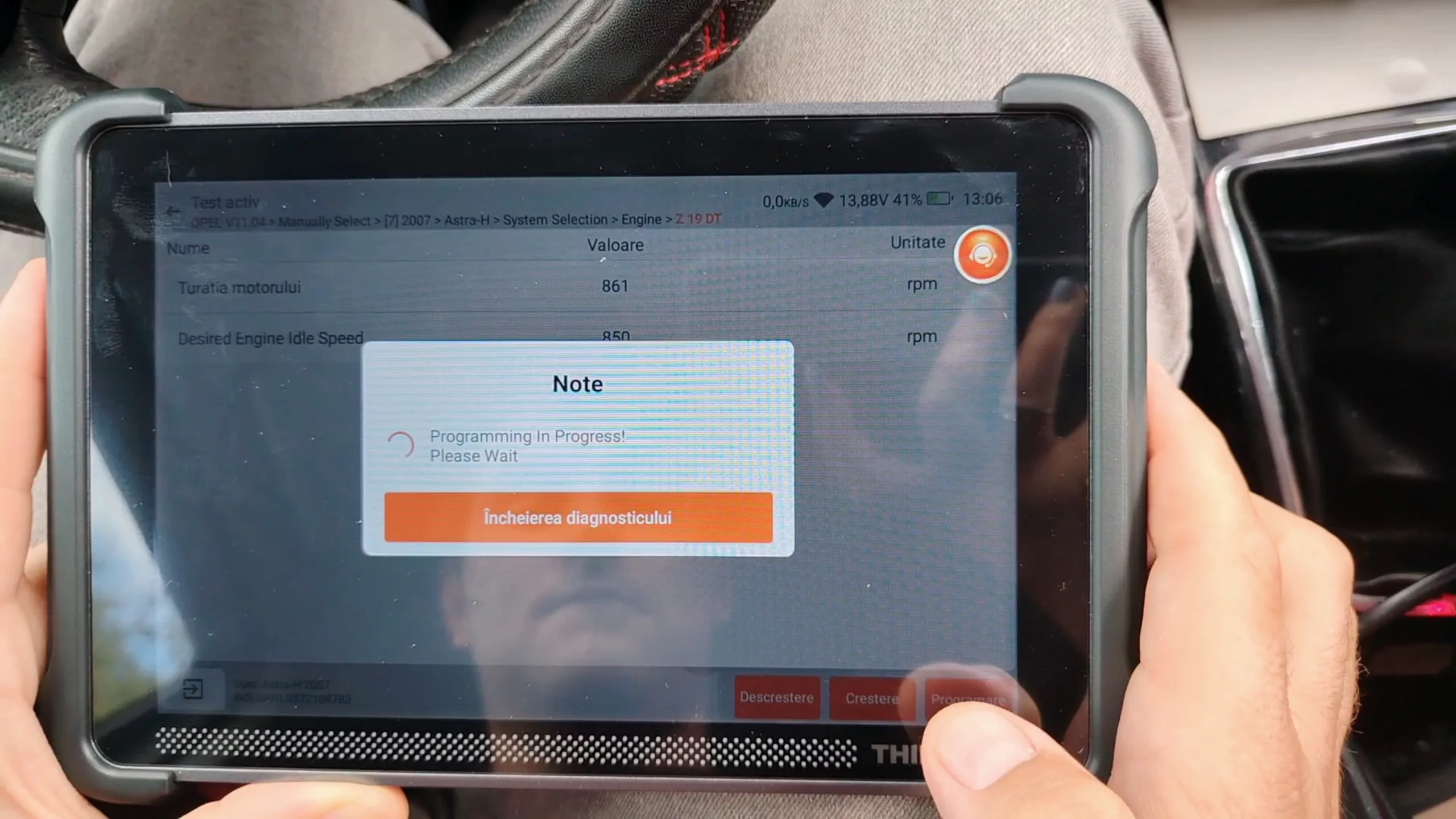
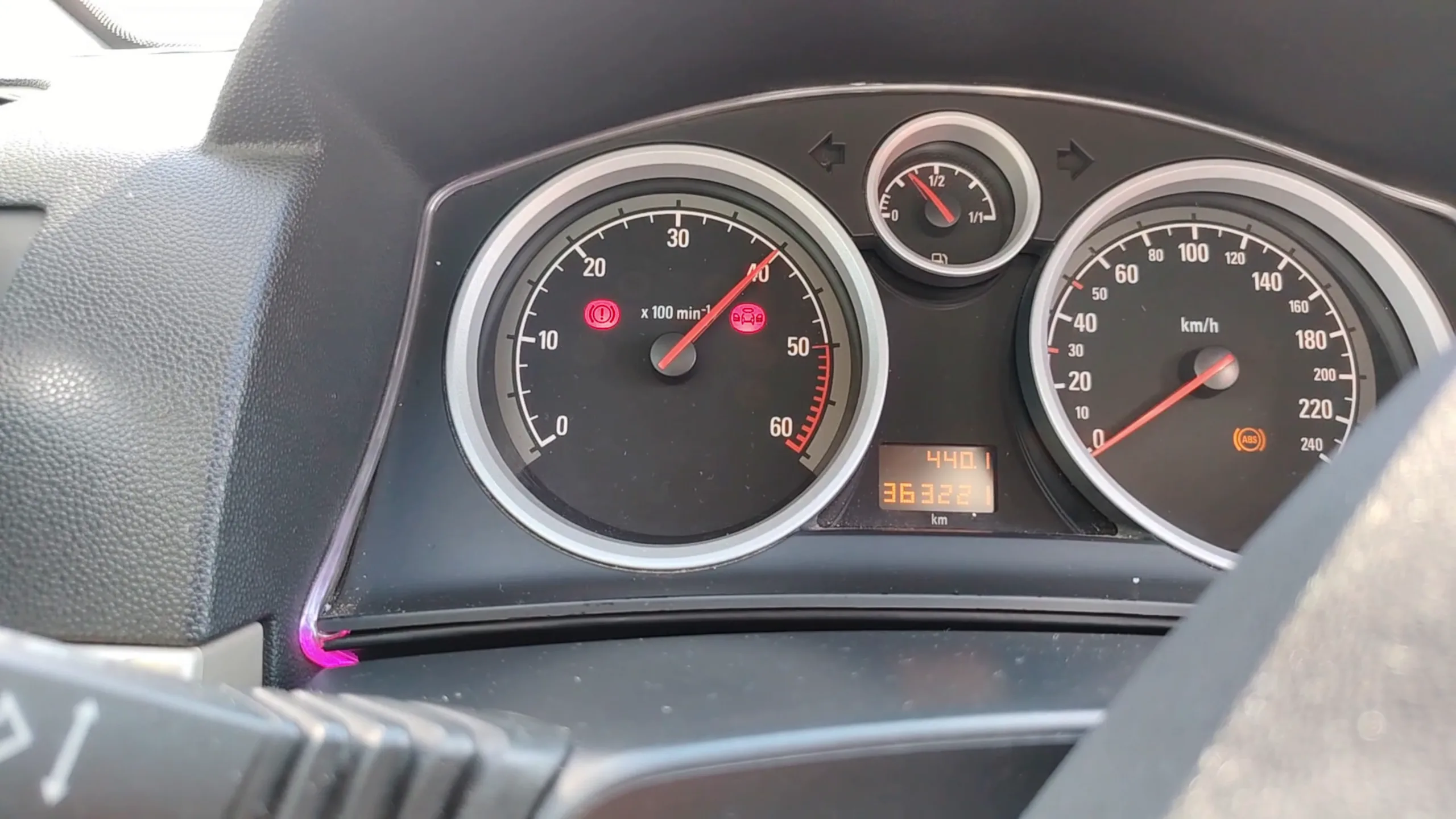
- ECU coding: the car had weak battery charging at idle, at 800 RPM, so we raised the idle speed via coding to 850 RPM. The change applied and held, and the battery charging came into better parameters — a real problem solved directly from the scanner.
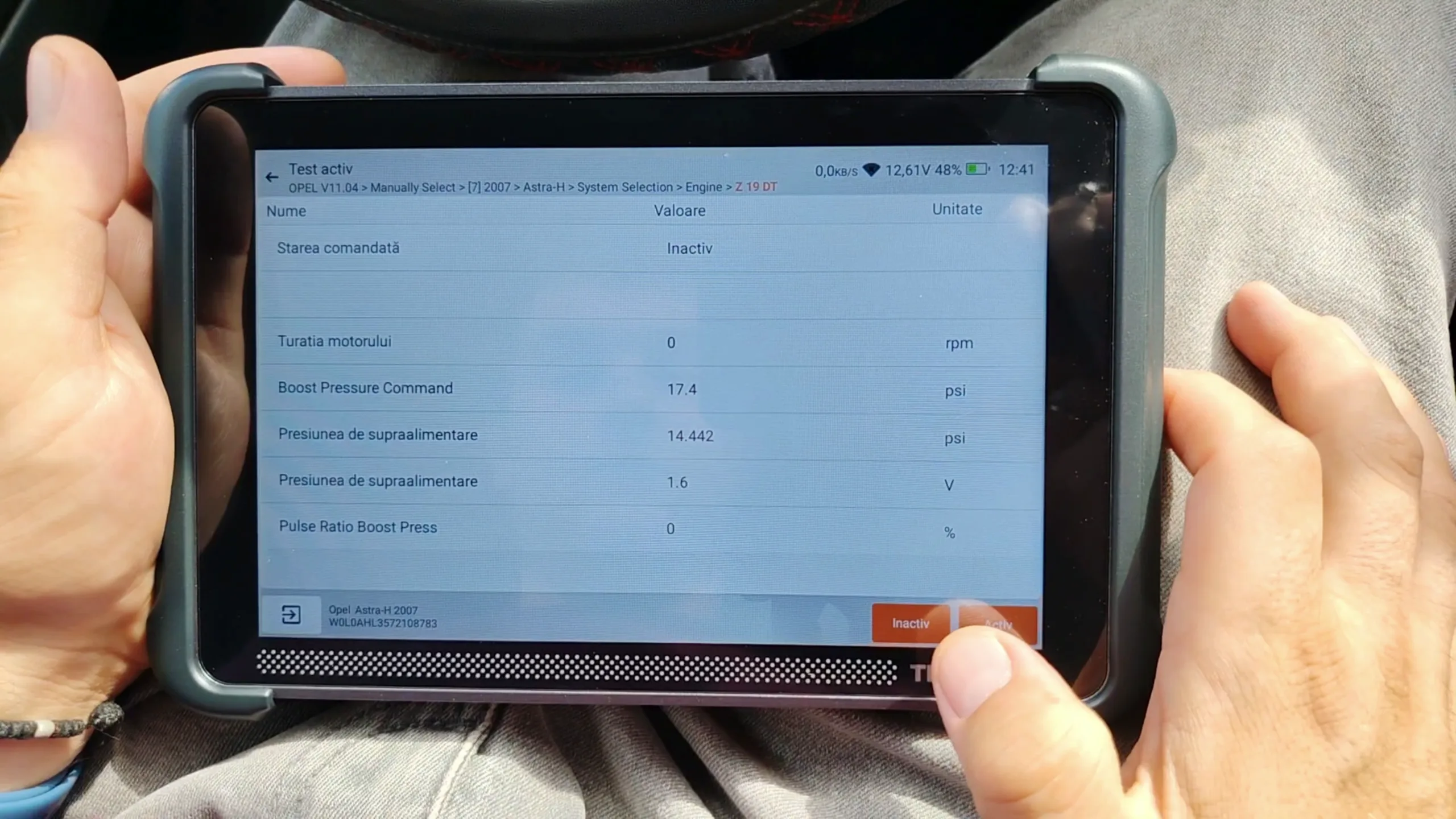
VW Golf 5, 1.9 TDI BXE (2009): Full Actuator Suite
With no deleted emissions hardware on this vehicle, we could run the full set of bi-directional tests available for the engine bay. None of the limitations we hit on the Astra H applied.
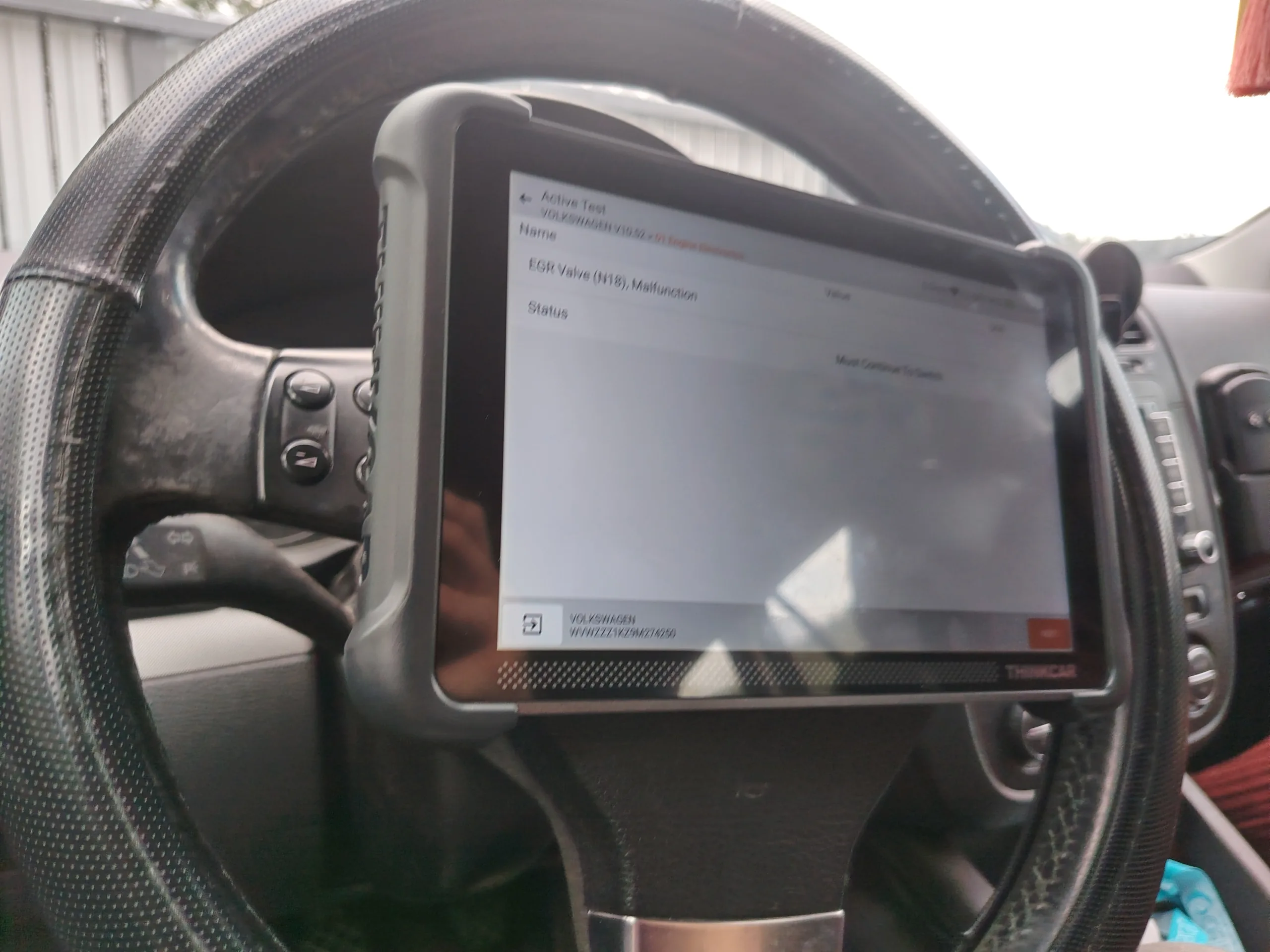
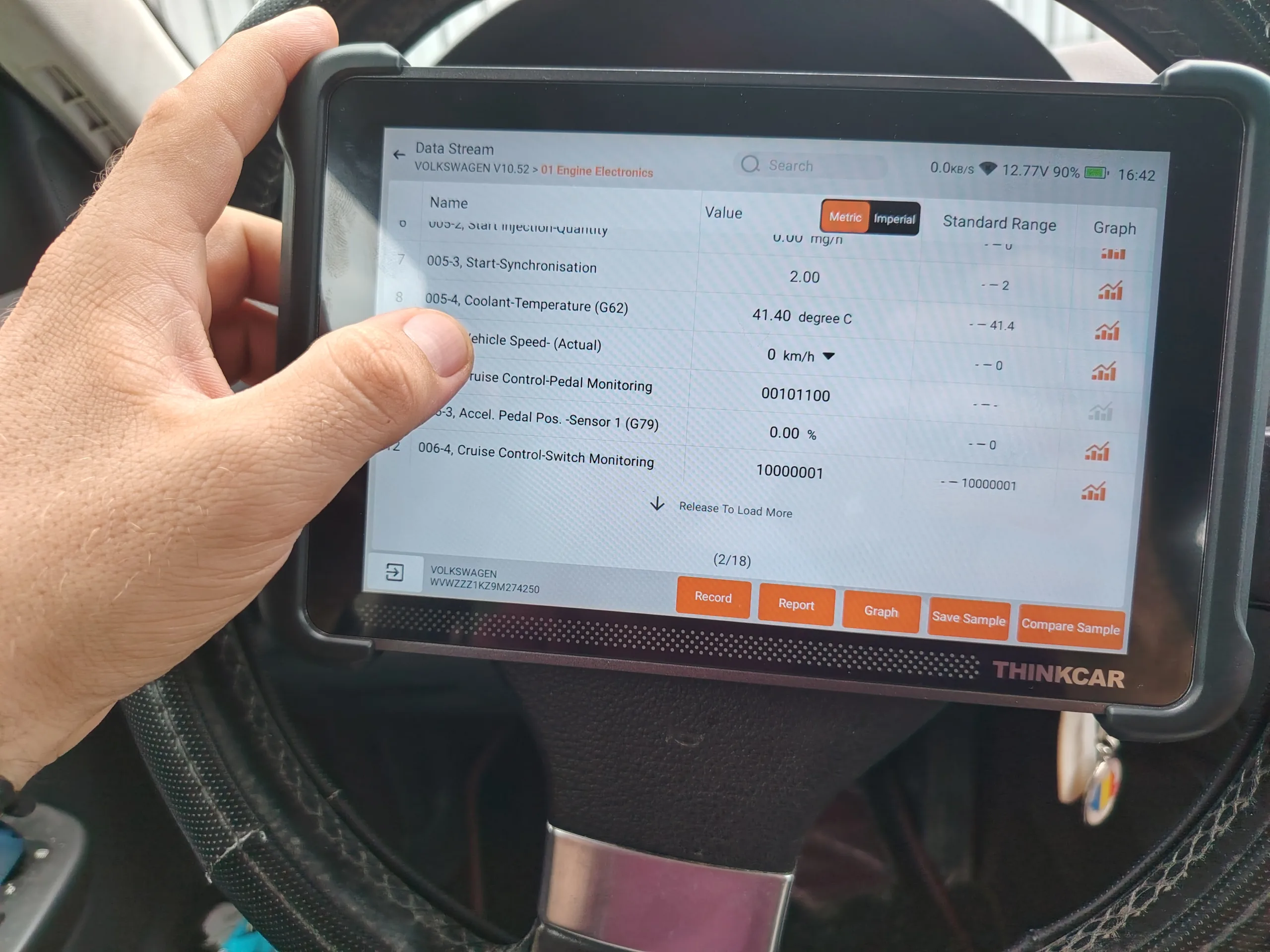
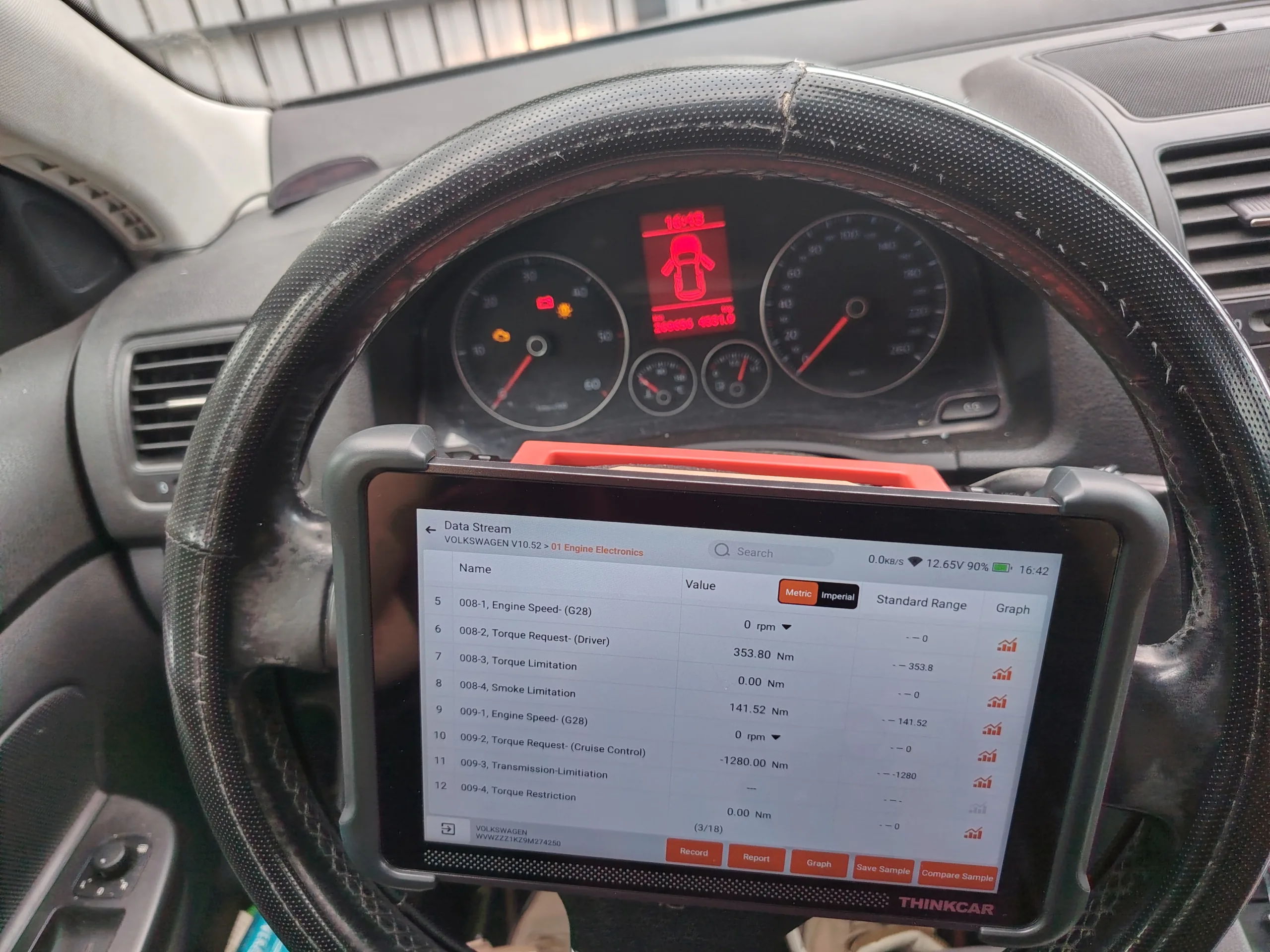
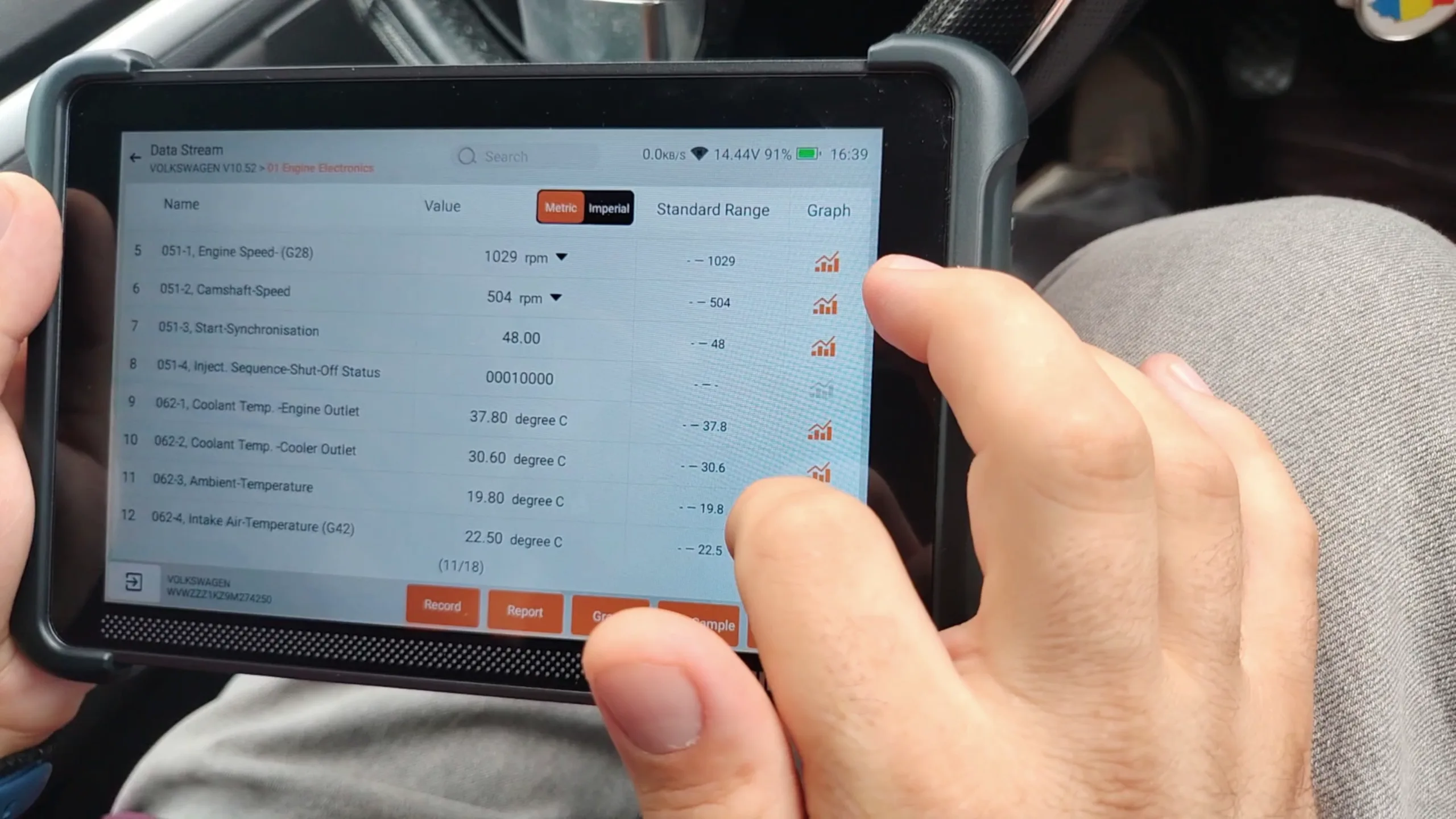
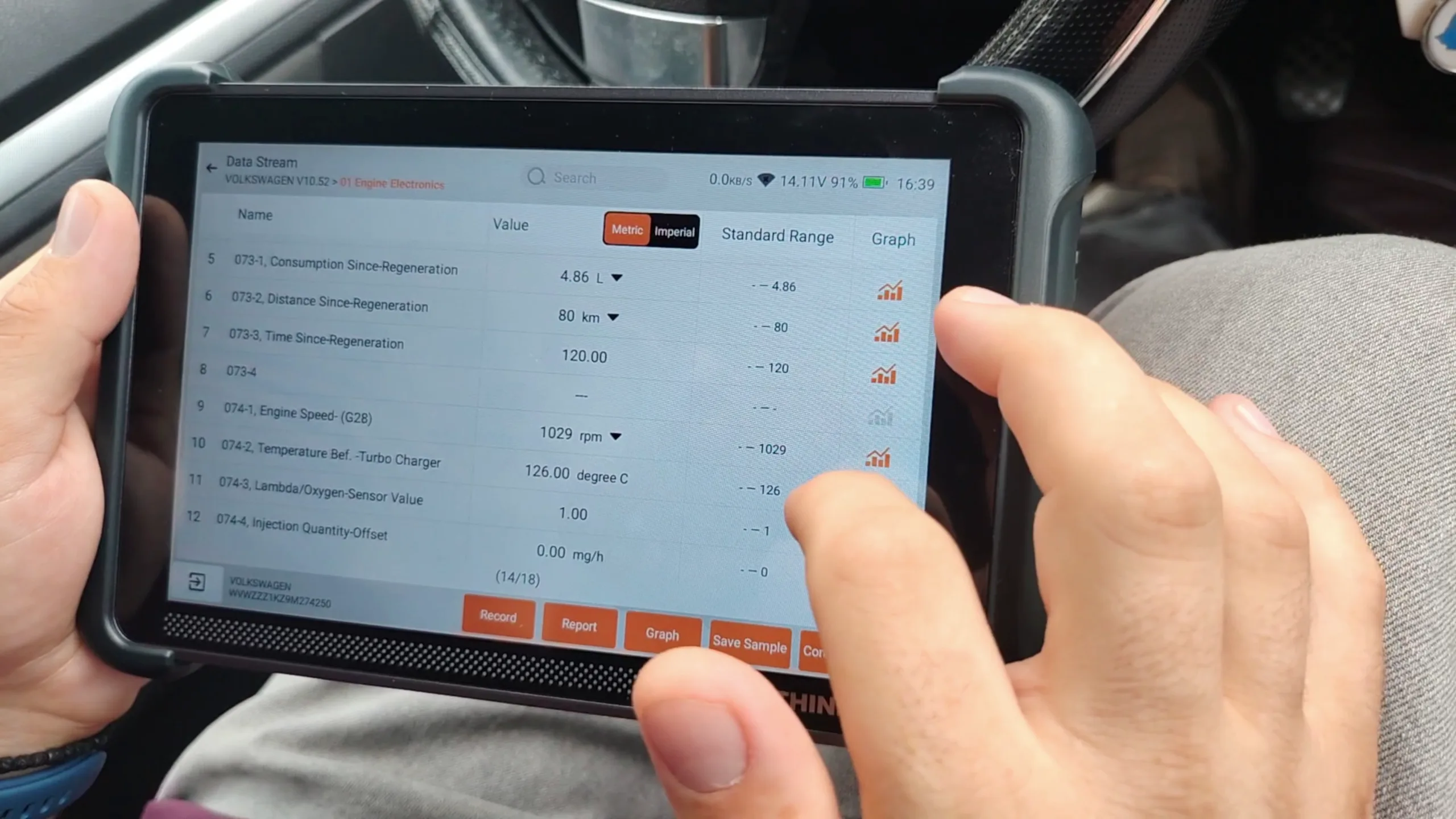
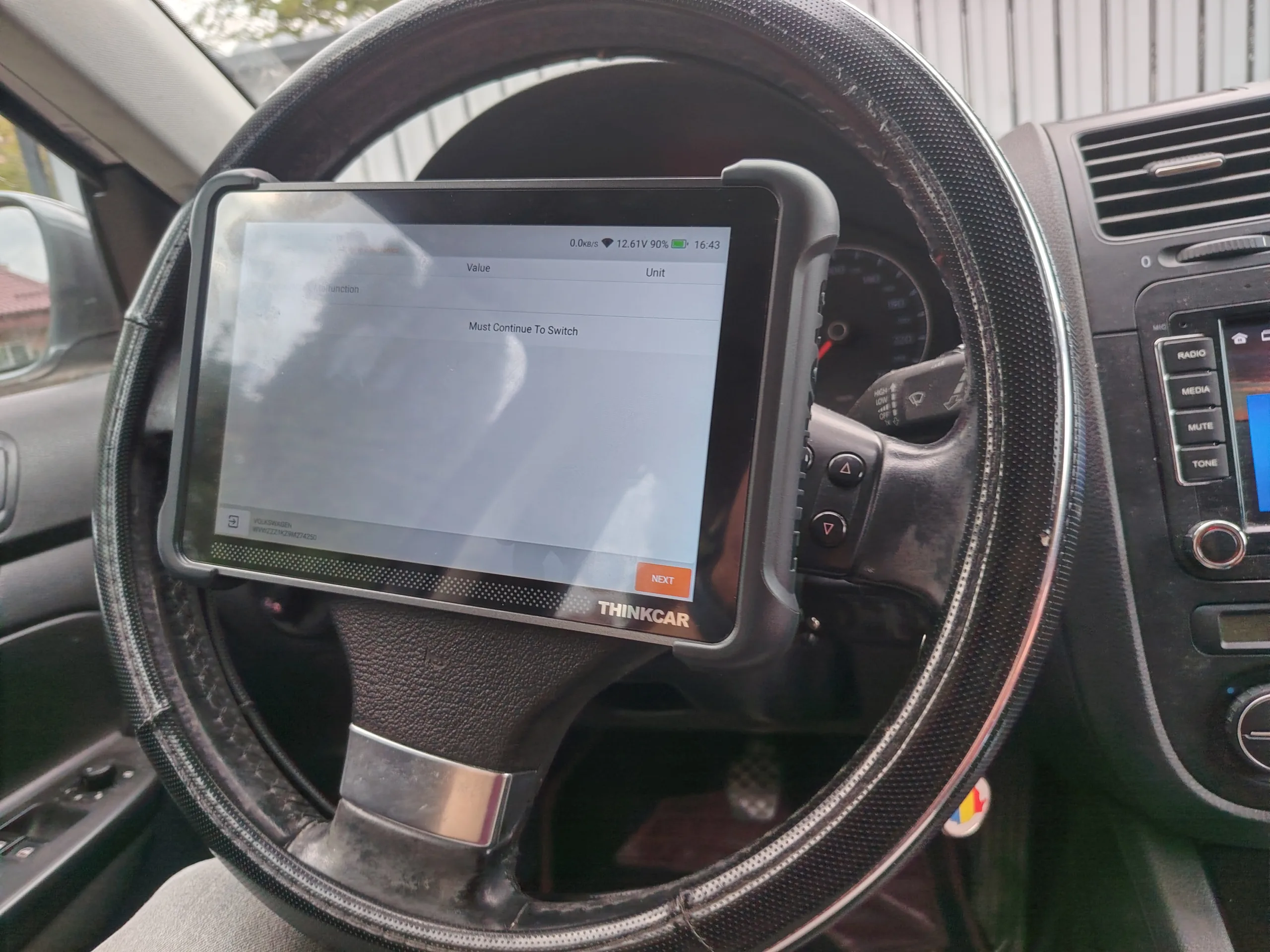
- Actuator tests: I ran all the available bidirectional tests, including the EGR valve (N18) with EGR position verification, as well as the cooling fan (radiator fan). The active test screen correctly confirmed the status of each component.
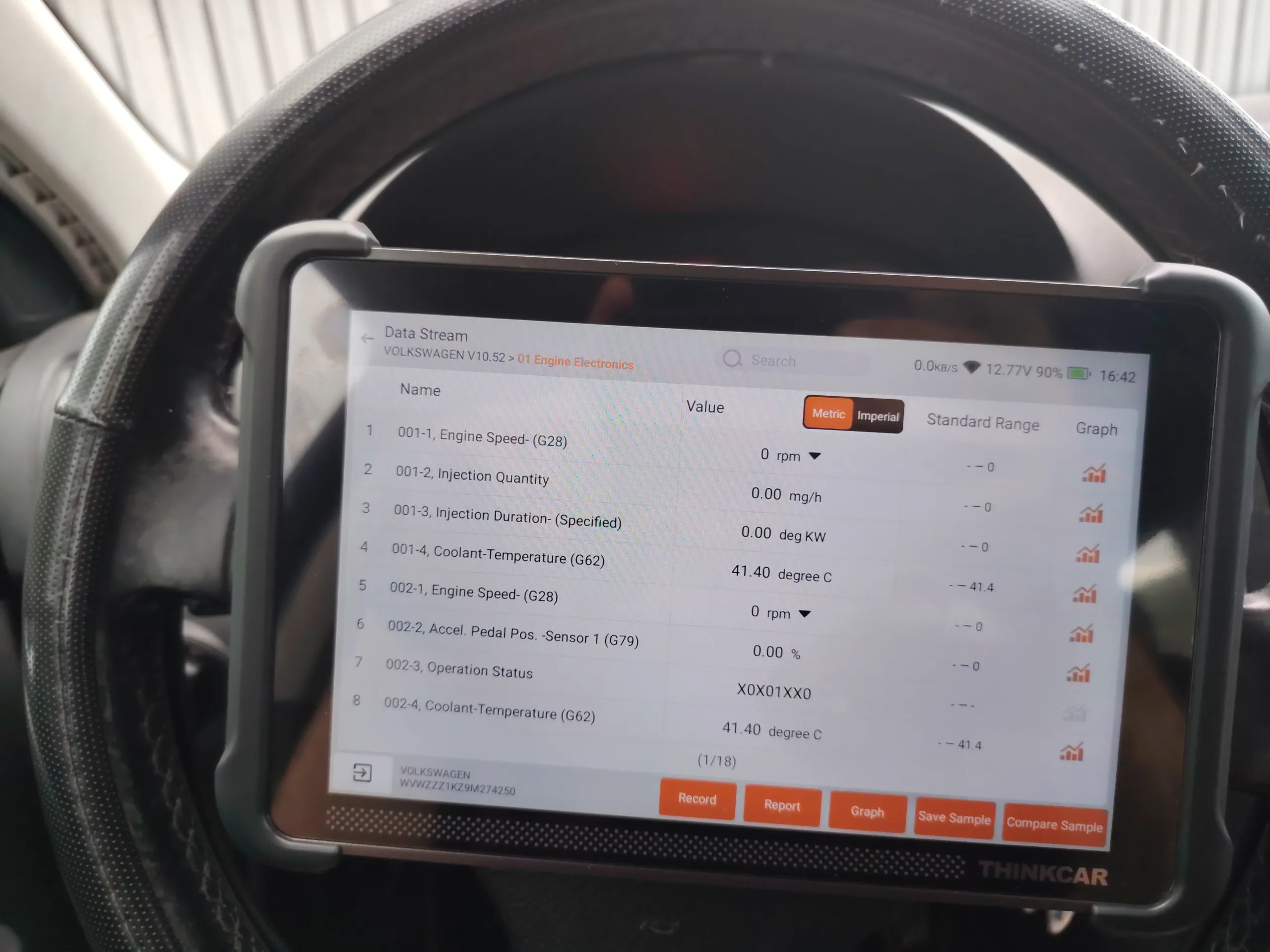
- All other engine-bay actuators: every one available in the menu could be commanded and responded correctly.
Diagnostic Report
We did not generate the automatic PDF vehicle health report during the test. Instead, we filmed a demo video, which will accompany this written review.
ℹ️ Technical Note: The Astra H result illustrates a general point well, not a flaw of the device. Bi-directional test coverage depends on what is actually still present and working on the vehicle. A scanner can only command a component that exists — deleted emissions hardware will always show up as “not applicable”, never as a fault of the 689BT.
Practical Tips for Mobile Diagnostics with the 689BT
A few useful things to know before your first field job with this device:
- Check the battery of the VCI dongle and the tablet before every shift. You do not want to run out of power in the middle of a job at the roadside.
- Download regional coverage packs over Wi-Fi before heading into low-signal areas. The lifetime update model is only useful as long as your last sync.
- Use the 4-in-1 graph overlay for intermittent faults. A single static PID reading rarely catches an intermittent boost or misfire problem. A live graph during a test drive usually does.
- Treat the extension modules as a growth path, not a day-one necessity. Start with the base unit. Add a battery tester or a borescope only when a specific recurring job justifies it.
Pros and Cons
Strengths:
- Native CAN-FD and DoIP support, with no extra adapter needed.
- Real bi-directional control over actuators, not just live data readout.
- FCA AutoAuth gateway access, which many competing tools in the same price range lack entirely.
- Lifetime free software updates, with no subscription renewal.
- Expandable module ecosystem, for a tool that lasts over time.
Trade-offs:
- The 8-inch tablet format is larger than a pocket reader. It matters if you work in very tight engine bays.
- The real depth of the DoIP functions depends on how often THINKCAR pushes coverage updates for the newest platforms.
- ECU coding and guided functions are strongest on VAG-group vehicles. Coverage on other brands will have to be confirmed in practice.
- One small drawback, strictly from our own use: the THINKSCAN 689BT ships without a screen protector. For a device meant for field work — where it meets tools, keys, and engine-bay dust — the screen can scratch quite quickly, unless you apply a protector yourself from day one (generic or cut specifically for this model). It would have been a plus if it came from the factory with at least a basic film applied, as minimal protection until first use.
Who Is This Tool For?
- Mobile field diagnosticians who need bi-directional control without carrying a full shop tablet.
- Independent garages working on VAG, BMW, Opel/GM, and FCA, which need gateway unlocking (DoIP, AutoAuth) without dealer prices.
- Technicians who expand their toolkit gradually, thanks to the modular hardware ecosystem.
- Not ideal for hobbyists who only want to read and clear basic codes occasionally — a simpler, cheaper reader covers that need.
Frequently Asked Questions
Does the THINKCAR THINKSCAN 689BT require an ongoing software subscription?
No. The device includes free lifetime Wi-Fi updates for the system software and vehicle coverage, with no renewal fee.
Can it run active component tests on European brands like VAG, BMW, and Opel/Vauxhall?
According to the manufacturer, yes: the bi-directional test suite covers the major European, Asian, and American brands. I personally tested only VAG (Golf 5) and Opel (Astra H). I have not verified other brands, including BMW.
Does it offer remote diagnostic support for difficult cases?
Yes. It includes remote assistance via TeamViewer, built directly into the device, so you can get technical help from a colleague or from the THINKCAR support team.
Is the 8-inch tablet format practical for mobile, field work?
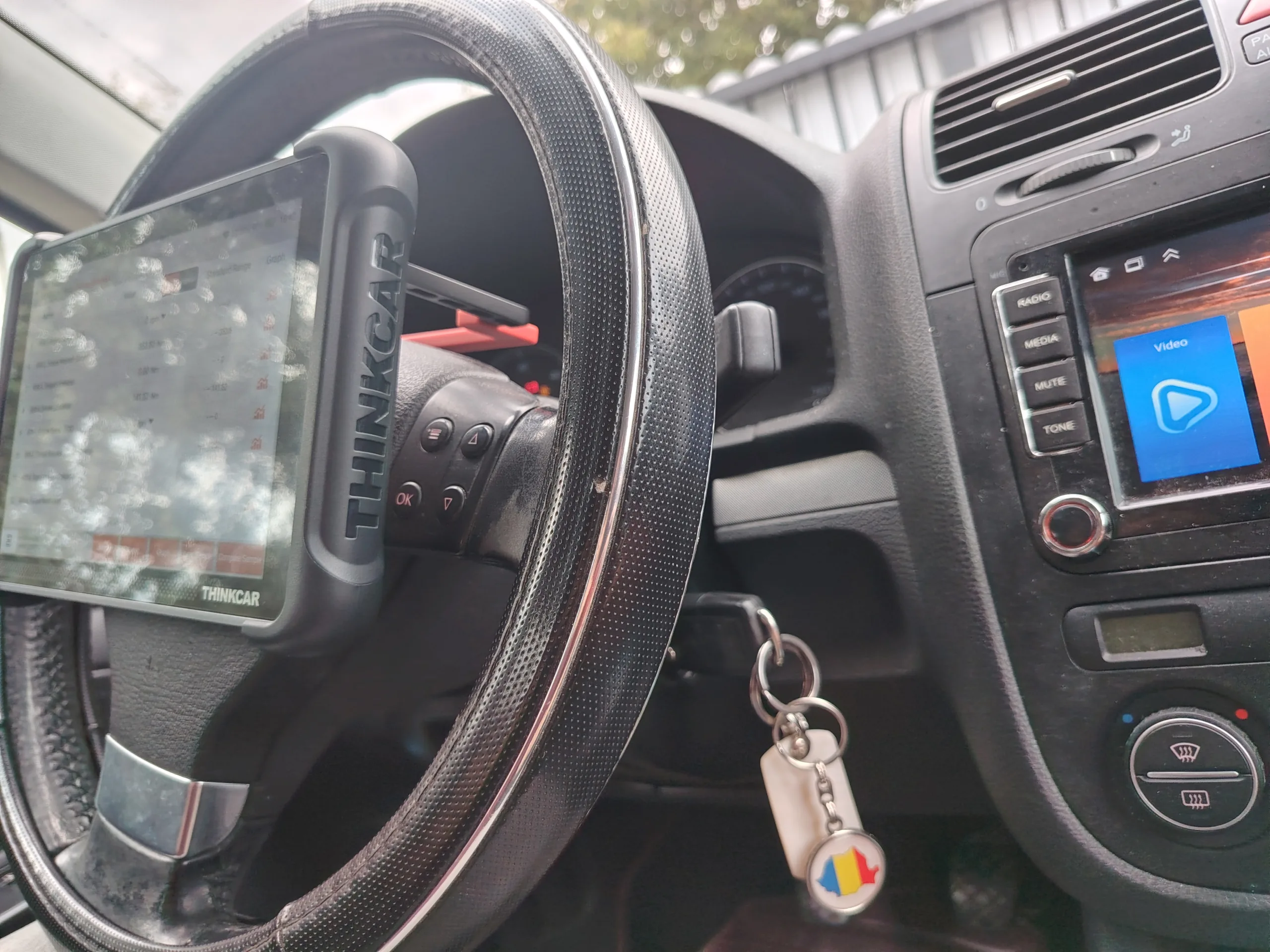
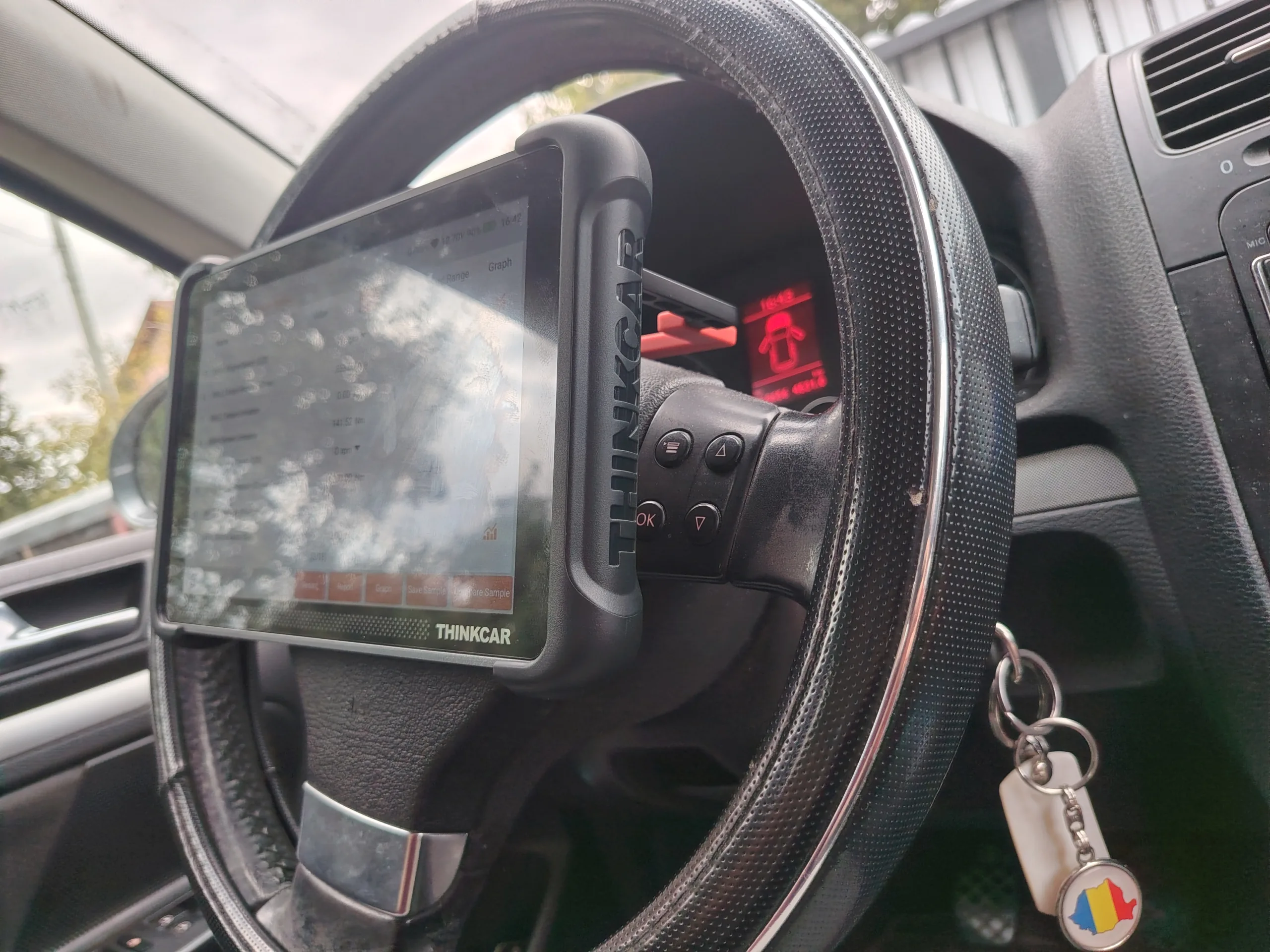
Yes, very practical. It is easy to hold in the hand, and the support handle does its job flawlessly: it helps you position the tablet on the steering wheel, for extra comfort while working.
How does the magnetic VCI dock behave in real use, not just on the shelf?
Flawlessly. You no longer worry that you forgot to put it back in the case, or left it somewhere in the car, because it attaches magnetically directly to the tablet.
Verdict
The THINKCAR THINKSCAN 689BT made a very good impression in my field tests. On a 2007 Opel Astra H 1.9 CDTI (Z19DT), Bluetooth connection and a full vehicle scan took four minutes at most, with no communication errors and no connection drops. Fault code reading went smoothly, and the light and wiper controls responded correctly.
The most useful test for real roadside work was coding. The car had weak battery charging at idle, at 800 rpm. I raised the idle speed to 850 rpm directly from the scanner, and the charging came into better parameters. That’s a problem solved on the spot, with no workshop and no extra tools.
The full bi-directional testing was done on a 2009 VW Golf 5 1.9 TDI (BXE), where every engine-bay actuator could be commanded without issues. My Astra has its EGR, DPF and throttle body deleted, so I couldn’t verify those tests on it.
For mobile mechanics and roadside responders, the 689BT is a serious option. It starts fast, communicates reliably, and offers real bi-directional control and coding, exactly what a basic code reader lacks, without the price of a full service tablet.
Limits of my testing: I tested two diesel cars from 2007-2009. I didn’t perform any maintenance resets (oil, electronic parking brake, battery registration, etc.), and I didn’t have a recent vehicle with a secured gateway available, so those functions remain unverified by me.
Disclosure: DiagnozaBAM received a complimentary THINKCAR THINKSCAN 689BT for testing purposes, as part of an ongoing collaboration with THINKCAR. All testing, findings, and opinions in this review are our own.
Where to buy: THINKCAR THINKSCAN 689BT — Official Product Page
Ready to Get to Work?
If you are tired of guessing and want a tool that actually shows you what is happening under the hood, the THINKSCAN 689BT is one click away. And with the code below, you get it for 10% less.
Buy it here: THINKCAR THINKSCAN 689BT — Official Product Page
Discount code: DIAGNOZABAM — 10% off your order
✍️ Author: Bejenaru Alexandru Ionut – [email protected]
🔗 Internal link: https://diagnozabam.ro/sfaturi
Recommendation: Looking for a professional bi-directional diagnostic tool with full system coverage? Use code DIAGNOZABAM for 10% off.
Transparency note: Affiliate link. Purchasing through it costs you nothing extra. View Thinkcar Deal →
