
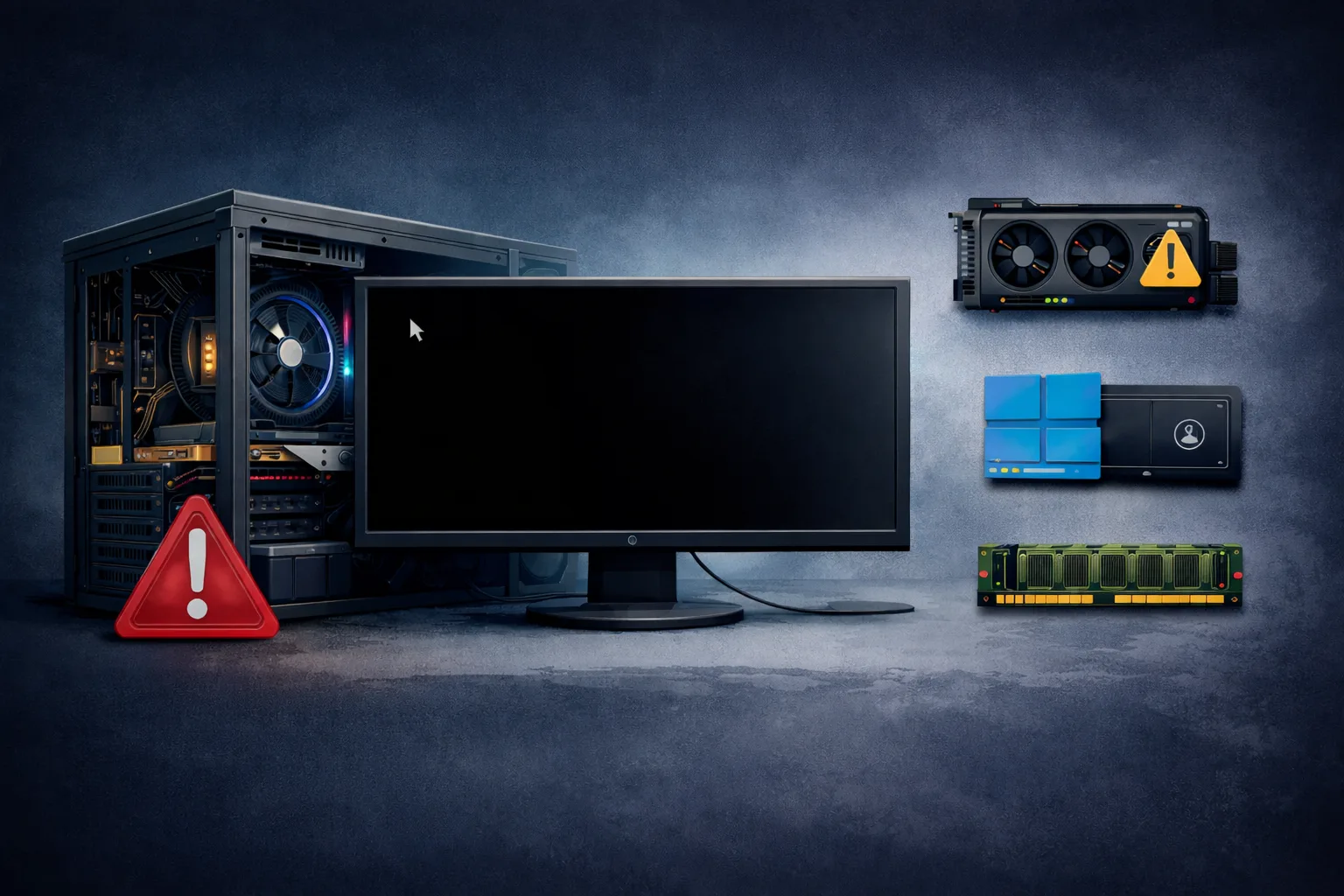
A PC that randomly shuts down without warning is one of the most serious and frustrating problems users encounter.
Unlike restarts or crashes, a sudden shutdown means:
- system loses power instantly
- no warning or error message
- work or data may be lost
This issue can happen:
- during gaming
- under load
- or even in idle
This guide explains exactly why a PC randomly shuts down and how to diagnose and fix it correctly.
What Does “PC Randomly Shuts Down” Mean
When a PC shuts down suddenly:
The system triggers a power cut or protection mechanism to prevent damage.
This is usually caused by:
- overheating
- unstable power supply
- hardware failure
Most Common Causes
1. Power Supply Failure
The most common cause.
- unstable voltage
- insufficient power
- internal PSU failure
2. CPU Overheating
When CPU temperature exceeds limits:
- system shuts down to protect itself
3. GPU Overheating or Failure
Heavy GPU load can trigger shutdown.
4. Faulty Motherboard
Power delivery issues from motherboard can cut power.
5. Loose Power Connections
- PSU cables
- motherboard connectors
6. RAM Issues
Unstable RAM can cause system instability.
7. Short Circuit
Case or component grounding issue.
Key Symptoms
- instant shutdown (not restart)
- happens under load
- sometimes no power until restart
- random behavior
Step-by-Step Diagnosis
Step 1: Check Temperatures
Monitor:
- CPU
- GPU
High temps → cooling issue.
Step 2: Test PSU
- swap PSU
- check wattage
Step 3: Inspect Power Connections
- reseat cables
- check connectors
Step 4: Clean System
- remove dust
- improve airflow
Step 5: Test RAM
- run memory test
- try different sticks
Step 6: Stress Test System
Identify which component triggers shutdown.
Step 7: Check Motherboard
Look for:
- burnt components
- damaged capacitors
Advanced Causes
VRM Overheating
Motherboard power delivery failure.
Power Spikes
Unstable electrical supply.
BIOS Power Settings
Incorrect voltage configuration.
How to Fix the Issue
- replace PSU
- improve cooling
- clean system
- fix or replace RAM
- repair motherboard
- secure all connections
How Serious Is This Problem
Severity: Very High
- risk of hardware damage
- data loss possible
- system instability
FAQ
Why does my PC shut down instead of restarting?
Because it triggers a safety power cut.
Can overheating cause shutdown?
Yes, it is a common cause.
Is PSU usually the problem?
Yes, in many cases.
Can motherboard cause shutdown?
Yes, especially power delivery issues.
Conclusion
The pc randomly shuts down issue is typically caused by power or thermal problems.
By following a structured diagnosis process, you can identify whether the issue is:
- PSU
- CPU cooling
- GPU
- motherboard
Fixing the root cause is critical to prevent long-term damage and ensure system stability.
✍️ Author: Bejenaru Alexandru Ionut – [email protected]

Recommendation: Looking for a professional bi-directional diagnostic tool with full system coverage? Use code DIAGNOZABAM for 10% off.
Transparency note: Affiliate link. Purchasing through it costs you nothing extra. View Thinkcar Deal →