
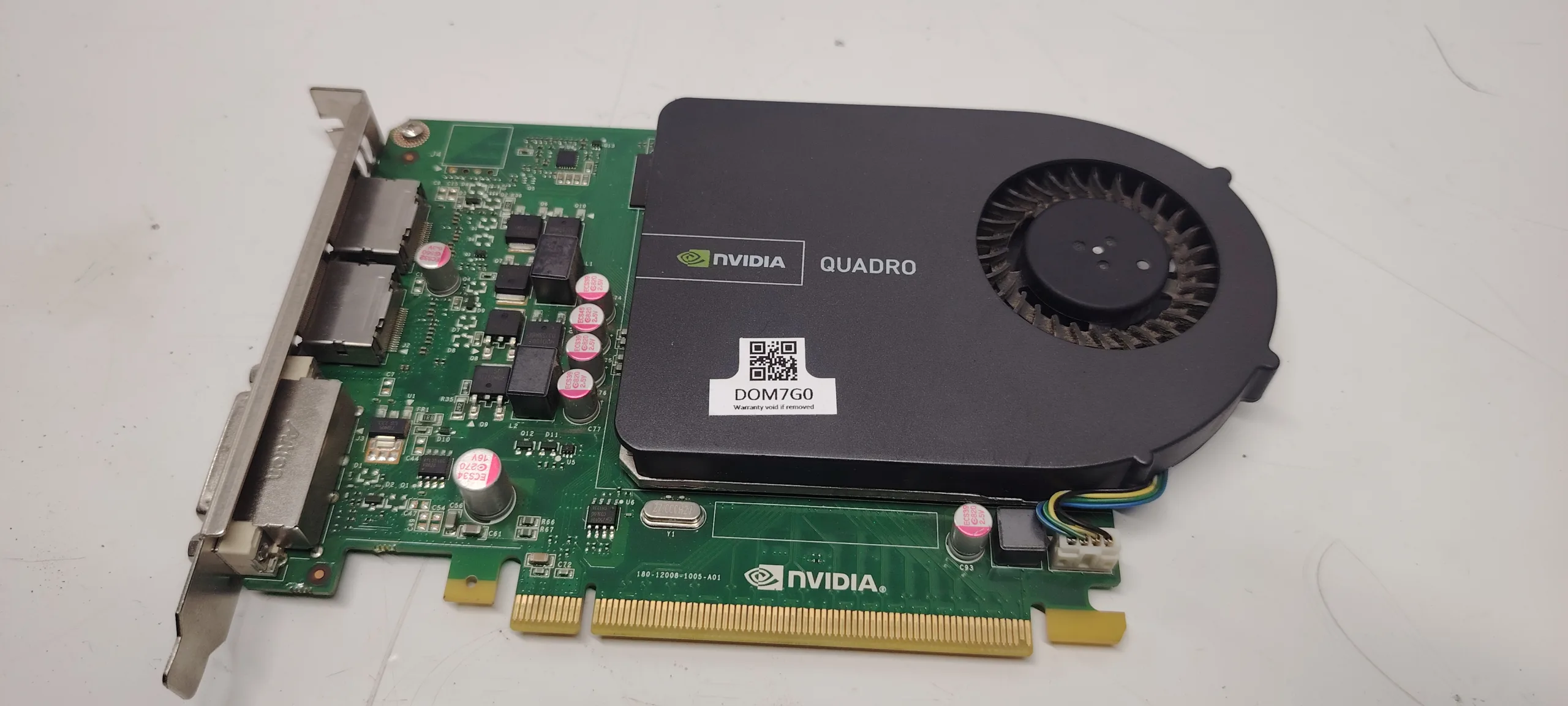
Screen artifacts are one of the clearest signs that something is wrong with your PC hardware. These visual glitches can appear suddenly and vary in form:
- random colored pixels
- flickering textures
- lines across the screen
- distorted images
The biggest confusion for users is:
Are screen artifacts caused by the GPU or RAM?
This guide explains exactly how to differentiate GPU vs RAM artifacts, what causes them, and how to fix the issue.
What Are Screen Artifacts
Screen artifacts are visual errors that appear when the system fails to correctly process or display graphical data.
They usually occur due to:
- corrupted data processing
- unstable memory
- hardware degradation
Artifacts can appear:
- in BIOS
- during boot
- inside Windows
- only under load
Types of Artifacts
Understanding the type helps identify the cause.
1. Colored Pixels / Dots
- random small dots
- often GPU-related
2. Lines Across Screen
- horizontal or vertical lines
- can be GPU or cable issue
3. Texture Flickering (in games)
- surfaces glitch
- textures disappear
4. Screen Tearing / Distortion
- unstable rendering
5. Full Screen Corruption
- severe GPU failure
GPU vs RAM: Key Differences
GPU Artifacts
Typical signs:
- appear under load (gaming, rendering)
- worsen over time
- visible even in BIOS (severe cases)
- crashes or driver errors
Causes:
- overheating GPU
- VRAM failure
- unstable overclock
- damaged GPU chip
RAM Artifacts
Typical signs:
- random system instability
- crashes + artifacts
- inconsistent behavior
- sometimes combined with blue screens
Artifacts from RAM are less common but possible.
Most Common Causes
1. GPU Overheating
High temperatures cause instability.
2. VRAM Failure
Video memory errors lead to corrupted visuals.
3. Overclock Instability
GPU or VRAM overclock can cause artifacts.
4. Faulty RAM
System RAM errors can affect data sent to GPU.
5. Driver Issues
Corrupted drivers may cause rendering errors.
6. Cable or Monitor Problem
Sometimes artifacts are not hardware-related:
- bad HDMI cable
- monitor defect
Step-by-Step Diagnosis
Step 1: Check When Artifacts Appear
- in BIOS → likely GPU
- only in Windows → driver/software
- only in games → GPU under load
Step 2: Monitor Temperatures
Check GPU temps:
- above 85–90°C → overheating issue
Step 3: Remove Overclock
Reset:
- GPU clock
- VRAM clock
Step 4: Test with Another Cable / Monitor
Eliminate display issues.
Step 5: Reinstall GPU Drivers
Clean install recommended.
Step 6: Test RAM
- use MemTest
- test sticks individually
Step 7: Test GPU in Another System
Confirms GPU failure.
Advanced Causes
VRAM Degradation
Permanent damage over time.
Power Delivery Issues
PSU instability can cause artifacts.
PCIe Slot Issues
Rare, but possible.
How to Fix the Issue
- improve cooling (clean GPU, change thermal paste)
- remove overclock
- reinstall drivers
- replace faulty RAM
- replace GPU (if VRAM damaged)
- replace cable/monitor
How Serious Is This Problem
Severity: Medium to High
- early stage → fixable
- advanced stage → GPU replacement required
FAQ
Are artifacts always GPU-related?
No, but GPU is the most common cause.
Can RAM cause artifacts?
Yes, but less frequently.
Do artifacts mean GPU is dying?
Often yes, especially if they worsen.
Can overheating cause artifacts?
Yes, very commonly.
Conclusion
The screen artifacts gpu or ram problem requires careful diagnosis to identify the real cause.
In most cases, the GPU is responsible, especially when artifacts appear under load or worsen over time.
However, RAM, PSU, and even cables can also contribute.
Correct diagnosis helps avoid unnecessary replacements and ensures proper system stability.
✍️ Author: Bejenaru Alexandru Ionut – [email protected]

Recommendation: Looking for a professional bi-directional diagnostic tool with full system coverage? Use code DIAGNOZABAM for 10% off.
Transparency note: Affiliate link. Purchasing through it costs you nothing extra. View Thinkcar Deal →