
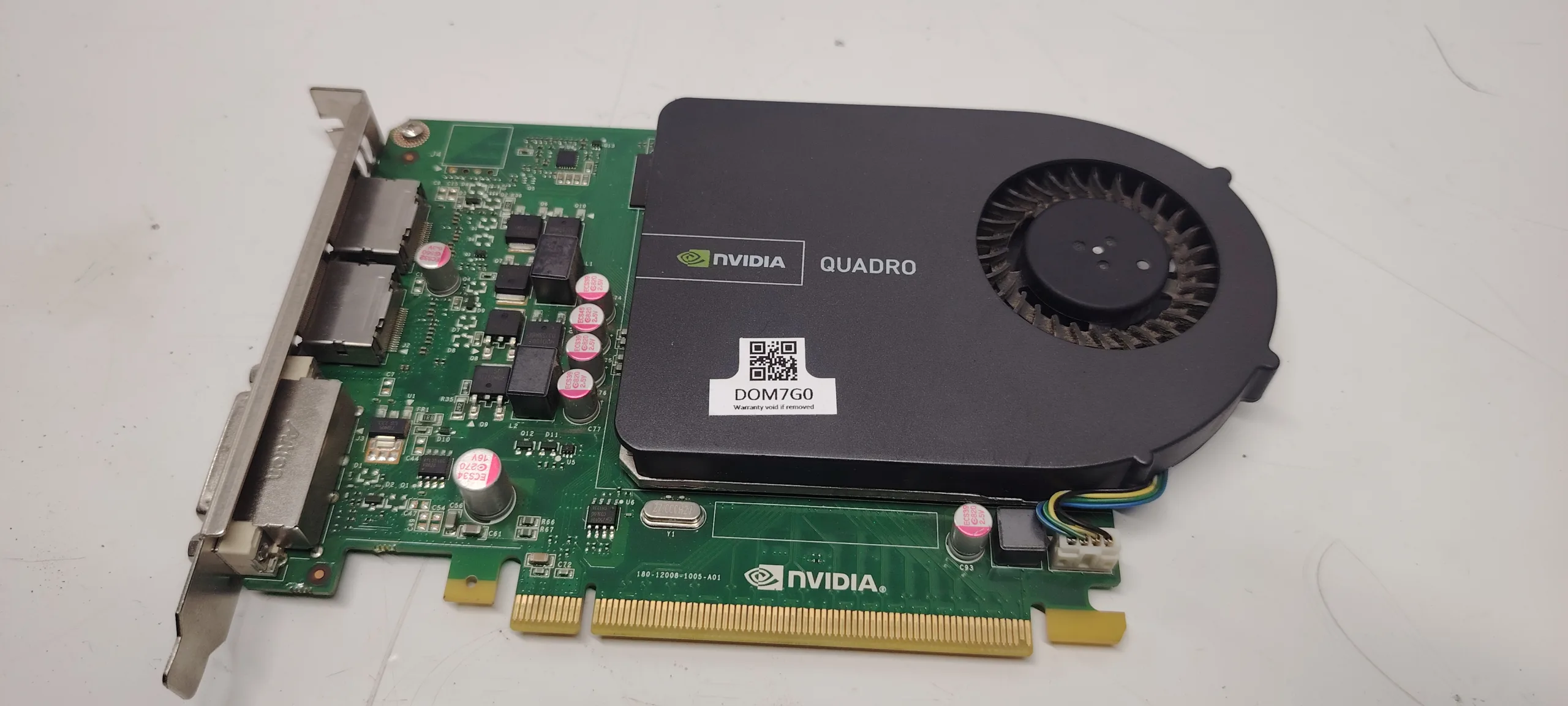
The “GPU no signal” issue is one of the most common PC problems. The system powers on, fans spin, but the monitor shows:
- no signal
- black screen
- standby mode
This problem can be misleading because it does not always mean the GPU is faulty.
In many cases, the issue is caused by other components such as:
- RAM
- PSU
- motherboard
- BIOS configuration
This guide explains exactly why a GPU shows no signal and how to fix it step-by-step.
What Does “GPU No Signal” Mean
When a monitor shows “no signal,” it means:
The GPU is not sending a video output to the display.
This can happen even if the PC appears to be running normally.
Most Common Causes
1. Loose or Incorrect Cable Connection
Simple but common:
- HDMI / DisplayPort not fully inserted
- wrong input selected on monitor
- faulty cable
2. GPU Not Properly Seated
If GPU is not fully inserted in PCIe slot:
- fans may spin
- no signal output
3. Faulty RAM
RAM issues can prevent system from reaching POST.
Result:
- no display signal
4. Power Supply Issues
If PSU cannot deliver stable power:
- GPU fails to initialize
- no signal
5. Missing PCIe Power Cable
GPU may power partially but not function.
6. BIOS Configuration Issues
Examples:
- wrong primary display
- disabled PCIe slot
- corrupted BIOS
7. GPU Failure
If all else is ruled out:
- GPU may be defective
8. Monitor Issue
Always verify:
- monitor works
- correct input selected
Step-by-Step Diagnosis
Step 1: Check Monitor and Cable
- try another cable
- test another monitor
- change input source
Step 2: Reseat GPU
- remove GPU
- reinstall firmly
Step 3: Check Power Connections
- verify PCIe cables
- ensure proper connection
Step 4: Test RAM
- use one stick
- try different slots
Step 5: Reset BIOS
- clear CMOS
- reset settings
Step 6: Test Without GPU
If CPU has integrated graphics:
- remove GPU
- connect to motherboard
Step 7: Test GPU in Another System
Confirms if GPU is faulty.
Step 8: Test PSU
Replace PSU temporarily to confirm.
Advanced Causes
PCIe Slot Failure
Motherboard issue.
BIOS Compatibility Issues
Older BIOS may not support newer GPUs.
GPU Driver Issues (Rare for No Signal)
Usually affects OS, not BIOS stage.
How to Fix the Issue
- replace cable or monitor
- reseat GPU
- replace faulty RAM
- replace PSU
- update BIOS
- replace GPU (if defective)
How Serious Is This Problem
Severity: Medium to High
- system unusable
- may indicate hardware failure
FAQ
Why does my GPU have power but no signal?
Because power delivery and signal output are separate processes.
Can RAM cause GPU no signal?
Yes. Faulty RAM can stop POST.
Can PSU cause no signal?
Yes. Insufficient power prevents GPU initialization.
Is GPU always the problem?
No. Often another component is responsible.
Conclusion
The gpu no signal issue is a multi-component problem that requires structured diagnosis.
By following this guide, you can determine whether the issue is:
- simple (cable or seating)
- moderate (RAM or PSU)
- serious (GPU or motherboard)
Proper troubleshooting prevents unnecessary replacement and saves time.
✍️ Author: Bejenaru Alexandru Ionut – [email protected]
🔗 Internal link: https://diagnozabam.ro/sfaturi

Recommendation: Looking for a professional bi-directional diagnostic tool with full system coverage? Use code DIAGNOZABAM for 10% off.
Transparency note: Affiliate link. Purchasing through it costs you nothing extra. View Thinkcar Deal →