
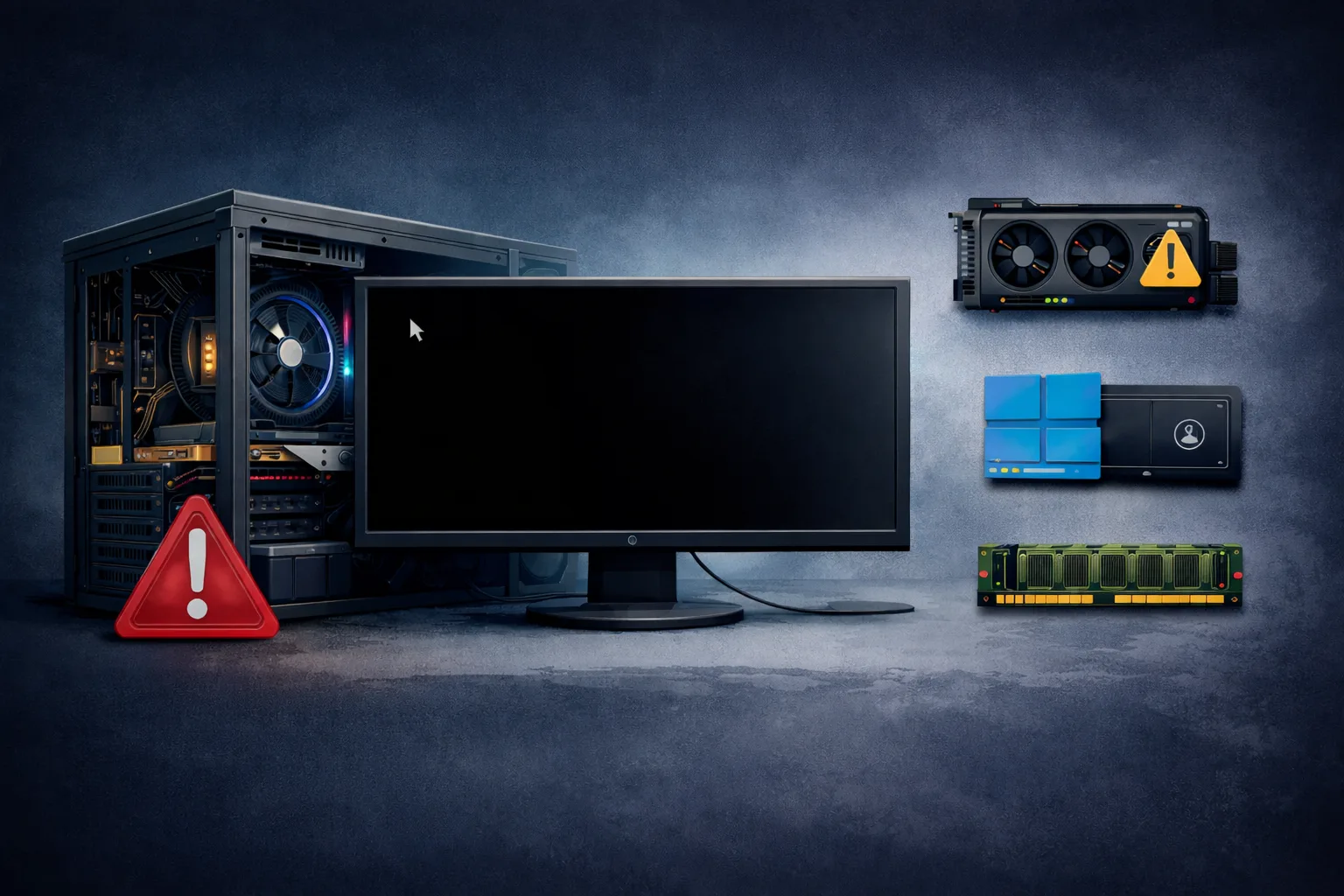
What Does “PC Restarts Randomly” Mean
The issue where a PC restarts randomly is one of the most frustrating problems users encounter. The system may reboot without warning while browsing, gaming, or even idling.
This behavior usually indicates an instability in hardware or power delivery, rather than a simple software glitch.
In most cases, random restarts are caused by:
- power supply issues
- overheating components
- RAM instability
- motherboard faults
- driver or BIOS problems
Unlike a full shutdown or crash, a restart suggests the system is losing stability and forcing a reboot to recover.
Why a PC Restarts Without Warning
Modern systems are designed to protect themselves. If critical thresholds are exceeded or a serious fault occurs, the system triggers a restart.
Common triggers:
- CPU overheating protection
- voltage instability
- memory errors
- driver crashes (less common at hardware level)
In many cases, no error message is displayed, making diagnosis more difficult.
Common Causes of Random PC Restarts
1. Power Supply (PSU) Failure
The most common cause is a failing or weak PSU.
Symptoms:
- sudden restarts under load
- system stable in idle, crashes in gaming
- no blue screen
A PSU can still power the system but fail under stress.
2. Overheating (CPU or GPU)
If temperatures rise too high, the system forces a restart.
Causes:
- dust buildup
- failing fans
- dried thermal paste
- poor airflow
Typical behavior:
- restarts during gaming or heavy tasks
3. Faulty or Unstable RAM
RAM errors can cause instability without warning.
Symptoms:
- random restarts
- crashes without BSOD
- inconsistent behavior
This is especially common with:
- mixed RAM kits
- unstable XMP profiles
- defective modules
4. Motherboard Issues
A failing motherboard can cause:
- unstable voltage delivery
- random resets
- inconsistent boot behavior
Harder to diagnose, but possible.
5. CPU Instability
Less common, but possible due to:
- overheating
- overclocking
- voltage issues
6. GPU Problems
A faulty GPU may cause system instability, especially under load.
7. BIOS or Driver Issues
Though less common for full restarts:
- outdated BIOS
- unstable firmware
- driver conflicts
can contribute to instability.
Step-by-Step Diagnosis
Step 1: Check Temperatures
Use monitoring tools to check:
- CPU temperature
- GPU temperature
If temperatures exceed safe limits, overheating is likely.
Step 2: Inspect PSU
- check PSU wattage
- verify cables
- test with another PSU if possible
Step 3: Test RAM
- run with one stick
- disable XMP
- test each module individually
Step 4: Clean the System
- remove dust
- check fans
- improve airflow
Step 5: Reset BIOS
- remove overclock settings
- restore default values
Step 6: Minimal Setup Test
Run system with:
- basic components only
Remove:
- extra drives
- peripherals
How to Fix Random Restarts
Depending on the cause:
- replace PSU
- improve cooling
- replace RAM
- update BIOS
- fix motherboard issues
Most commonly, the solution is:
- PSU replacement
- overheating fix
- RAM stabilization
Signs of a Serious Problem
You may have major hardware failure if:
- restarts increase in frequency
- system shuts down completely
- no pattern in restarts
- happens even in BIOS
What NOT to Do
Avoid:
- ignoring overheating
- using cheap PSU
- mixing incompatible RAM
- overclocking unstable systems
Conclusion
The PC restarts randomly issue is usually caused by power instability, overheating, or memory problems.
With proper diagnosis, most cases can be fixed without replacing the entire system.
✍️ Author: Bejenaru Alexandru Ionut – [email protected]

Recommendation: Looking for a professional bi-directional diagnostic tool with full system coverage? Use code DIAGNOZABAM for 10% off.
Transparency note: Affiliate link. Purchasing through it costs you nothing extra. View Thinkcar Deal →