
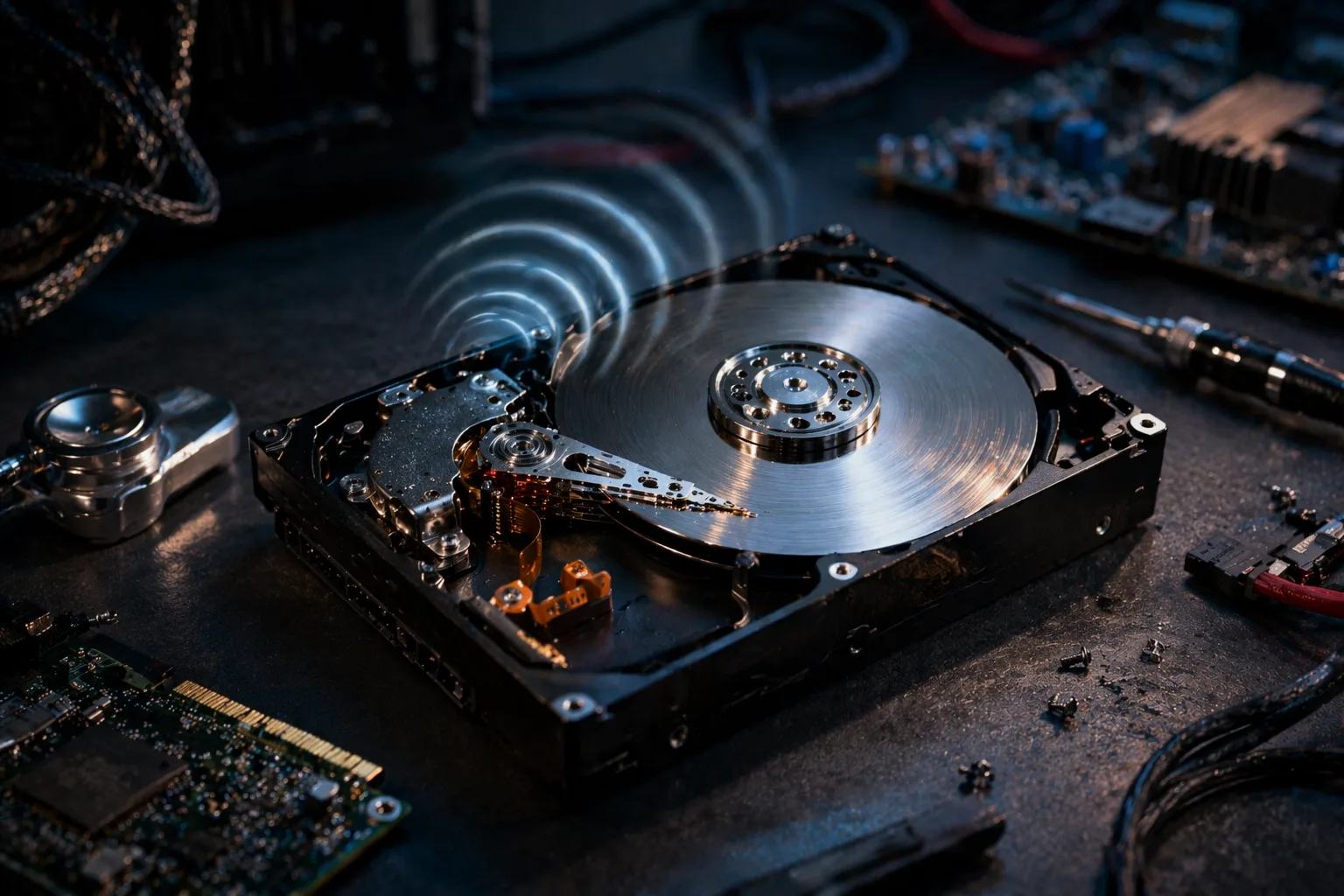
A hard drive that starts making a clicking noise is one of the most alarming signs of hardware failure.
Users often describe it as:
- clicking
- ticking
- knocking
- repetitive “click-click” sound
This issue is commonly known as the “click of death” and usually indicates a serious internal problem.
This guide explains exactly why an HDD makes clicking noise, how serious it is, and what you should do immediately to protect your data.
What Does HDD Clicking Noise Mean
When a hard drive clicks:
The read/write head inside the drive is failing to properly access data on the disk platters.
The drive repeatedly attempts to read data but fails, causing the clicking sound.
How an HDD Works (Simplified)
A hard drive contains:
- spinning platters
- read/write heads
- actuator arm
If any of these fail or lose calibration, the drive cannot function correctly.
Most Common Causes
1. Read/Write Head Failure
The most common cause.
- heads cannot locate data
- repeated attempts → clicking sound
2. Mechanical Failure
Internal components wear out over time.
3. Bad Sectors
Damaged areas on disk surface.
4. Power Issues
Insufficient or unstable power may cause abnormal behavior.
5. Firmware Corruption
Drive cannot interpret data correctly.
6. Physical Damage
Drops or shocks can misalign internal parts.
Key Symptoms
- clicking sound from HDD
- slow or failed file access
- system freezing
- drive not detected
- OS not booting
How Serious Is This Problem
Severity: Critical
A clicking HDD usually indicates imminent failure.
Data loss risk:
- extremely high
What NOT to Do
Avoid these mistakes:
- do NOT continue using the drive
- do NOT run heavy programs
- do NOT attempt repeated restarts
- do NOT open the drive physically
Step-by-Step Immediate Actions
Step 1: Power Off Immediately
Prevent further damage.
Step 2: Backup Data (If Accessible)
If drive still works:
- copy important files immediately
Step 3: Disconnect the Drive
Avoid further wear.
Step 4: Test on Another System
Check if drive is detected.
Step 5: Use Data Recovery Software (If Mild Case)
Tools:
- Recuva
- EaseUS
- R-Studio
Step 6: Professional Data Recovery
If clicking persists:
- send to data recovery lab
Advanced Causes
Head Crash
Physical contact between head and platter.
Actuator Failure
Arm cannot position correctly.
PCB Failure
Electronics board malfunction.
How to Fix the Issue
Important:
Clicking HDDs are rarely repairable by users.
Options:
- replace HDD
- recover data professionally
Prevention Tips
- avoid physical shocks
- use stable power supply
- monitor drive health (SMART)
- backup data regularly
FAQ
Can a clicking HDD be fixed?
Usually no. Only data recovery is possible.
Is clicking always fatal?
In most cases, yes.
Can I still use the drive?
Not recommended.
How much does recovery cost?
Depends on severity, often expensive.
Conclusion
The hdd clicking noise is one of the clearest signs of hard drive failure.
Immediate action is critical to:
- prevent total data loss
- recover important files
Replacing the drive is usually necessary, but proper handling can save valuable data.
✍️ Author: Bejenaru Alexandru Ionut – [email protected]

Recommendation: Looking for a professional bi-directional diagnostic tool with full system coverage? Use code DIAGNOZABAM for 10% off.
Transparency note: Affiliate link. Purchasing through it costs you nothing extra. View Thinkcar Deal →