
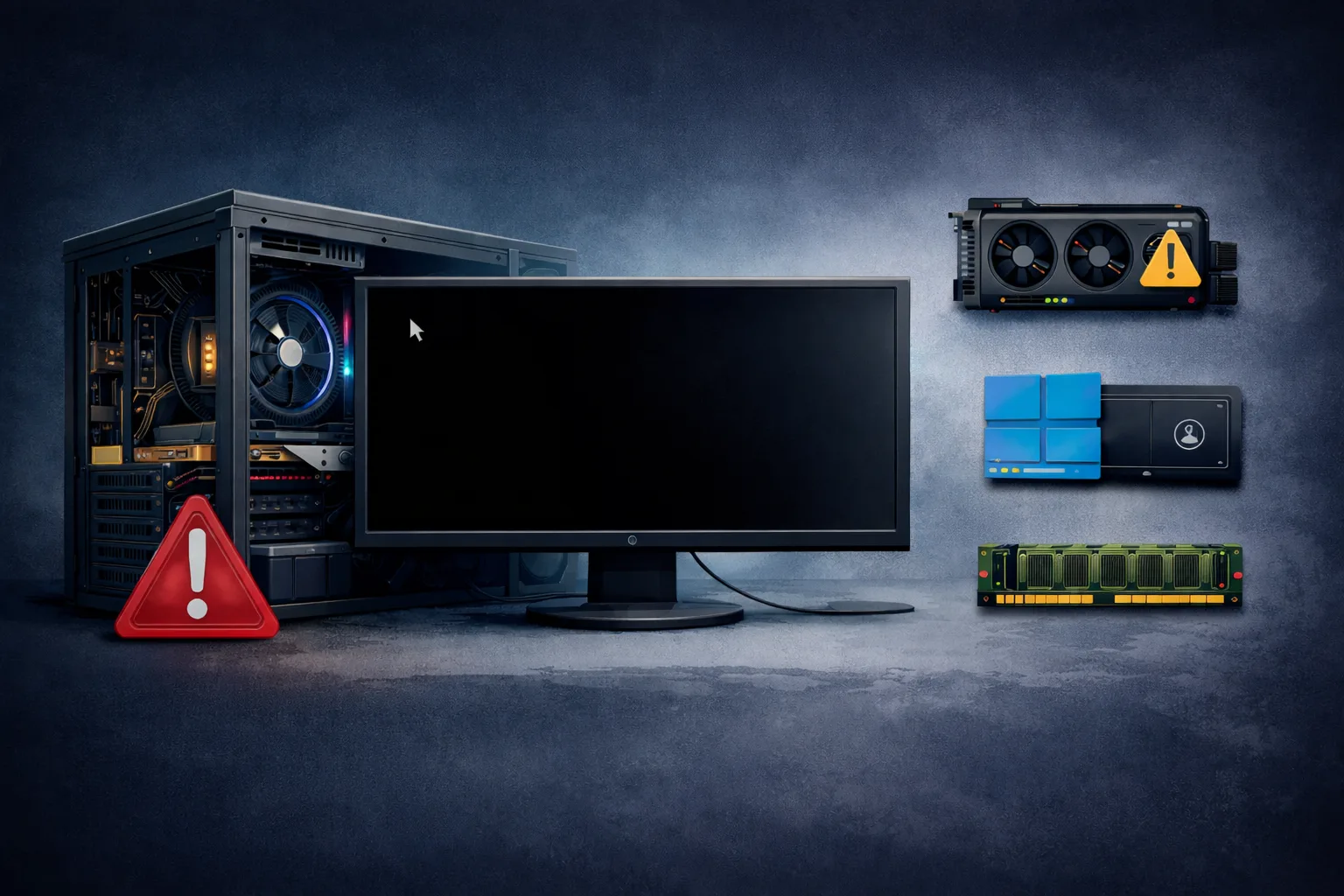
What Does “PC Freezes Randomly” Mean
The PC freezes randomly issue occurs when your system suddenly becomes unresponsive, forcing you to restart it manually. Unlike restarts, the system does not reboot on its own—it simply locks up.
This can happen:
- during normal use
- while gaming
- when idle
- randomly without warning
In most cases, freezing is caused by hardware instability or resource conflicts, not just software issues.
Why a PC Freezes Instead of Restarting
When a system restarts, it usually detects a critical failure. But when it freezes, it means:
- the system is still powered
- processes are stuck
- communication between components is blocked
This is often caused by:
- RAM errors
- CPU instability
- storage delays
- driver conflicts
Common Causes of Random Freezing
1. Faulty or Unstable RAM
RAM is the number one cause of system freezes.
Issues include:
- defective modules
- unstable XMP profiles
- incompatible memory kits
Symptoms:
- freezing under load
- freezing when multitasking
- system becomes responsive again only after restart
2. Overheating (CPU or GPU)
If components overheat, performance drops and system may freeze.
Causes:
- dust buildup
- failing fans
- poor airflow
- old thermal paste
Freezing often happens:
- during gaming
- under heavy load
3. SSD or HDD Problems
Storage issues can cause the system to hang.
Signs:
- freezes during file access
- slow response before freeze
- system locks when opening apps
4. GPU Issues
A failing GPU can cause:
- screen freezing
- artifacts before freeze
- system lockups during graphics tasks
5. Driver Conflicts
Faulty or outdated drivers can freeze the system.
Common culprits:
- GPU drivers
- chipset drivers
- storage drivers
6. CPU Instability
CPU issues can cause:
- random freezing
- system lag before lock
- inconsistent performance
7. Power Supply Instability
A weak PSU may not restart the system but can cause freezes due to unstable voltage.
Step-by-Step Diagnosis
Step 1: Monitor Temperatures
Check:
- CPU temps
- GPU temps
If temperatures are high, overheating is likely.
Step 2: Test RAM
- remove XMP
- test one stick at a time
- use stable configurations
Step 3: Check Storage Health
- test SSD/HDD
- listen for unusual noises (HDD)
- monitor performance
Step 4: Update Drivers
- reinstall GPU drivers
- update chipset drivers
Step 5: Clean the System
- remove dust
- ensure proper airflow
Step 6: Reset BIOS
- remove overclock
- return to default settings
How to Fix Random Freezing
Depending on cause:
- replace faulty RAM
- improve cooling
- replace failing SSD/HDD
- reinstall drivers
- upgrade PSU
Most commonly:
- RAM stabilization fixes the issue
- cooling improvements solve freezing under load
Signs of a Serious Problem
- frequent freezes
- system locks even in BIOS
- freezes immediately after boot
- multiple components tested OK
This may indicate:
- motherboard failure
- CPU issue
What NOT to Do
Avoid:
- ignoring early freezes
- running unstable overclock
- mixing incompatible RAM
- using outdated drivers
Conclusion
The PC freezes randomly issue is typically caused by RAM instability, overheating, or storage problems.
With a structured approach, most freezing issues can be diagnosed and fixed without major hardware replacement.
✍️ Author: Bejenaru Alexandru Ionut – [email protected]

Recommendation: Looking for a professional bi-directional diagnostic tool with full system coverage? Use code DIAGNOZABAM for 10% off.
Transparency note: Affiliate link. Purchasing through it costs you nothing extra. View Thinkcar Deal →