
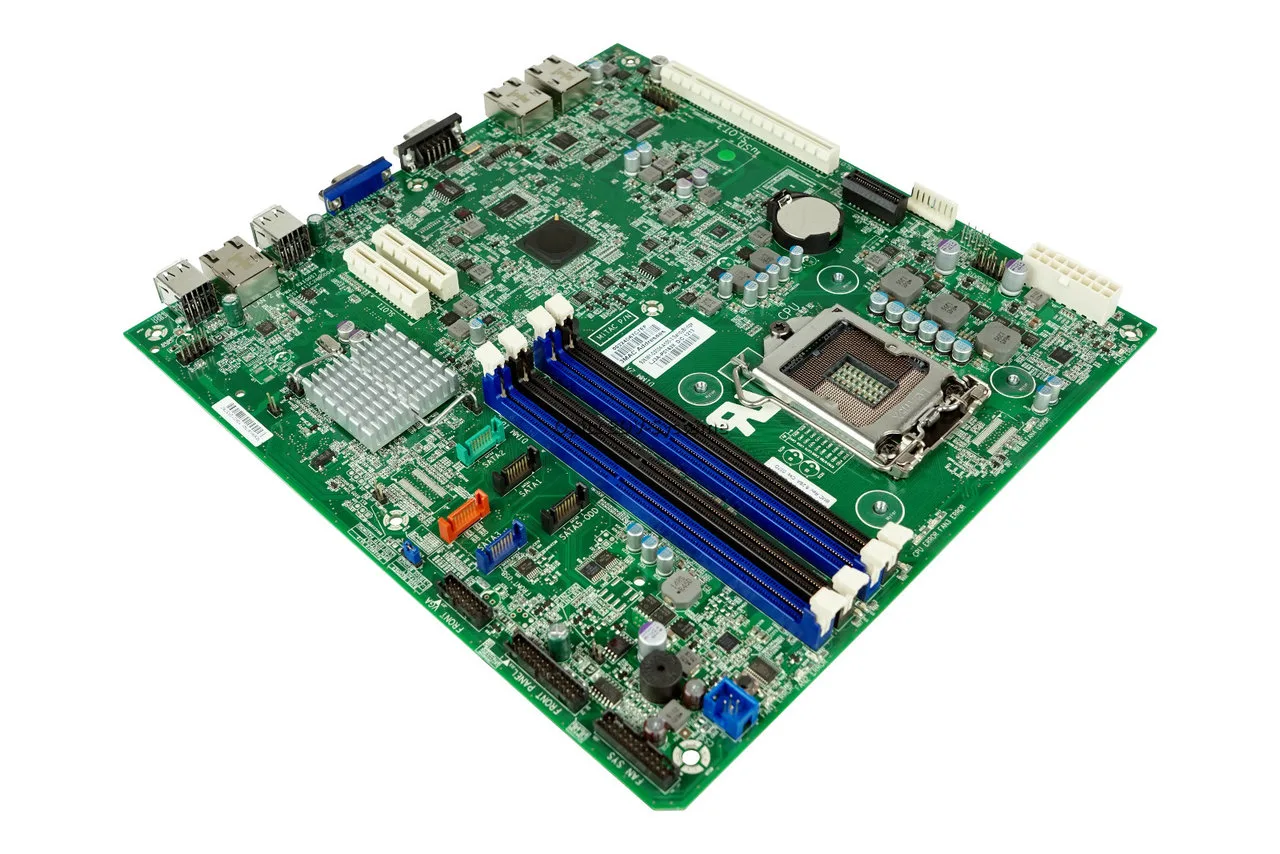
MSI Beep Codes Troubleshooting: Motherboard POST Diagnostic Guide
Introduction
When an MSI motherboard encounters a critical hardware failure during the Power-On Self-Test (POST), it halts the boot process and triggers an audible alarm loop via the system speaker. Because the vast majority of MSI motherboards rely on an AMI (American Megatrends) BIOS environment, these specific rhythmic audio patterns pinpoint exactly which subsystem has failed before the screen can even initialize.
This satellite guide breaks down the primary msi beep codes you will encounter during hardware assembly or component degradation. For a foundational look at basic computer alert signals, make sure to read our comprehensive [The Complete Guide for PC Hardware Diagnosis].
Minimum Tire Tread Depth – How Much Should a Good Tire Have?
The Motherboard POST Boot Flow
Understanding the sequential order in which your hardware initializes makes troubleshooting a specific beep alarm significantly easier.
MSI Motherboard Diagnostic Matrix (AMI BIOS)
| Beep Alert Pattern | Diagnostic Meaning | Technical Root Cause | Immediate Field Solution |
| 1 Short Beep | Successful POST | Base system checks out perfectly. | None required. If the screen is black, inspect the monitor cable or input source. |
| 3 Long Beeps | Base Memory Failure | Motherboard cannot communicate with RAM in the first bank. | Reseat RAM modules. Test individual sticks in slot DIMMA2 (2nd slot from CPU). |
| 5 Short Beeps | Processor Circuit Fault | The internal execution unit or CPU power plane is dead. | Verify the 8-pin EPS 12V power rail connection. Inspect socket for bent contact pins. |
| 1 Long + 2 Short | Display Adapter Error | System cannot initialize primary PCIe graphics or integrated video output. | Reseat the dedicated GPU. Ensure external PCIe 6+2 pin power links are locked tight. |
| 3 Short + 3 Long | SPI Flash ROM Error | The physical BIOS chip data is corrupted or an update failed midway. | Use the rear Flash BIOS Button to re-flash the firmware via a FAT32 USB drive. |
ℹ️ Technical Note: On modern MSI motherboards (such as the MAG, MPG, or MEG series), look at the right edge of the PCB near the 24-pin ATX connector. You will find 4 small diagnostic LEDs labeled BOOT, VGA, DRAM, CPU. Matching these LEDs with your audio beep codes provides a bulletproof double-verification of the hardware failure.
⚠️ WARNING: Never attempt to clear a memory fault or swap graphics cards while the standby LED on your motherboard is lit. Even when a PC is turned off, the motherboard draws a continuous +5VSB (Standby) current from the power supply. Always flip the physical rocker switch on your PSU to the OFF (O) position and hold the case power button for 10 seconds to fully ground the circuit before touching sensitive silicon traces.
Resolving False Alarms via Clear CMOS on MSI Boards
Overclocking failures, unstable XMP/EXPO memory profiles, or incorrect voltage offsets can throw false msi beep codes. Forcing the board back to factory defaults clears the volatile memory chip:
-
Complete Isolation: Kill all mains power to the chassis and unplug the power brick or cord.
-
Locate JBAT1: Look for a 2-pin header near the battery labeled JBAT1.
-
Bridge the Pins: Use a flathead screwdriver or metal jumper cap to connect the two pins together continuously for 10 to 15 seconds.
-
Alternative Battery Method: If you cannot access the pins, pop out the CR2032 coin cell battery with a plastic pick, wait 5 minutes, and click it back in.
-
Re-initialize: Power up the system. The first boot will take slightly longer as the board retrains your hardware configuration.
Summary Conclusion
Identifying an audio error loop on your motherboard saves hours of guessing. Once you clear memory or power distribution bottlenecks, your system should return to a clean POST phase.
✍️ Author: Bejenaru Alexandru Ionut – [email protected]
🔗 Internal link: https://diagnozabam.ro/sfaturi
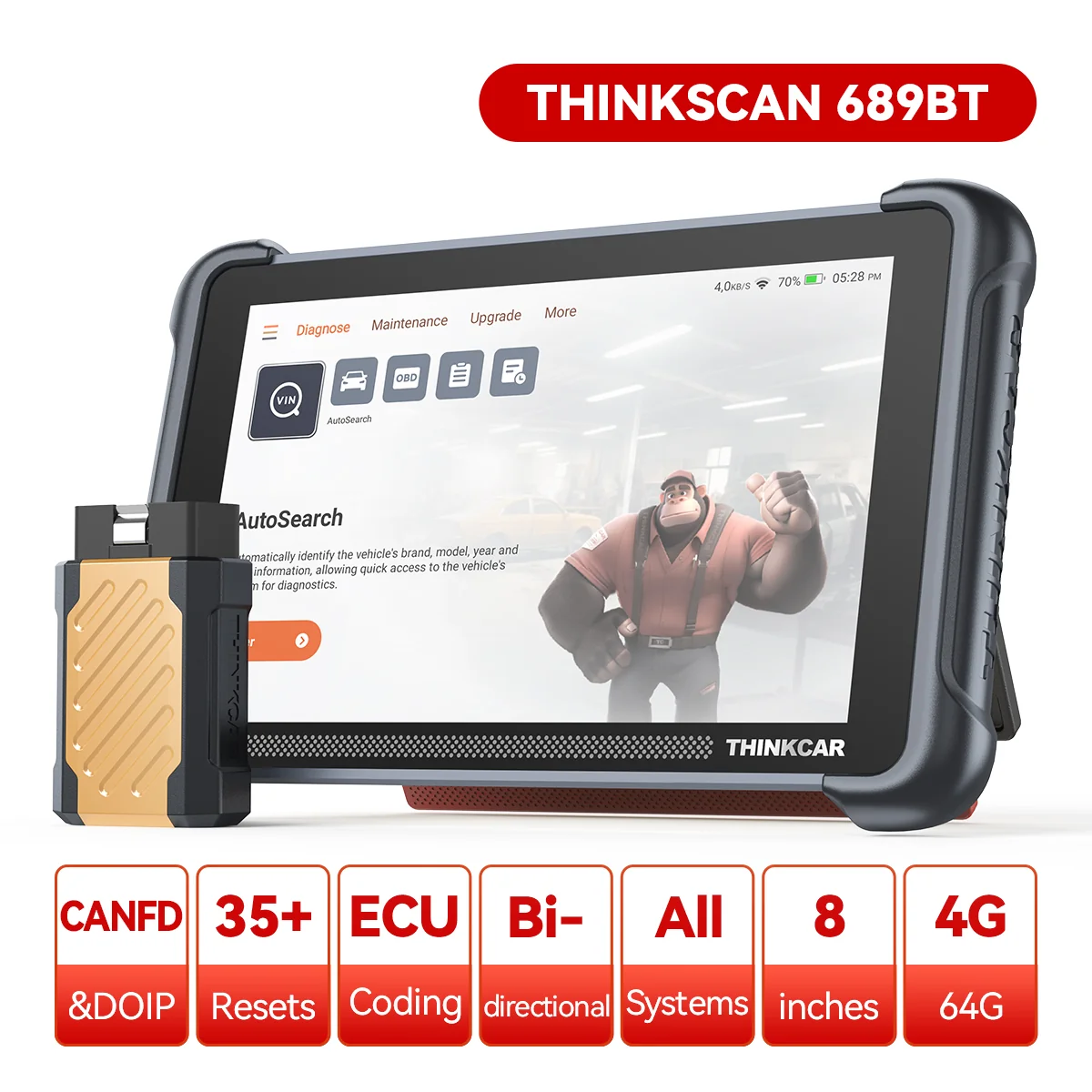
Recommendation: Looking for a professional bi-directional diagnostic tool with full system coverage? Use code DIAGNOZABAM for 10% off.
Transparency note: Affiliate link. Purchasing through it costs you nothing extra. View Thinkcar Deal →