

Why Your VW Golf 7 Dashboard Turns Into a “Christmas Tree” After Reconnecting the Battery — And How I Fixed One in the Field
If you’ve ever disconnected the battery on a Volkswagen Golf 7 — to replace it, to work on the electrical system, or simply because it drained overnight — you’ve probably seen it happen. You turn the key, and suddenly the entire dashboard lights up like a holiday display. ABS. ESP. Steering assist. Airbag. Sometimes even Hill Hold and a “Workshop!” message join the party.
It looks like a disaster. Owners panic. Some tow the car straight to a dealership, convinced something has failed internally. In most cases, none of that is necessary.
I recently ran into exactly this situation during a mobile diagnostic call. A Golf 7 came in with what I can only describe as a full “Christmas tree” dashboard — nearly every warning light active at once. I want to walk through what actually happens inside the car when this occurs, and then show you exactly what I did to clear it, step by step, based on that real job.
🔍 What’s Actually Happening Under the Dashboard
A modern Golf 7 is not one computer. It’s a network of dozens of small computers — called control modules — all talking to each other over the CAN bus, the car’s internal communication network. The ABS module, the ESP module, the steering assist module, and several others constantly exchange live data: wheel speed, steering angle, brake pressure, yaw rate.
When you disconnect the battery, every one of these modules loses power at the same time. Some of them store calibration values that depend on a continuous power supply. Once power returns, these modules wake up with no current reference point. They don’t know where the steering wheel is centered. They don’t know the baseline brake pressure. They don’t know if the wheel speed sensors are reporting correctly yet.
Because of that missing reference data, each module raises its own warning light, independently, as a safety precaution. The car isn’t broken. It’s simply refusing to assume anything is safe until it has fresh, verified sensor data.
ℹ️ Technical Note: This is a protective behavior, not a fault condition. The modules are designed to fail safe rather than silently continue operating on outdated or missing calibration data.
Typical Warning Combinations
- Error: Workshop! — usually tied to the steering assist module
- Steering Assist Failure — appears until the steering angle sensor recalibrates
- ESC / ABS Error — appears until the ABS/ESP module confirms sensor sync
- Hill Hold unavailable — depends on the ESP module being fully online
In many cases, all four appear together, along with smaller icons for things like cruise control or lane assist, depending on the trim level.
🧠 The Two Sensors Behind Most of the Chaos
Two components are almost always at the center of this behavior on the Golf 7 platform:
- G85 — Steering Angle Sensor. This sensor tells the ESP and steering assist modules exactly how far the wheel is turned, in both directions, relative to center. Without stored calibration, the system has no idea where “straight ahead” is.
- G201 — Brake Pressure Sensor. This feeds real-time brake pressure data to the ESP module, which uses it constantly to decide whether to intervene during braking or cornering.
When power is cut, both of these lose their stored reference values. The car needs new physical input — actual steering movement, actual braking — before it can rebuild that data and confirm everything is working correctly.
This is the part most owners don’t realize: the fix isn’t a reset button. It’s physical motion. The car needs you to actually turn the wheel and use the brakes so the sensors can re-establish their baseline.
🔧 The Field Fix — What I Actually Did
Here’s the process I used on this specific Golf 7, and it’s the same sequence I’d recommend for almost any case of this kind.
Step 1 — Confirm the Battery Is Actually Healthy
Before touching anything electronic, I checked the battery voltage. If it’s sitting below roughly 12.4V, some of what follows won’t work reliably, because the modules may keep browning out or restarting mid-calibration. A weak battery can make the “Christmas tree” symptom look permanent when it isn’t — it’s just being interrupted before it can finish.
Step 2 — Ignition On, No Engine, Let the Network Settle
I turned the ignition to the “on” position without starting the engine and left it for about 30 seconds. This gives every control module time to wake up, boot, and start attempting to talk to each other over the CAN bus before anything else happens.
Step 3 — Clear the Stored Fault Codes
With a diagnostic tool connected, I cleared the fault codes across the affected modules. This step matters because some warning lights won’t turn off on their own even after the sensors resync — the module needs to see a clear command that the fault memory has been reset.
⚠️ WARNING: Clearing codes without addressing the underlying calibration issue will only bring the same lights back within seconds. This step works together with the next one, not instead of it.
Step 4 — Recalibrate the Steering Angle Sensor Manually
This was the key step. With the engine running, I turned the steering wheel all the way to full lock, left, held briefly, then turned it all the way to full lock, right, held briefly, and then brought it back to center (zero).
That full-left, full-right, back-to-zero motion is exactly what the G85 sensor needs to re-establish its physical reference points. It now has three known positions — one extreme, the other extreme, and the middle — and can calculate everything in between correctly again.
As soon as the wheel came back to center, the steering assist and ESP-related warning lights went out on their own.
Step 5 — A Short Straight-Line Drive
Finally, a short drive in a straight line let the ABS and ESP modules confirm wheel speed and yaw data matched what they expected. Within a few meters, any remaining lights cleared, and the dashboard returned to normal.
That’s it. No dealer tool, no hidden reset procedure, no replaced parts. Just power stabilization, a code clear, and a proper steering calibration sequence.
📊 Quick Reference Table
| Symptom | Likely Cause | Fix |
|---|---|---|
| Steering Assist Failure | G85 sensor lost calibration | Full-left, full-right, center steering motion |
| ESC / ABS Error | ESP module lost sensor sync | Clear codes + short straight-line drive |
| Hill Hold unavailable | ESP module not fully synced | Resolves once ESP resyncs |
| Error: Workshop! | Steering module in fault state | Clears after G85 recalibration + code clear |
💡 How to Avoid This Next Time
If you’re planning a battery replacement or any electrical work on a Golf 7, a few habits prevent this whole scenario:
- Use a memory saver device during the battery swap. It maintains a small backup voltage through the OBD port so control modules never fully lose power.
- Wait a few minutes after switching off the engine before disconnecting the terminals — this lets some modules complete their normal shutdown sequence instead of being cut off mid-process.
- Disconnect the negative terminal first, reconnect it last — standard practice, but still commonly skipped.
None of these guarantee zero warning lights, since some resets happen regardless of technique, but they significantly reduce how often the full “Christmas tree” scenario appears.
🔚 Conclusion
A dashboard full of warning lights after reconnecting the battery on a Volkswagen Golf 7 looks frightening, but in the overwhelming majority of cases, it’s simply a temporary desynchronization between the car’s control modules and its sensors — nothing more. The G85 steering angle sensor and G201 brake pressure sensor just need fresh reference data, and that only comes from physical motion: steering the wheel through its full range and driving a short straight line.
In the field, this exact sequence — voltage check, ignition-on wait, code clearing, full steering lock calibration, and a short drive — cleared every single warning light on the Golf 7 I worked on, with no parts replaced and no dealer visit required.
✍️ Author: Bejenaru Alexandru Ionut – [email protected]
🔗 Internal link: https://diagnozabam.ro/sfaturi
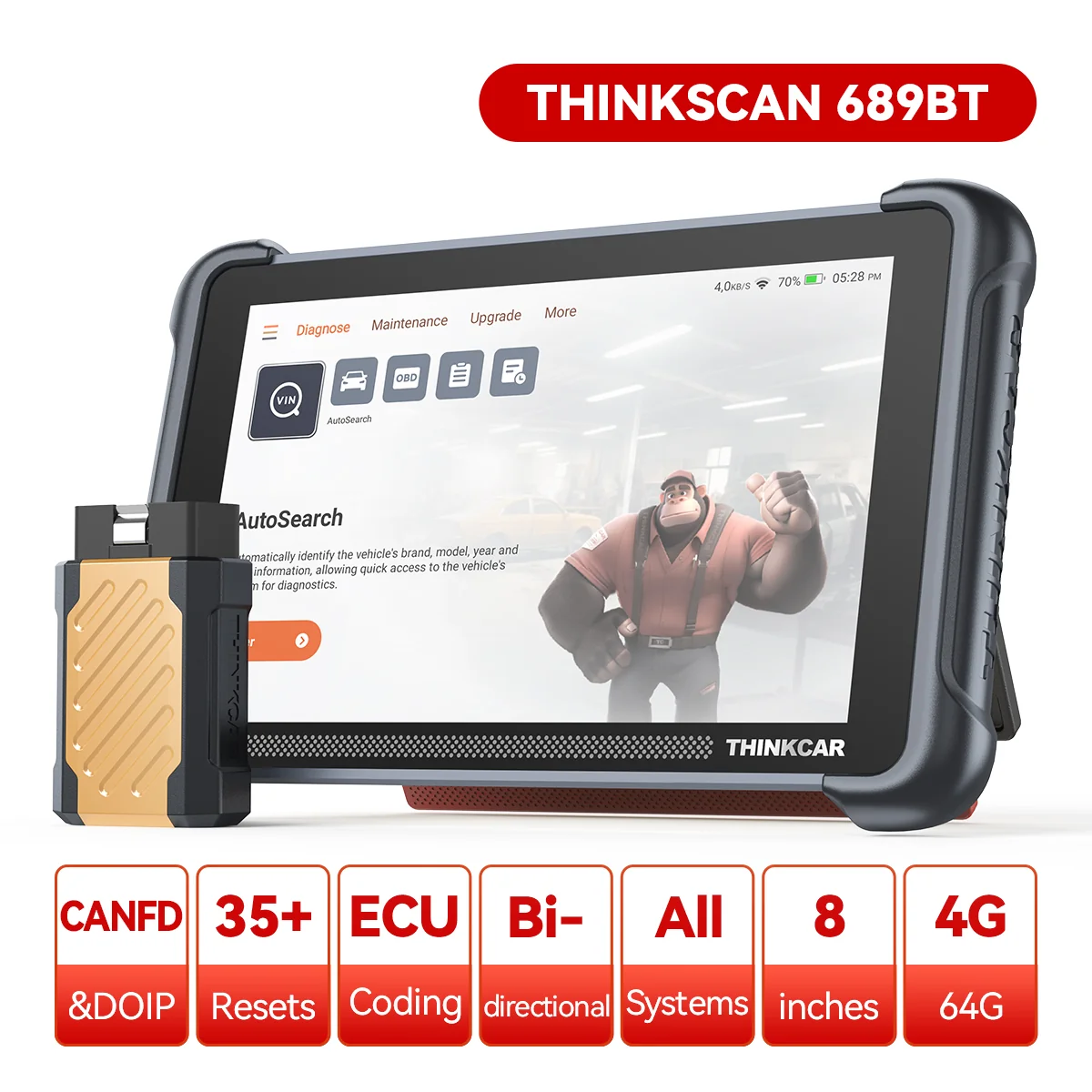
Recommendation: Looking for a professional bi-directional diagnostic tool with full system coverage? Use code DIAGNOZABAM for 10% off.
Transparency note: Affiliate link. Purchasing through it costs you nothing extra. View Thinkcar Deal →
