
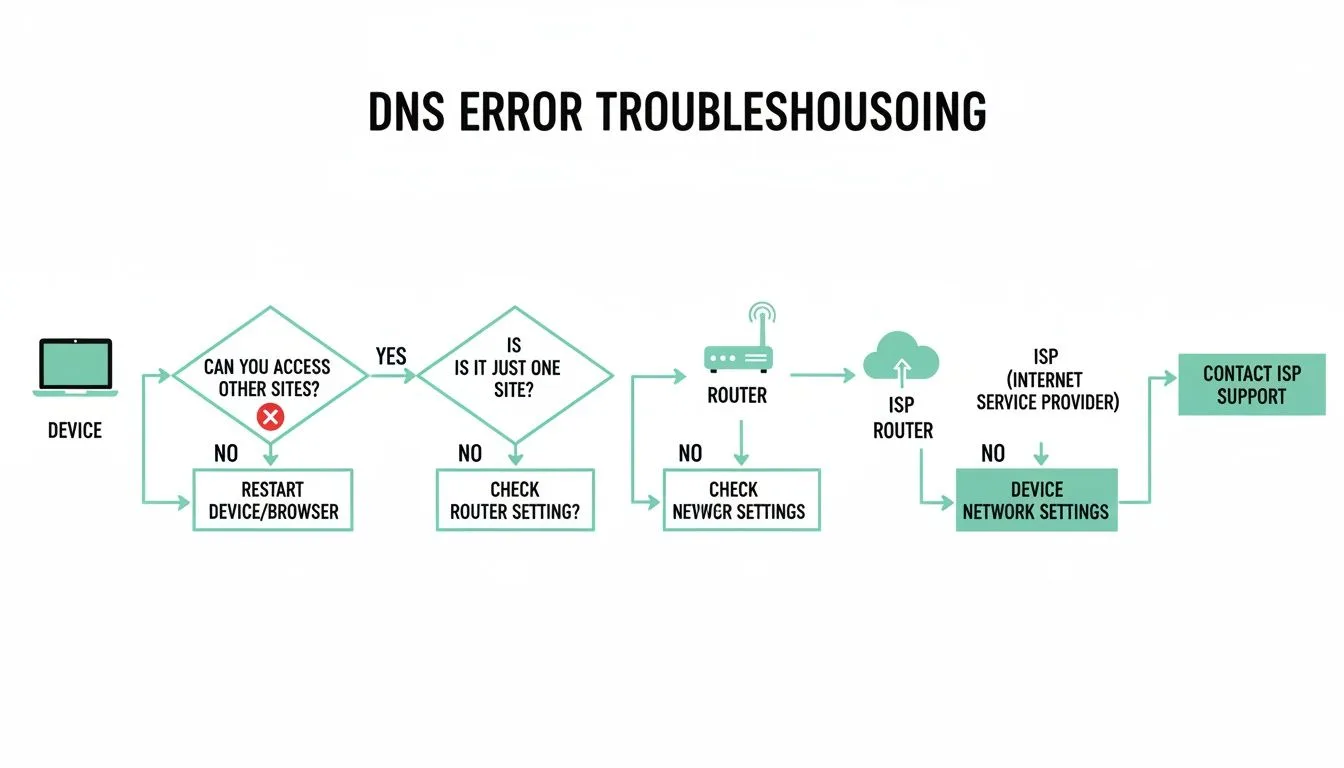
ERR_CONNECTION_TIMED_OUT – What It Means and How to Fix It
The ERR_CONNECTION_TIMED_OUT error appears when the browser fails to establish a connection with a website within a reasonable time.
In simple terms, the server is not responding or is responding too slowly.
What Does ERR_CONNECTION_TIMED_OUT Mean
The browser attempts to connect to a server:
if no response is received in time → timeout error
Unlike DNS errors, the domain exists, but the server does not respond.
Common Causes of ERR_CONNECTION_TIMED_OUT
1. Server is down or overloaded
- hosting issues
- high traffic
- slow server
2. Network problems
- unstable connection
- packet loss
- low speed
3. Firewall or antivirus
- blocked connection
- restricted ports
4. Incorrect DNS
- slow resolution
- misconfiguration
5. Router issues
- cache problems
- NAT errors
6. Website/server configuration problems
- slow scripts
- misconfigured server
How to Fix ERR_CONNECTION_TIMED_OUT
1. Check your internet connection
- test other websites
- restart router
2. Change DNS servers
1.0.0.1
or
8.8.4.4
3. Flush DNS cache
4. Disable firewall/antivirus temporarily
5. Check if the website is online
Use:
https://downforeveryoneorjustme.com
6. Advanced test
tracert domain.com
SEO Impact
This error can lead to:
- traffic loss
- poor crawling
- indexing issues
Search engines may treat the website as unstable.
Difference vs NXDOMAIN
| Error | Meaning |
|---|---|
| NXDOMAIN | Domain not found |
| TIMED_OUT | Server not responding |
Conclusion
ERR_CONNECTION_TIMED_OUT usually indicates network, DNS, or server-related issues. Identifying the source is key to resolving it quickly.
✍️ Author: Bejenaru Alexandru Ionut – [email protected]
🔗 Internal link: https://diagnozabam.ro/sfaturi

Recommendation: Looking for a professional bi-directional diagnostic tool with full system coverage? Use code DIAGNOZABAM for 10% off.
Transparency note: Affiliate link. Purchasing through it costs you nothing extra. View Thinkcar Deal →