


Intel CPU Compatibility with Windows 11 – All You Need to Know
Windows 11 has stricter requirements than previous versions. If you want to upgrade or install it from scratch, you first need to know if your Intel processor is officially supported. This article walks you through everything.
🔍 Minimum Requirements – Intel CPU
-
✅ 64-bit architecture only
-
✅ At least 2 cores
-
✅ 1 GHz base frequency
-
✅ TPM 2.0 and Secure Boot support
✅ Officially Supported CPUs (no hack needed):
-
Intel Core 8th Gen and newer: i3/i5/i7/i9 (8000–14000 series)
-
Pentium Gold / Silver (modern models)
-
Xeon Scalable Gen 2+
-
Some Intel Atom / Core M
❌ Not officially supported:
-
All 7th Gen or older (e.g. i7-7700, i5-6400)
🔎 How to check your CPU model
-
Press Win + R, type
dxdiag, press Enter -
Under “Processor”, look for model – e.g.
Intel Core i5-10210U→ supported
💡 Have an older CPU?
-
You can bypass restrictions (Rufus or Registry hack)
-
But you’ll miss security updates
-
Best option: upgrade motherboard + CPU
🧰 Recommended CPUs by usage level
| Use Case | Recommended CPU |
|---|---|
| Office, light use | Intel i3-10100 |
| Multitasking | Intel i5-11400 |
| Gaming / Editing | Intel i7-12700K |
✅ Conclusion
If you have an Intel CPU from Gen 8 or newer, you’re good to go. Otherwise, while workarounds exist, upgrading is the most future-proof solution for Windows 11.
✍️ Author: Bejenaru Alexandru Ionut – [email protected]
🔗 Internal link: https://diagnozabam.ro/sfaturi
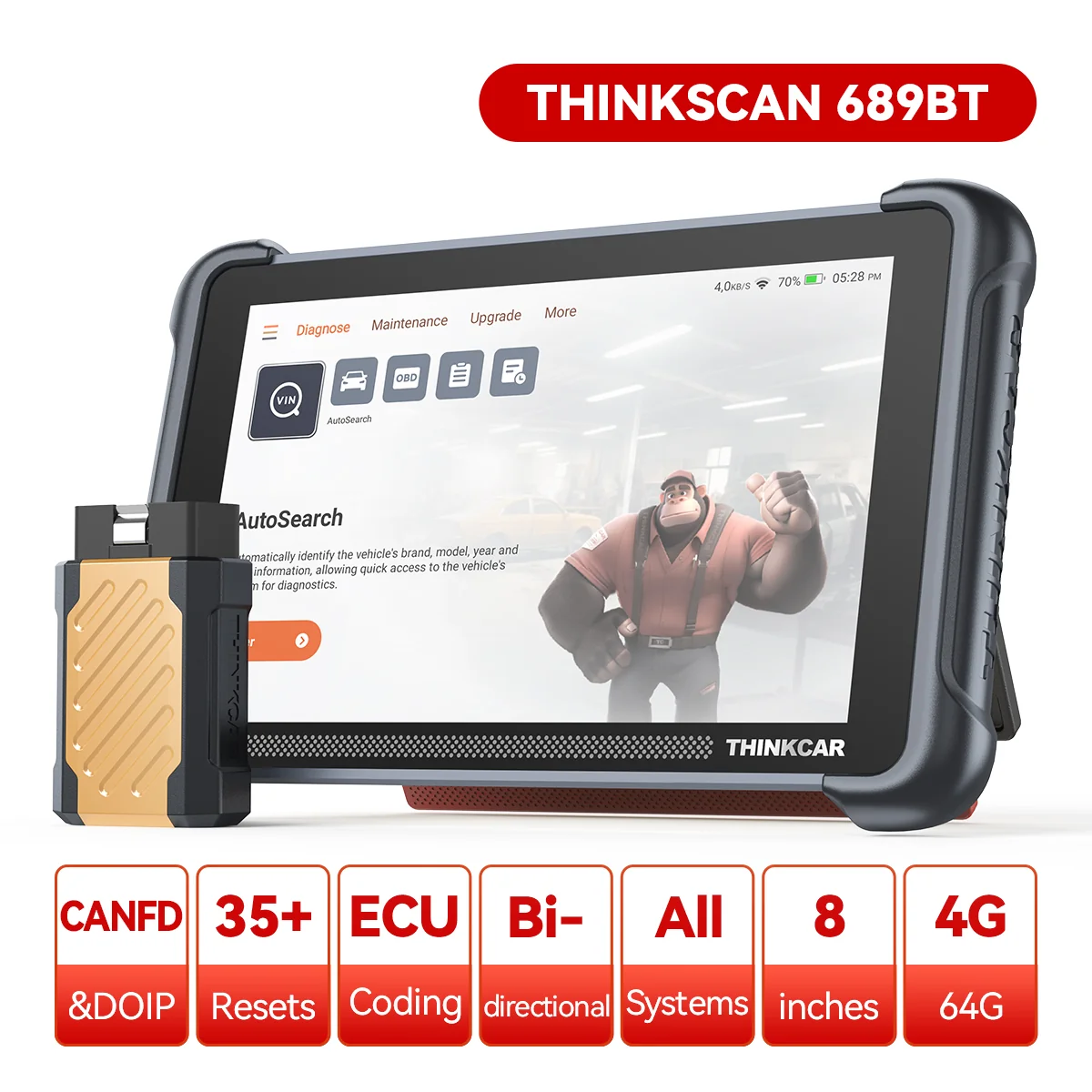
Recommendation: Looking for a professional bi-directional diagnostic tool with full system coverage? Use code DIAGNOZABAM for 10% off.
Transparency note: Affiliate link. Purchasing through it costs you nothing extra. View Thinkcar Deal →
