
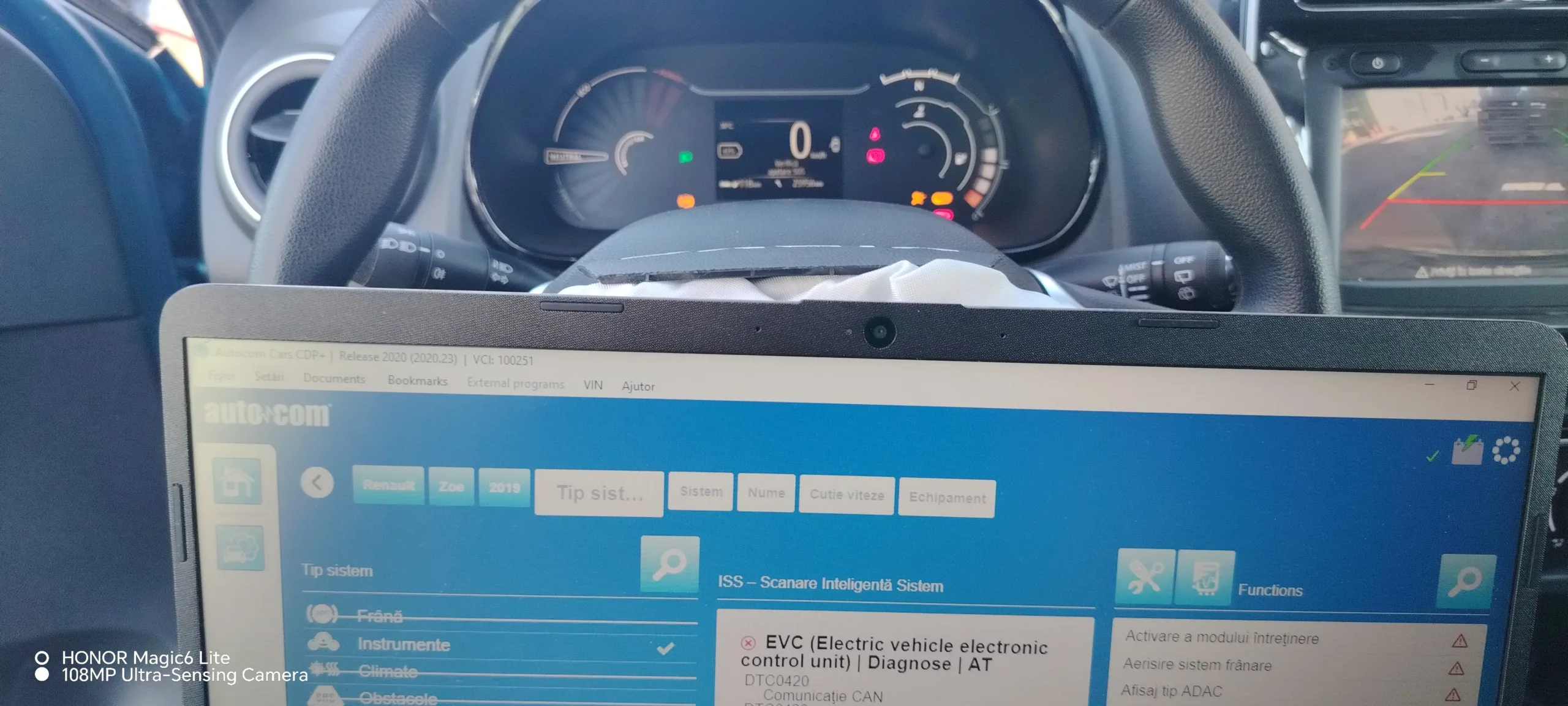
Autocom Closes Instantly on Startup? Here’s the Quick Fix
Many car diagnostic tool users run into the same frustrating issue: Autocom closes instantly right after launching. The application opens for a second, then disappears without any error message. This becomes especially frustrating when you urgently need to test a vehicle on the spot.
The Main Cause
This problem happens because of missing .NET Framework 3.5 support. Windows 10 and Windows 11 come with .NET 4.8 preinstalled, but Autocom 2020 and 2022 also require the older 3.5 version to function correctly.
If this feature isn’t enabled in Windows, the program fails to launch properly. It closes almost instantly, with no warning message at all.
ℹ️ Technical Note: .NET Framework 3.5 actually bundles the older 2.0 and 3.0 components as well. Many legacy diagnostic applications were built on these versions and were never updated to run natively on .NET 4.x.
Step-by-Step Fix
Step 1: Open Windows Settings
Go to Control Panel → Programs and Features → Turn Windows features on or off.
Step 2: Enable the Required Component
Check the box for .NET Framework 3.5 (includes .NET 2.0 and 3.0).
Step 3: Confirm the Installation
Click OK and let the system download and install the component. This process may take a few minutes depending on your internet connection.
Step 4: Restart the Computer
A full restart is required for the change to take effect properly at the system level.
Step 5: Reopen Autocom
After restarting, the application should launch normally, without closing instantly.
⚠️ WARNING: Don’t disable .NET Framework 4.8 during this process. Many other applications on the computer depend on it. Both versions, 3.5 and 4.8, coexist without any conflict on the same system.
Why This Issue Is Common on Windows 10 and 11
Recent Windows versions no longer install older .NET components by default, treating them as outdated for most modern applications. Diagnostic software like Autocom, developed years ago, was never fully updated to run exclusively on .NET 4.x, which is why the dependency on version 3.5 remains active.
Conclusion
If Autocom closes instantly on startup, enabling .NET Framework 3.5 resolves the issue in the vast majority of cases. It’s a simple fix, but an essential one for any newer Windows system running this type of diagnostic software.
✍️ Author: Bejenaru Alexandru Ionut – [email protected]
🔗 Internal link: https://diagnozabam.ro/sfaturi

Recommendation: Looking for a professional bi-directional diagnostic tool with full system coverage? Use code DIAGNOZABAM for 10% off.
Transparency note: Affiliate link. Purchasing through it costs you nothing extra. View Thinkcar Deal →
