
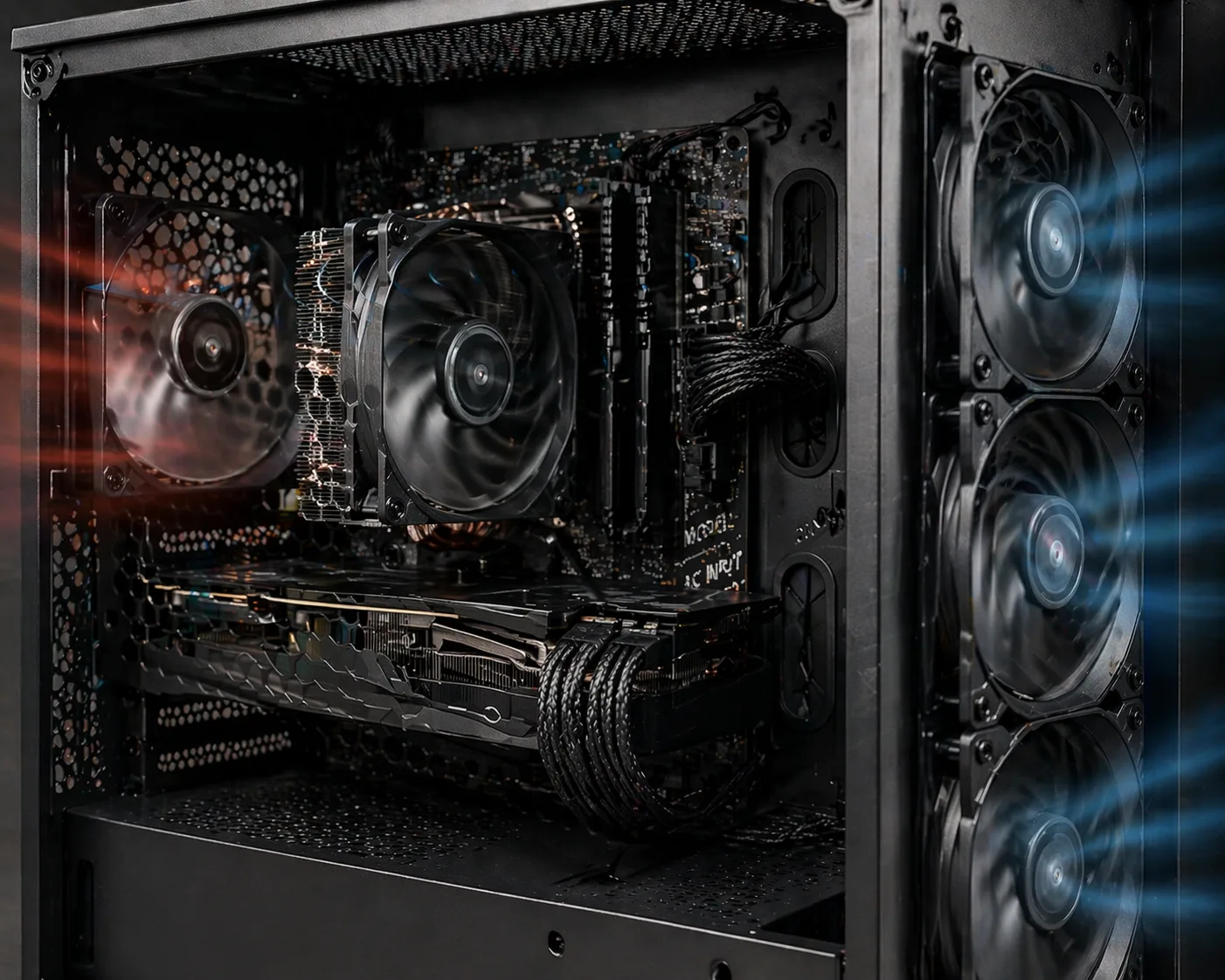
What Does “PC Fan Loud Noise” Mean
The PC fan loud noise issue appears when your computer fans suddenly become very noisy, even during normal usage.
This can affect:
While some noise is normal under load, constant or excessive noise usually indicates a cooling or performance problem.
Why PC Fans Become Loud
Fans increase speed automatically when temperatures rise. This is controlled by the system to prevent overheating.
However, loud fans can also indicate:
Common Causes of Loud PC Fans
1. Dust Accumulation
The most common cause.
Dust blocks airflow and forces fans to:
- spin faster
- work harder
2. High CPU or GPU Usage
Heavy tasks like:
- gaming
- rendering
- multitasking
cause fans to ramp up.
3. Overheating
If temperatures are too high:
- fans run at maximum speed
4. Poor Airflow
Bad case airflow traps heat, forcing fans to compensate.
5. Faulty or Worn Fans
Old or damaged fans may:
- make grinding noise
- vibrate
- spin unevenly
6. Fan Curve Settings
Aggressive fan profiles in BIOS or software can:
- increase noise unnecessarily
7. Loose Components or Vibrations
Noise may come from:
- loose screws
- vibrating case panels
- poorly mounted fans
8. PSU Fan Noise
Power supply fan may become loud if:
- overheating
- internal wear
Signs the Noise Is a Problem
- constant loud noise even in idle
- sudden increase in fan speed
- rattling or grinding sounds
- noise from specific area
Step-by-Step Fix for Loud PC Fans
Step 1: Clean Dust
- open case
- clean fans and heatsinks
- use compressed air
Step 2: Check Temperatures
Monitor:
High temps = reason for loud fans.
Step 3: Improve Airflow
- organize cables
- add case fans
- ensure intake and exhaust flow
Step 4: Adjust Fan Curve
- lower fan speed in BIOS or software
- create balanced fan profile
Step 5: Check for Loose Parts
- tighten screws
- secure fans
- eliminate vibrations
Step 6: Replace Faulty Fans
If fan is noisy:
- replace it
Step 7: Replace Thermal Paste
Reduces temperatures → reduces fan speed.
Advanced Solutions
Upgrade Cooling System
- better CPU cooler
- better case airflow
Replace PSU
If noise comes from PSU:
- replace unit
When Noise Is Serious
- grinding sound (fan failure)
- extremely loud under no load
- sudden noise spikes
What NOT to Do
Avoid:
- ignoring loud fans
- blocking airflow
- running system full load constantly
- using low-quality fans
Conclusion
The PC fan loud noise issue is usually caused by dust, overheating, or poor airflow.
Most cases are fixed by:
- cleaning the system
- improving cooling
- adjusting fan settings
✍️ Author: Bejenaru Alexandru Ionut – [email protected]
🔗 Internal link: https://diagnozabam.ro/sfaturi

Recommendation: Looking for a professional bi-directional diagnostic tool with full system coverage? Use code DIAGNOZABAM for 10% off.
Transparency note: Affiliate link. Purchasing through it costs you nothing extra. View Thinkcar Deal →
