
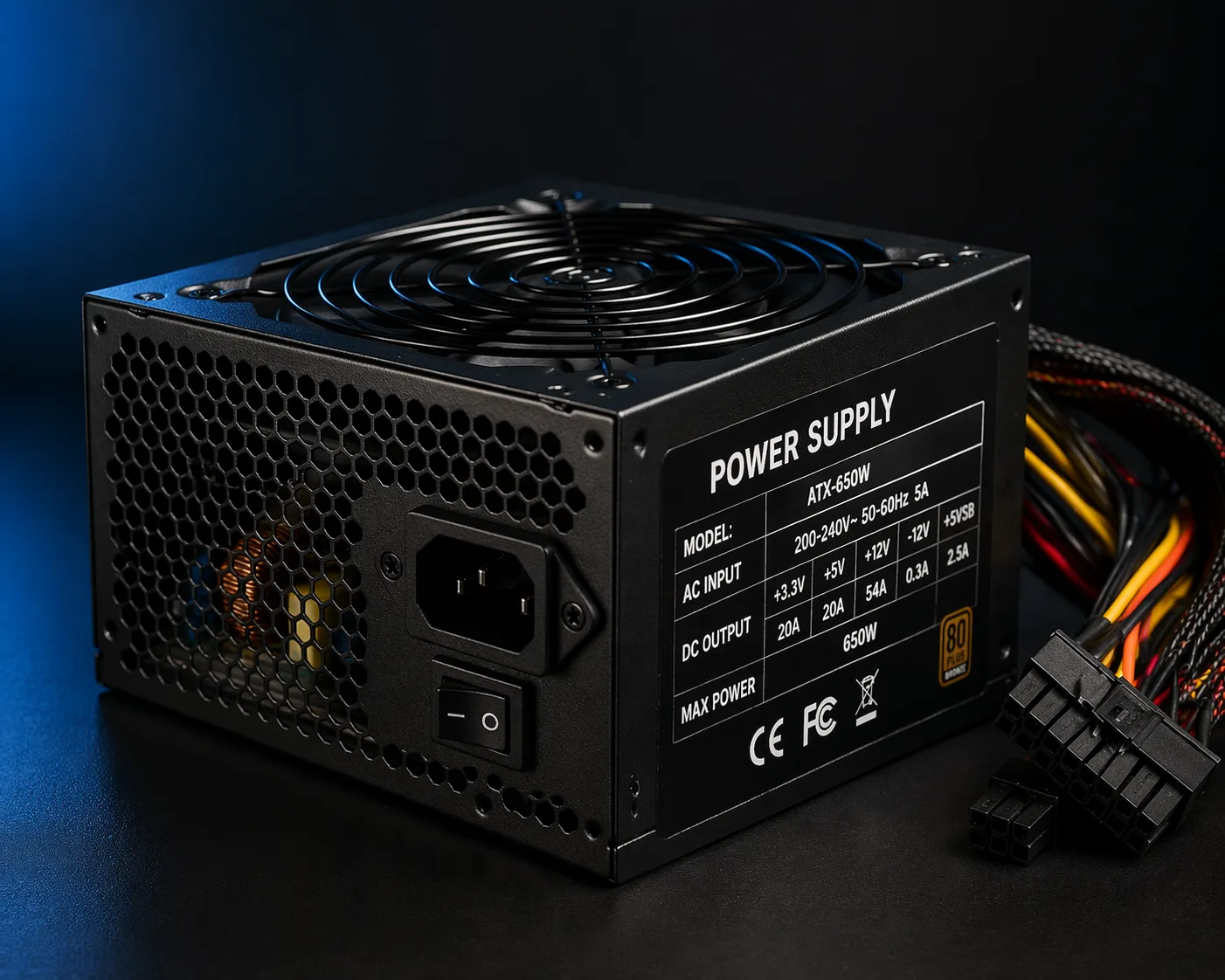
What Does “Test PSU Without Tools” Mean
The process to test PSU without tools refers to basic methods you can use to check if your power supply unit (PSU) is working, without using professional equipment like a multimeter or PSU tester.
This is useful when:
- your PC does not start
- system restarts randomly
- you suspect PSU failure
- you want a quick diagnostic at home
While not 100% accurate, these methods can quickly tell if the PSU is completely dead or partially functional.
When You Should Test Your PSU
You should test your PSU if you notice:
- PC won’t turn on
- fans don’t spin
- system shuts down randomly
- PC turns on then off
- no display but power seems present
These are classic PSU failure symptoms.
Method 1: Paperclip Test (Most Popular)
This is the easiest way to check if the PSU turns on.
Steps:
- Turn off PSU and unplug it
- Disconnect PSU from motherboard
- Locate the 24-pin connector
- Insert a paperclip between:
- green wire (PS_ON)
- any black wire (ground)
- Plug PSU back into power
- Turn PSU ON
Result:
Important Note
This test only shows if PSU powers on, NOT if it delivers stable voltage.
A PSU may pass this test but still be faulty.
Method 2: Visual and Sound Inspection
Turn on the PC and observe:
Warning signs:
Method 3: Minimal System Test
Disconnect everything except:
- motherboard
- CPU
- 1 RAM stick
Then power on.
If system behaves differently:
- PSU may be unstable under load
Method 4: Swap PSU (Best Real Test)
The most reliable method without tools:
- replace PSU with a known working one
If system works:
👉 original PSU is faulty
Signs PSU Is NOT Working Properly
Even if it passes basic test, look for:
Limitations of Testing Without Tools
Without a multimeter, you cannot:
- measure voltage stability
- detect ripple
- verify full load performance
So:
👉 these tests are basic, not definitive
When You MUST Replace PSU
Replace immediately if:
- no response at all
- burning smell
- visible damage
- system unstable under load
- fails paperclip test
Safety Warning
Never:
- open PSU casing
- touch internal components
- test while wet or grounded improperly
PSUs store dangerous voltage.
Common Mistakes
Avoid:
- testing PSU while connected to full system
- using wrong cables
- assuming fan spin = working PSU
- ignoring intermittent issues
Conclusion
Testing a PSU without tools is possible using simple methods like the paperclip test and system observation.
However:
- these tests are not 100% reliable
- best confirmation is swapping PSU
If in doubt, replacing the PSU is always safer than risking hardware damage.
✍️ Author: Bejenaru Alexandru Ionut – [email protected]
🔗 Internal link: https://diagnozabam.ro/sfaturi

Recommendation: Looking for a professional bi-directional diagnostic tool with full system coverage? Use code DIAGNOZABAM for 10% off.
Transparency note: Affiliate link. Purchasing through it costs you nothing extra. View Thinkcar Deal →
