
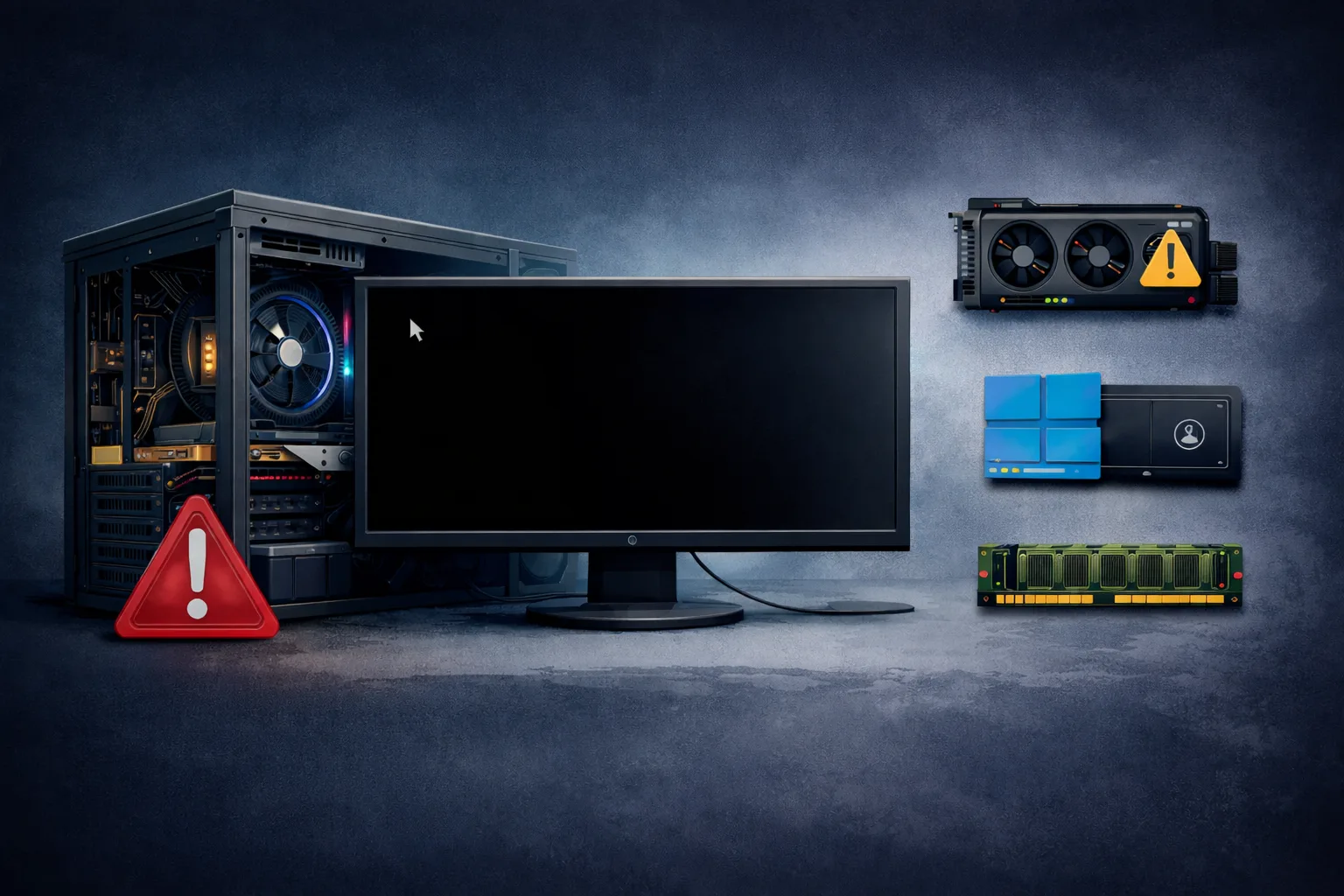
A common and confusing PC issue is when the system boots normally, but after that, the screen turns black.
You may notice:
- BIOS logo appears
- Windows starts loading
- then suddenly → black screen
Sometimes the cursor is visible, sometimes not.
This issue is different from “no display” or “no POST” because the system actually starts, but fails during or after OS initialization.
This guide explains exactly why black screen after boot happens and how to fix it.
What Does “Black Screen After Boot” Mean
This issue indicates:
The system successfully passes POST and starts the operating system, but fails to display the desktop.
This means hardware is partially working, but something fails at:
- driver level
- GPU initialization
- system processes
Common Scenarios
- black screen with cursor
- black screen after login
- black screen after Windows update
- intermittent black screen
Most Common Causes
1. GPU Driver Issues
This is the most common cause.
- corrupted driver
- incompatible update
- failed installation
2. Windows Update Problems
Recent updates may:
- break display drivers
- cause boot conflicts
3. GPU Hardware Issues
Signs:
- intermittent display
- artifacts before black screen
4. RAM Problems
Unstable RAM can cause system instability after boot.
5. Fast Startup or Hybrid Boot Issues
Windows fast startup may cause driver conflicts.
6. Corrupted System Files
Important system files may be damaged.
7. Multiple Display Configuration Issues
- wrong display output
- incorrect resolution
Step-by-Step Diagnosis
Step 1: Try Ctrl + Alt + Delete
If screen appears:
- system is responsive
- likely driver issue
Step 2: Boot in Safe Mode
Safe Mode loads minimal drivers.
If it works → driver problem confirmed.
Step 3: Reinstall GPU Drivers
- uninstall current driver
- install latest stable version
Step 4: Disconnect External Displays
- use only one monitor
Step 5: Disable Fast Startup
In Windows power settings.
Step 6: Run System File Check
Use:
- sfc /scannow
- DISM commands
Step 7: Check Windows Updates
- uninstall recent updates
- rollback if needed
Step 8: Test RAM
- run memory diagnostic
- test sticks individually
Advanced Causes
GPU Switching Issues (iGPU vs Dedicated)
Laptops and some desktops may switch incorrectly.
Resolution or Refresh Rate Conflict
Monitor may not support selected settings.
Malware or Software Conflict
Rare but possible.
How to Fix the Issue
- reinstall GPU drivers
- rollback Windows update
- disable fast startup
- fix system files
- adjust display settings
- replace GPU (if faulty)
How Serious Is This Problem
Severity: Medium
- system still functional
- but unusable due to no display
FAQ
Why do I get black screen after login?
Usually due to GPU driver issues.
Can Windows update cause black screen?
Yes, especially driver-related updates.
Can RAM cause black screen after boot?
Yes, unstable RAM can trigger system failures.
Is GPU always the problem?
No. Often software or drivers are the cause.
Conclusion
The black screen after boot issue is typically caused by software or driver problems rather than hardware failure.
By following this guide, you can identify whether the issue is:
- driver-related
- system-related
- hardware-related
Correct diagnosis ensures fast recovery without unnecessary hardware replacement.
✍️ Author: Bejenaru Alexandru Ionut – [email protected]
🔗 Internal link: https://diagnozabam.ro/sfaturi

Recommendation: Looking for a professional bi-directional diagnostic tool with full system coverage? Use code DIAGNOZABAM for 10% off.
Transparency note: Affiliate link. Purchasing through it costs you nothing extra. View Thinkcar Deal →