
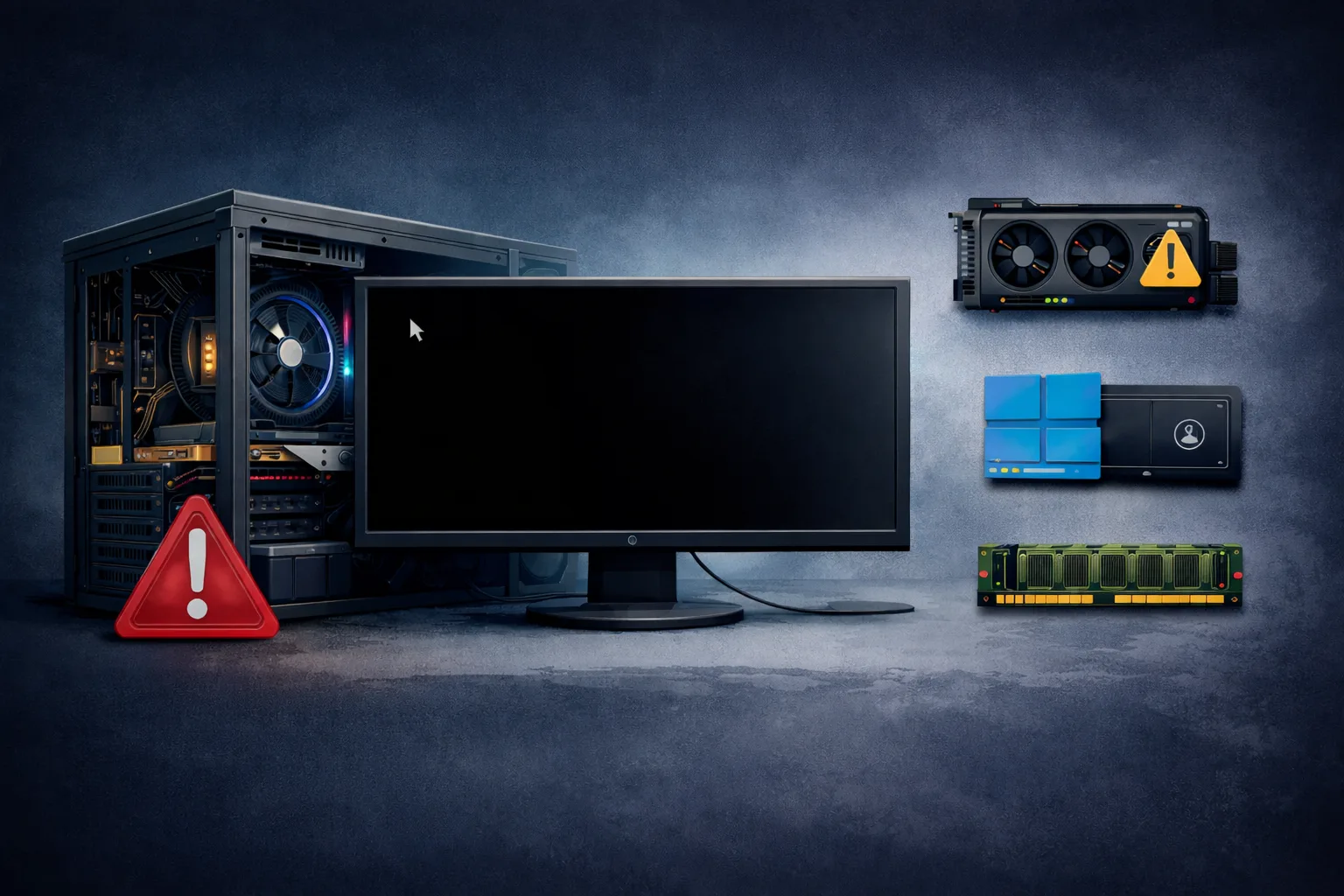
What Does “No POST PC” Mean
The No POST PC issue occurs when a computer powers on but fails to complete the Power-On Self-Test (POST) process. This means the system cannot initialize essential hardware components required to start the boot sequence.
Typical symptoms include:
- no display on monitor
- no BIOS screen
- possible beep codes or complete silence
- fans spinning but system inactive
A system that does not POST is experiencing a critical hardware-level failure.
Why POST Is Important
POST is the first diagnostic stage executed by the motherboard firmware (BIOS/UEFI). During this process, the system verifies:
- CPU initialization
- RAM detection
- GPU output
- basic motherboard functionality
If any of these fail, the system stops immediately.
Common Causes of No POST PC
1. Faulty or Improperly Installed RAM
RAM is the most common cause of POST failure.
Issues:
- not seated properly
- defective module
- incompatible memory
Symptoms:
- no display
- beep codes (often 3 beeps)
2. CPU Problems
If the CPU fails:
- POST cannot begin
Causes:
- improper installation
- bent pins
- incompatible CPU
- overheating
3. GPU Failure or No Output
If video cannot initialize:
- system may POST but show no display
Check:
- GPU seating
- power cables
- output ports
4. Motherboard Failure
A faulty motherboard can block POST entirely.
Possible issues:
- damaged circuits
- faulty chipset
- VRM failure
5. Power Supply Issues
A weak PSU may:
- power fans
- fail under load
Result:
- incomplete POST
- unstable startup
6. BIOS Corruption or Misconfiguration
Causes:
- failed update
- unstable settings
- incompatible hardware
7. Short Circuit
Shorts can stop POST instantly.
Common sources:
- motherboard touching case
- loose screws
- damaged cables
Step-by-Step No POST Diagnosis
Step 1: Check Basic Connections
- verify all power cables
- check monitor and cable
- confirm components are connected properly
Step 2: Remove All Non-Essential Components
Disconnect:
- drives
- USB devices
- expansion cards
Leave only:
- motherboard
- CPU
- 1 RAM stick
Step 3: Reseat RAM
- remove and reinstall memory
- test one module at a time
Step 4: Check CPU Installation
- inspect socket and pins
- reseat CPU
- ensure proper cooler mounting
Step 5: Test Without GPU
If CPU has integrated graphics:
- remove GPU
- connect display to motherboard
Step 6: Clear CMOS
Reset BIOS:
- remove battery
- wait several minutes
Step 7: Listen for Beep Codes
Beep patterns help identify:
- RAM issues
- CPU failure
- motherboard faults
Advanced Troubleshooting
Breadboarding (Outside Case Test)
Run system outside the case to eliminate:
- short circuits
- grounding issues
Swap Components
Test with:
- different RAM
- another PSU
- another GPU
Inspect Hardware
Check for:
- burn marks
- damaged slots
- bent pins
How to Fix No POST Issues
Depending on the cause:
- reseat or replace RAM
- fix CPU installation
- replace PSU
- update or reset BIOS
- replace motherboard
Most common fixes:
- RAM reseating
- PSU replacement
- clearing CMOS
Signs of Major Hardware Failure
- no response at all
- no beep codes
- repeated failure after all tests
- components confirmed working
Likely causes:
- motherboard failure
- CPU defect
What NOT to Do
Avoid:
- changing multiple components at once
- forcing hardware
- ignoring grounding
- updating BIOS blindly
Conclusion
The No POST PC issue is a serious but diagnosable problem. It usually involves RAM, CPU, motherboard, or power supply.
By following a structured approach, you can isolate the faulty component and avoid unnecessary replacements.
✍️ Author: Bejenaru Alexandru Ionut – [email protected]

Recommendation: Looking for a professional bi-directional diagnostic tool with full system coverage? Use code DIAGNOZABAM for 10% off.
Transparency note: Affiliate link. Purchasing through it costs you nothing extra. View Thinkcar Deal →