
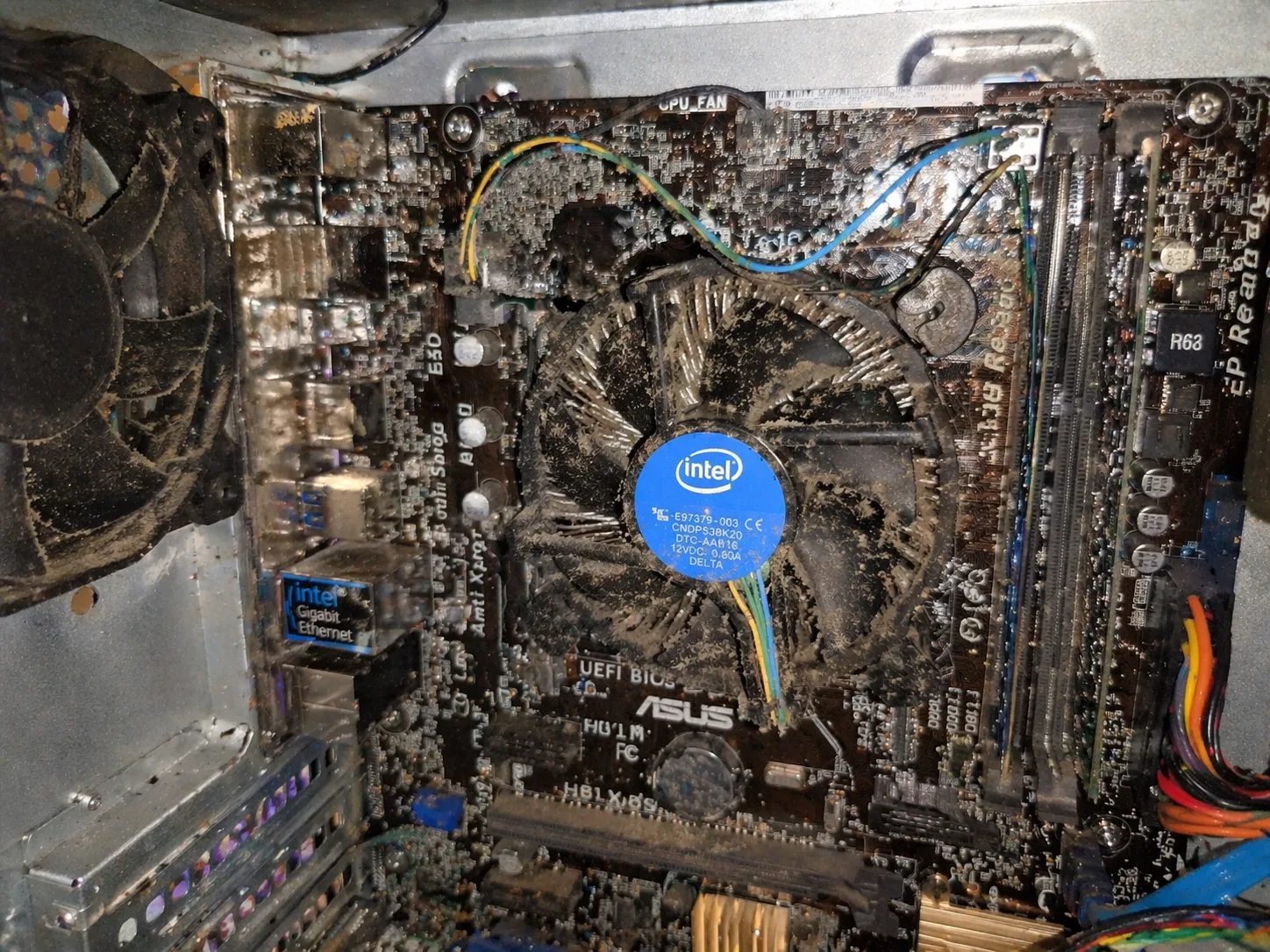
What Does “PC Turns On Then Off” Mean
The issue where a PC turns on then off immediately is a critical hardware problem where the system starts for a split second and then shuts down automatically.
You may notice:
- fans spin briefly
- LEDs turn on
- system shuts down instantly
- sometimes enters a restart loop
This usually indicates a serious failure during early POST (Power-On Self-Test).
Why the PC Shuts Down Immediately
Modern systems include protection mechanisms. If a critical issue is detected, the motherboard forces shutdown to prevent damage.
Common triggers:
- CPU not detected
- short circuit
- unstable power delivery
- overheating protection
- motherboard fault
This happens before the system can display anything on screen.
Common Causes of PC Turning On Then Off
1. CPU Installation Issues
One of the most common causes.
Problems include:
- CPU not seated properly
- cooler mounted unevenly
- missing or too much thermal paste
- bent pins
If the CPU cannot initialize, the system shuts down immediately.
2. Power Supply (PSU) Failure
A faulty PSU may:
- deliver unstable voltage
- shut down under load instantly
Even if fans spin, it does not mean the PSU is working correctly.
3. Short Circuit in the System
Short circuits can occur due to:
- motherboard touching the case
- loose screws behind motherboard
- damaged cables
- faulty components
This triggers instant shutdown as a safety measure.
4. Faulty RAM
Although less common for instant shutdown, bad RAM can:
- prevent POST
- trigger restart loops
5. Motherboard Failure
Possible issues:
- damaged VRM
- faulty chipset
- broken circuits
This is often the case if all other components are tested and working.
6. CPU Overheating Protection
If the cooler is not mounted correctly:
- CPU overheats instantly
- system shuts down to protect itself
7. BIOS or Firmware Issues
Rare but possible:
- corrupted BIOS
- incompatible CPU without update
Step-by-Step Diagnosis
Step 1: Check All Power Connections
Verify:
- 24-pin motherboard cable
- 4/8-pin CPU cable
- GPU power (if present)
Loose CPU power cable is a very common issue.
Step 2: Inspect for Short Circuits
- remove motherboard from case (test outside)
- check for loose screws
- inspect cables
Step 3: Reseat CPU
- remove cooler
- check CPU alignment
- inspect pins
- reinstall carefully
Step 4: Test Minimal Configuration
Run only:
- motherboard
- CPU
- 1 RAM stick
Remove:
- GPU (if iGPU available)
- storage devices
- peripherals
Step 5: Test PSU
- try another PSU if possible
Step 6: Reset BIOS
- remove CMOS battery
- wait 5–10 minutes
How to Fix the Problem
Depending on the cause:
- reseat CPU correctly
- replace PSU
- remove short circuit source
- replace RAM
- replace motherboard
Most common fixes:
- fixing CPU installation
- reconnecting CPU power cable
- replacing faulty PSU
Signs of Severe Hardware Failure
- system shuts down instantly every time
- no change after minimal setup
- no beep codes
- tested PSU works fine
Likely causes:
- motherboard failure
- CPU defect
What NOT to Do
Avoid:
- forcing components
- overtightening cooler
- using incorrect cables
- ignoring grounding
Conclusion
The PC turns on then off immediately issue is usually caused by CPU, PSU, or motherboard-related problems.
Although it appears serious, many cases are resolved by:
- fixing power connections
- reseating CPU
- removing short circuits
✍️ Author: Bejenaru Alexandru Ionut – [email protected]

Recommendation: Looking for a professional bi-directional diagnostic tool with full system coverage? Use code DIAGNOZABAM for 10% off.
Transparency note: Affiliate link. Purchasing through it costs you nothing extra. View Thinkcar Deal →